Word to PDF Converter: Turn Your Documents Into Universal Files in Seconds
By Fatima
99 Views
Sharing a Word document can be risky business. Fonts shift, formatting breaks, and not everyone has Microsoft Word installed. Converting your file to PDF solves all of that in one step, and with a Word to PDF converter, you can do it instantly without installing any extra software. Whether you're sending a resume, a contract, or a school assignment, PDF keeps your layout locked exactly the way you designed it.
Why Convert Word Documents to PDF
What problems does PDF solve that Word doesn't?
Word documents are built to be edited, which means they don't always look the same on every device. A document that looks perfect on your laptop might display with shifted margins, missing fonts, or broken tables on someone else's computer. PDF files are designed to preserve the exact layout, fonts, and images regardless of the device or software used to open them. This makes PDF the standard choice whenever a document needs to look identical everywhere it's viewed.
Is PDF more professional for business use?
Yes, and this is one of the biggest reasons professionals default to PDF for external communication. A polished PDF signals that a document is finished and ready to be read rather than edited. Job applications, invoices, proposals, and legal agreements are almost always expected in PDF format because it conveys a sense of finality and reduces the chance of accidental edits or version confusion.
Can PDF files protect sensitive content?
PDFs also offer a layer of protection that Word documents typically lack. Many PDF tools allow password protection, restricted editing, and watermarking, which is especially useful for contracts, financial statements, or confidential reports. Converting to PDF before sharing gives you more control over how your document can be used once it leaves your hands.
How Word to PDF Conversion Works
Does converting change my original formatting?
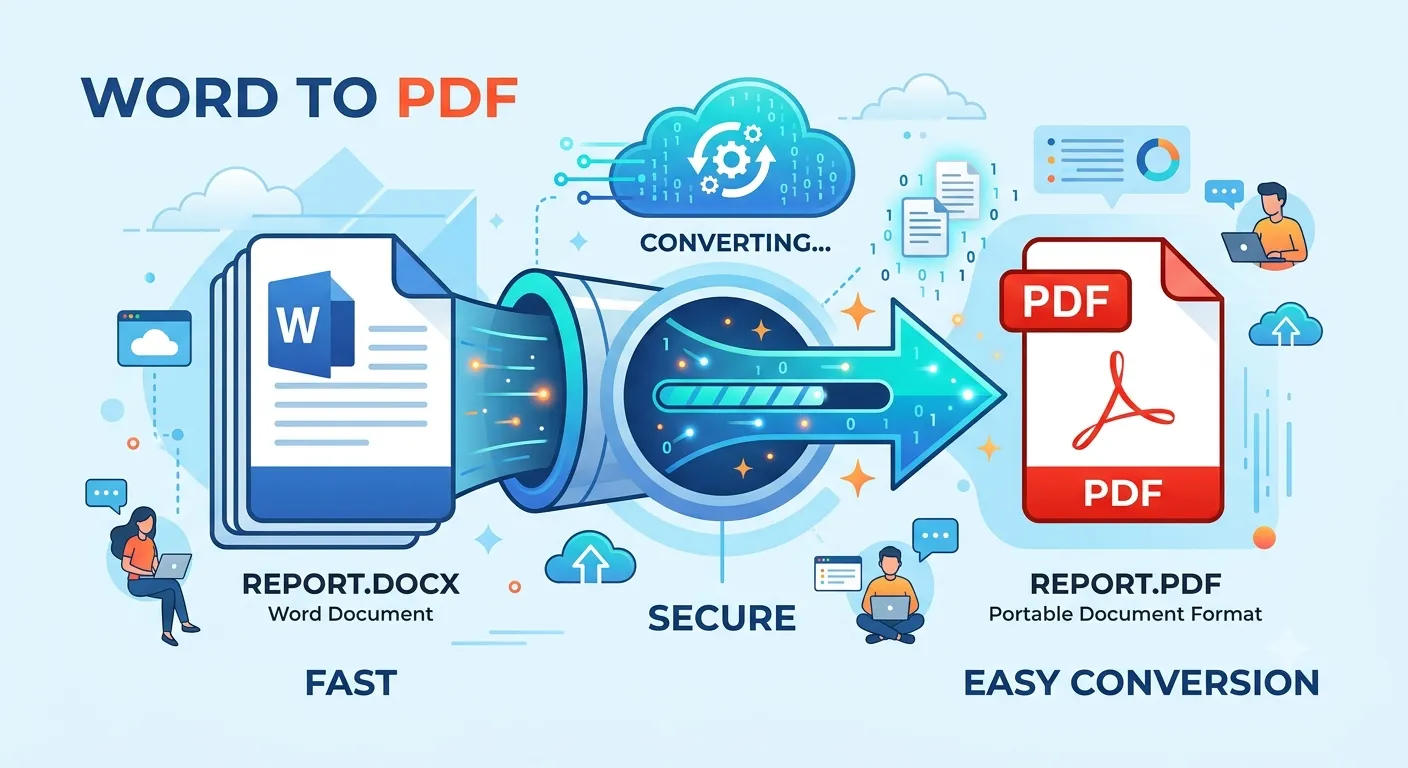
A quality conversion tool takes a snapshot of your Word document exactly as it appears, including fonts, spacing, images, headers, and page breaks, and locks that appearance into the PDF format. As long as the converter handles complex elements like tables and embedded graphics properly, your document should look identical after conversion, just no longer editable in the same way.
What file types can typically be converted?
Most modern converters support both .doc and .docx formats, covering older and newer versions of Microsoft Word alike. Some tools also handle related formats like RTF, ensuring that even documents created in alternative word processors can be converted smoothly into a standardized PDF.
Do I need Microsoft Word installed to convert a file?
No, this is one of the most useful aspects of an online converter. Because the conversion happens through the tool itself rather than through Word's built-in export feature, you don't need Word, Google Docs, or any other software installed on your device. You simply upload the file and download the finished PDF.
Practical Uses for Word to PDF Conversion
Why do students and job seekers rely on PDF conversion?
Resumes, cover letters, and academic papers are almost always requested in PDF form because it guarantees the formatting stays consistent no matter what device or software the recipient uses to open it. A resume that shifts out of place or displays the wrong font can create a poor first impression, so converting to PDF removes that risk entirely.
How does this help with printing and archiving?
PDFs are also the preferred format for printing and long-term storage. Because the layout is fixed, what you see on screen is exactly what prints on paper. For archiving purposes, PDF files tend to remain readable for years without the compatibility issues that can arise from outdated Word versions or missing fonts.
Can teams use PDF for reviewing shared documents?
Many teams convert drafts to PDF once they reach a final review stage, since it prevents accidental changes while still allowing comments and annotations through PDF markup tools. This creates a clear separation between the editable working draft and the finalized version meant for wider distribution.
Also Check Out : Multiconverters
Tips for a Smooth Conversion
What should I check before converting?
Before converting, it helps to review your Word document for formatting issues like inconsistent fonts, overlapping text boxes, or misplaced images, since these will carry over exactly as they appear. A quick proofread beforehand saves you from having to redo the conversion later.
Should I keep the original Word file after converting?
Always keep your original Word document even after converting to PDF. Since PDFs are much harder to edit, you'll want the source file on hand if you ever need to make changes and reconvert. Think of the PDF as your final, shareable copy and the Word file as your working draft.
Is online conversion safe for sensitive documents?
If your document contains sensitive information, look for a converter that processes files securely and doesn't store them long-term. Reputable tools handle uploads temporarily and delete them after conversion, giving you peace of mind when working with private or confidential material.
Converting Word to PDF is a small step that makes a big difference in how your documents are received, printed, and preserved. With the right tool, it takes just a few seconds to turn any Word file into a clean, universally readable PDF.