Wireless POS System: How to Fix Slow and Complicated Checkout Problems
By Lily
24 Views
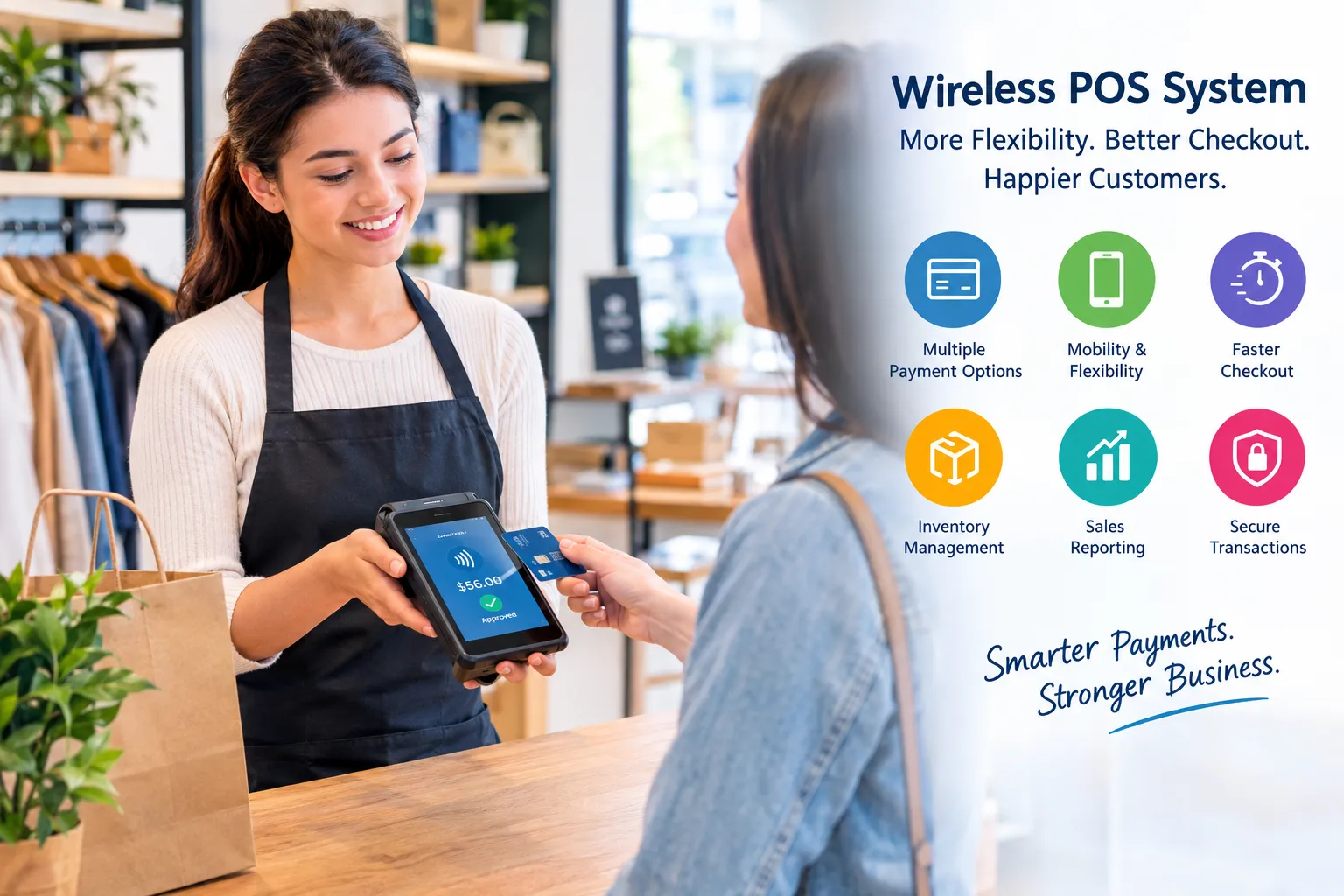
A slow checkout process can create frustration for both customers and employees. Long lines, disconnected equipment, manual order entry, and payment delays can make even a well-run business feel inefficient. A wireless POS system can help solve many of these problems by giving businesses more flexibility in how they accept payments, manage transactions, and serve customers.
Unlike traditional point-of-sale setups that depend heavily on fixed terminals and wired connections, wireless POS technology allows staff to process sales from different locations within a business. This can be especially useful for restaurants, retail stores, mobile businesses, events, and other operations where customers and employees are constantly moving.
What Is a Wireless POS System?
A wireless POS system is a point-of-sale solution that uses wireless connectivity to communicate between POS devices, payment terminals, printers, and other components. Depending on the setup, employees may use tablets, handheld POS devices, mobile card readers, or other compatible equipment to complete transactions.
The system can typically handle more than just payments. Modern POS software may support inventory tracking, sales reporting, product management, customer information, employee access, and receipt processing.
The main advantage is mobility. Instead of requiring a customer to walk to a fixed checkout counter, employees can often bring the POS device directly to the customer.
How a Wireless POS System Solves Common Checkout Problems
Businesses often switch to wireless POS technology because their existing checkout process creates avoidable problems. Here are several ways a wireless setup can improve daily operations.
1. Reduces Checkout Bottlenecks
A single fixed register can become a problem during busy periods. Customers may have to wait while another transaction is completed.
With mobile POS equipment, employees can potentially process transactions from different areas of the business. Retail staff, for example, may assist customers on the sales floor rather than sending everyone to one checkout station.
This can help distribute transactions and reduce unnecessary waiting.
2. Makes Payment Processing More Flexible
Customers may prefer different payment methods, including credit cards, debit cards, contactless payments, and mobile wallets. A modern wireless POS setup can connect compatible payment hardware with software that manages these transactions.
Businesses can also evaluate different payment solutions based on their transaction volume, customer preferences, business type, and operational needs.
The goal is not simply to accept more payment methods. It is to create a payment process that is reliable, convenient, and easy for employees to operate.
3. Helps Employees Serve Customers Faster
Employees frequently need to move between customers, inventory areas, service counters, and checkout locations. A fixed POS terminal can limit their ability to work efficiently.
A wireless device gives employees greater freedom to complete sales where service is taking place. In a restaurant, for instance, staff may use handheld devices to enter orders at the table. In retail, an employee may check product information and complete a purchase without requiring the customer to stand in a checkout line.
4. Supports Better Inventory Management
A POS system can become an important source of inventory information. When sales are recorded electronically, businesses can use transaction data to monitor product movement and identify items that may need replenishment.
Wireless POS software can make this information accessible to authorized employees while they are working around the business.
Useful inventory features may include stock counts, product catalogs, low-stock notifications, SKU management, and sales history.
5. Provides Useful Sales Information
Making sales is only part of running a business. Owners and managers also need to understand what is selling, when customers are buying, and how different products are performing.
POS reporting can provide information such as daily sales totals, transaction volume, popular products, refunds, and payment activity. These reports can help business owners identify operational issues and make more informed decisions.
What Businesses Can Use Wireless POS Technology?
Wireless POS systems can work across many business environments.
Retail stores: Employees can assist customers throughout the store, check product information, and process purchases away from a traditional register.
Restaurants and cafés: Servers can enter orders at tables and reduce the need to repeatedly return to a fixed terminal.
Food trucks and mobile vendors: A portable POS setup can make it easier to accept electronic payments in locations without a traditional checkout counter.
Events and temporary sales locations: Wireless equipment can provide flexible transaction processing when a permanent POS station is unavailable.
Service businesses: Mobile payment devices can allow businesses to collect payments where services are delivered, depending on their setup and connectivity.
What to Check Before Choosing a Wireless POS System
Not every wireless POS solution is suitable for every business. Before purchasing equipment or signing up for a service, consider several important factors.
Connectivity and Reliability
A wireless system depends on connectivity. Businesses should understand how the POS equipment operates when the internet connection becomes weak or unavailable.
Ask the provider about offline transaction capabilities, connection requirements, and backup procedures before implementation.
Payment Compatibility
Check whether the system supports the payment methods your customers actually use. Consider card payments, contactless transactions, mobile wallets, and other relevant options.
POS Software Features
Look beyond the payment terminal. Consider whether the software includes inventory management, employee permissions, sales reporting, customer management, receipt options, and integrations with other business tools.
Security
Payment security should be a major consideration. Businesses should choose systems that use appropriate security measures and follow applicable payment-card requirements. Employee access controls can also help limit who can view or change sensitive business information.
Ease of Use
A feature-rich system can still cause problems if employees struggle to use it. Look for an interface that is straightforward, responsive, and suitable for your staff's daily workflow.
Is a Wireless POS System Worth Considering?
For businesses dealing with crowded checkout areas, mobile customers, table-side service, or multiple selling locations, wireless POS technology can provide useful flexibility.
The right system can bring payment processing, sales management, inventory information, and reporting into a more connected workflow. However, the best choice depends on the business's size, industry, transaction volume, connectivity, budget, and required features.
Before making a decision, identify the biggest problems with your current checkout process. If long lines, limited mobility, disconnected payment equipment, or inefficient order entry are affecting customer service, a wireless POS system may provide a practical way to address those challenges.
A carefully selected POS solution should do more than process transactions. It should make everyday operations easier for employees while giving customers a faster and more convenient checkout experience.
Related Reading
Top 10 Hidden Secrets About Business & Finance You Need to Know
Welcome to our in-depth exploration of Business & Finance. In an era defined...
Why Business & Finance is Transforming the Global Industry Landscape
Welcome to our in-depth exploration of Business & Finance. In an era defined...