Why People Trust Clean Websites More Easily
By Inter Smart
12 Views
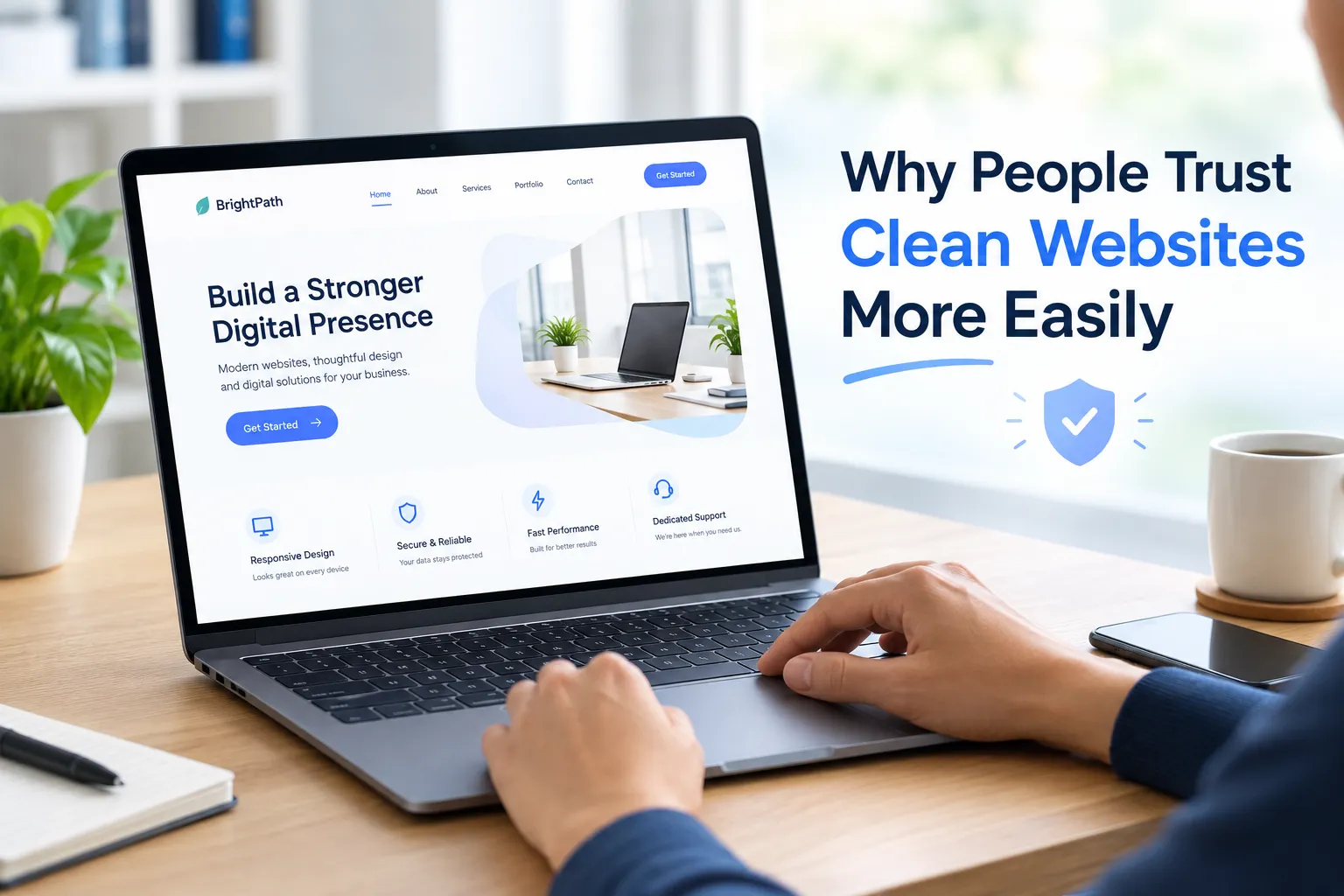
When people visit a website for the first time, they often form an opinion before reading every detail. The layout, colours, typography, images, and overall organisation can influence whether the business appears professional and reliable. A clean website makes this first interaction easier by presenting information clearly and removing unnecessary distractions.
A clean website does not have to look plain or contain very little content. It simply uses design elements with purpose. Visitors can understand what the business offers, find important information, and identify the next step without feeling overwhelmed.
Trust is particularly important online because customers cannot always meet a business owner, inspect a product in person, or verify every claim immediately. They often rely on the website to judge whether a company is legitimate, whether its information is reliable, and whether it is safe to make contact or complete a purchase.
Understanding why people trust clean websites more easily can help businesses create digital experiences that support customer confidence, improve usability, and encourage informed decisions.
What Makes a Website Look Clean and Trustworthy?
A clean website has a clear structure, consistent visual elements, readable content, and a logical flow of information. Every section serves a purpose, and visitors can understand the relationship between different elements.
Common features of clean website design include:
-
Simple and predictable navigation
-
Consistent colours and typography
-
Appropriate spacing between elements
-
Clear headings and readable text
-
Relevant, high-quality images
-
Visible contact information
-
Helpful calls to action
-
Fast and stable page performance
-
Mobile-friendly layouts
-
Clear privacy and security information where relevant
These features work together to make a website easier to understand.
However, a clean appearance alone does not prove that a business is trustworthy. A dishonest business can also have an attractive website. Visitors need reliable information, transparent policies, genuine contact details, and secure processes alongside good design.
First Impressions Influence Customer Confidence
A website is often the first point of contact between a business and a potential customer. Its appearance can shape how visitors perceive the organisation.
Organised Design Creates a Professional Impression
When a website has a logical layout, consistent typography, and suitable images, visitors can focus on the information rather than trying to understand the design.
A crowded page with competing banners, inconsistent fonts, and poorly aligned elements may make a business appear less organised. In contrast, a structured layout can communicate care and attention to detail.
For example, a professional services website should make its services, business information, and contact options easy to find. Visitors should not have to search through several unrelated sections to understand what the company does.
A Clean Layout Reduces Uncertainty
People may hesitate when they encounter unfamiliar businesses online. A confusing website adds to that uncertainty because visitors must work harder to find answers.
Clear page sections, descriptive headings, and consistent navigation reduce this effort. They help users understand where they are and what information is available.
This does not guarantee trust, but it removes some of the obstacles that can make visitors feel unsure.
Simple Navigation Helps Build Trust
Navigation plays a major role in how people experience a website. If visitors cannot find important information, they may question the quality of the business or leave before learning more.
Use Familiar Menu Labels
Menu labels should explain where each link leads.
Words such as “Services,” “About Us,” “Products,” “FAQs,” and “Contact” are usually easy to understand. Unusual or vague labels can make visitors stop and guess what a section contains.
For websites with many pages, grouping related information into categories can also make navigation more manageable.
Make Important Information Easy to Reach
Customers may want to check pricing, service coverage, business hours, delivery details, return policies, or contact information before making a decision.
These details should be available through logical navigation and relevant page links.
A website that makes essential information difficult to find can create unnecessary doubt. A website that presents it clearly gives visitors a better basis for evaluating the business.
Consistent Visual Design Supports Reliability
Consistency makes a website feel familiar as visitors move between pages.
Use Colours With a Clear Purpose
A consistent colour palette helps visitors recognise the brand and understand the visual hierarchy.
For example, a website may use one colour for primary buttons, neutral colours for backgrounds, and another colour for selected highlights. When colours are used consistently, visitors can learn what different elements mean.
Using too many competing colours can make a page feel disorganised and distract attention from important information.
Maintain Consistent Typography
Typography affects both appearance and readability.
Using a consistent set of fonts, text sizes, and heading styles makes the content easier to scan. It also gives the website a more unified appearance.
If every page uses different typography without a clear reason, visitors may find the experience less predictable.
Keep Layout Patterns Consistent
Similar pages should generally follow similar structures.
For example, service pages can use a consistent arrangement for introductions, service details, FAQs, and contact options. This allows visitors to move between services without learning a new layout each time.
Consistency helps people use the website more confidently.
Readable Content Makes a Business Easier to Trust
A clean website should make information easy to understand, not merely attractive to look at.
Use Simple and Direct Language
Visitors should be able to understand what a business offers without struggling through unnecessary technical terms or vague claims.
For example, a service page should explain what the service includes, who it is suitable for, how the process works, and what customers can expect.
Clear language helps people evaluate whether the service meets their needs.
Structure Content for Easy Scanning
Most visitors do not read every word on a page. They often scan headings, short paragraphs, bullet points, and highlighted details to find relevant information.
A clear content structure helps them locate answers quickly.
Businesses should use descriptive headings, short paragraphs, and lists when these formats improve understanding. However, content should not be shortened so much that important information is lost.
Keep Information Accurate and Updated
Outdated prices, broken links, expired offers, and incorrect contact details can damage customer confidence.
Businesses should review important pages regularly and correct information when it changes.
For example, a service provider should ensure that its listed service areas, opening hours, contact details, and process descriptions remain accurate.
Reliable information is more important than polished wording alone.
Transparency Is More Important Than Appearance Alone
A clean design can create a positive first impression, but transparency helps visitors judge whether a business deserves their trust.
Show Clear Business and Contact Information
Depending on the business, useful information may include a business address, telephone number, email address, service locations, and details about the organisation.
The information should be genuine and easy to locate.
For local businesses, accurate location details and clear service-area information can help customers understand whether the business operates in their area.
Explain Policies and Conditions Clearly
Customers may need to understand payment terms, cancellations, refunds, delivery conditions, warranties, or service limitations.
These details should not be hidden behind confusing language or difficult navigation.
Clear policies help visitors make informed decisions and reduce misunderstandings after a purchase.
Support Claims With Evidence
Businesses should avoid making broad claims that cannot be verified.
Where relevant, they can provide genuine customer testimonials, case studies, professional qualifications, product specifications, or documented examples of previous work.
Trust signals should reflect real information. Fabricated reviews, misleading badges, and exaggerated promises can damage credibility when discovered.
Website Security Plays a Key Role in Trust
Visitors may need to submit personal details, make payments, create accounts, or share information through forms. They need confidence that the website handles these interactions appropriately.
Use Secure Connections
HTTPS helps protect information exchanged between a visitor's browser and the website by encrypting the connection.
Businesses should ensure that HTTPS is configured correctly and that visitors do not encounter browser security warnings.
However, HTTPS alone does not prove that a business is legitimate. It is one part of a wider approach to website security and customer protection.
Explain How Personal Information Is Used
Forms should request only the information needed for the intended purpose.
A clear privacy policy should explain relevant data practices, including how personal information is collected, used, and handled. Consent should be requested where applicable.
Visitors are more likely to feel comfortable when they understand why information is needed and how it will be treated.
Make Payment Processes Clear
Online stores should present prices, additional charges, delivery details, and payment steps clearly.
Unexpected fees, confusing checkout screens, and unclear payment instructions can make customers hesitate.
A straightforward checkout experience helps people understand what they are paying for before completing the transaction.
Mobile-Friendly Design Strengthens Customer Confidence
Many people access websites through smartphones. If a website is difficult to use on a small screen, visitors may question whether the business has paid attention to its customers' needs.
Make Text and Buttons Easy to Use
Text should remain readable without requiring users to zoom in. Buttons and links should have enough space to prevent accidental taps.
Menus should open and close reliably, and important content should not be cut off or hidden behind other elements.
Keep Mobile Layouts Organised
A clean desktop design does not automatically produce a clean mobile experience.
Images, text blocks, forms, and navigation menus should adapt to smaller screens. Essential information should remain easy to access, while decorative elements should not dominate the available space.
Check Performance on Different Devices
A website should be tested across relevant browsers, screen sizes, and network conditions.
Large images, unnecessary scripts, and poorly optimised resources can slow down pages. A fast, stable experience helps visitors access information without avoidable delays.
Clean Design Can Improve the Buying Experience
Customer trust often develops through several interactions rather than a single visit. A website should support visitors as they compare options, evaluate information, and decide whether to take action.
Use Clear Calls to Action
Buttons such as “Request a Quote,” “Book an Appointment,” or “View Products” should describe the next step accurately.
The main action should be easy to identify without competing with several equally prominent buttons.
A call to action should help visitors proceed when they are ready, not pressure them into making a decision before they have enough information.
Reduce Unnecessary Distractions
Too many pop-ups, promotional banners, animations, and competing messages can interrupt the user's journey.
Businesses should prioritise elements that support the visitor's goal. Promotions may be useful in certain situations, but they should not prevent people from accessing essential content.
Make Forms Straightforward
Enquiry and registration forms should request only necessary information.
Clear labels, helpful instructions, understandable error messages, and submission confirmations make the process easier to complete.
When visitors know what information is required and what happens after submission, they can proceed with greater confidence.
How Clean Website Design Supports SEO and GEO
Search engine optimisation (SEO) helps relevant pages appear in search results. Generative engine optimisation (GEO) focuses on making content useful and understandable for AI-powered search and answer experiences.
A clean website can support both by improving the organisation and accessibility of information. Its visual appearance alone, however, does not guarantee better rankings or AI visibility.
Organise Pages With Clear Headings
Descriptive headings help visitors understand a page and locate specific information.
A service page might explain what the service includes, who needs it, how it works, and what questions customers should consider before making a decision.
This structure makes information easier to scan and helps search systems interpret the page's subject.
Use Meaningful Internal Links
Internal links connect related pages and help visitors find additional information.
For example, a business website can link a service page to relevant FAQs, case studies, or supporting guides.
Links should be descriptive and genuinely useful rather than added simply to increase the number of links on a page.
Prioritise Helpful and Trustworthy Content
For both traditional search and AI-assisted answers, content should address real questions and provide accurate information.
Businesses should use clear explanations, relevant examples, updated details, and evidence for claims where appropriate.
A clean design helps people access that information, while the quality and reliability of the content determine how useful it is.
How Businesses Can Make Their Websites More Trustworthy
Improving a website does not always require a complete redesign. Small, focused changes can address the issues that make visitors uncertain.
Review the Website From a Customer's Perspective
Open the website as if you have never heard of the business.
Ask yourself:
-
Can I understand what the business offers within a few seconds?
-
Can I find its contact information?
-
Are the services and prices explained clearly?
-
Does the website work properly on my phone?
-
Are the policies and business details easy to find?
-
Do the buttons and forms behave as expected?
-
Can I identify evidence supporting important claims?
These questions can reveal gaps that may be overlooked by people who work on the website every day.
Test the Experience With Real Users
Ask a few people from the intended audience to complete common tasks, such as finding a service, locating a return policy, or submitting an enquiry.
Observe where they hesitate or become confused. Their feedback can help identify problems that are not obvious from visual inspection alone.
Monitor Performance and Customer Feedback
Website analytics can help track important actions, such as enquiry submissions, purchases, and form completion. Customer support messages and reviews may also reveal recurring concerns.
A high exit rate does not automatically indicate a trust problem, so combine quantitative data with user feedback and task testing before making changes.
Choosing a Web Design Approach That Builds Trust
Businesses planning a new website should consider usability, transparency, content quality, security, and visual consistency alongside appearance.
When evaluating a web design company in Kochi, consider how the team approaches mobile usability, accessible design, page performance, information structure, security, and long-term maintenance.
Inter Smart is one example of a business in the web design sector, but choosing a suitable provider should depend on the organisation's requirements, budget, technical needs, and intended audience.
The goal should be to create a website that helps customers understand the business, evaluate its claims, and take the next step without unnecessary confusion.
Trust Begins With Clarity and Continues With Proof
People may feel more comfortable using clean websites because organised layouts, consistent design, and readable content make information easier to understand. These qualities can create a positive first impression and reduce the effort required to interact with a business.
However, a clean appearance is only the starting point. Trust also depends on accurate information, genuine business details, transparent policies, secure interactions, and evidence that supports important claims.
Make Every Page Worth the Visitor's Confidence
A trustworthy website does not need excessive decoration or complicated features. It needs to help people find answers, understand their choices, and feel confident about the information presented.
By combining clear design with honest communication and reliable functionality, businesses can create online experiences that respect visitors' time and support informed decisions.
Ultimately, the strongest websites do more than look professional. They give people good reasons to trust what they see and confidence in what they choose to do next.