Why Is My Smartphone’s Microphone Not Working? Common Causes and Fixes
6 Views
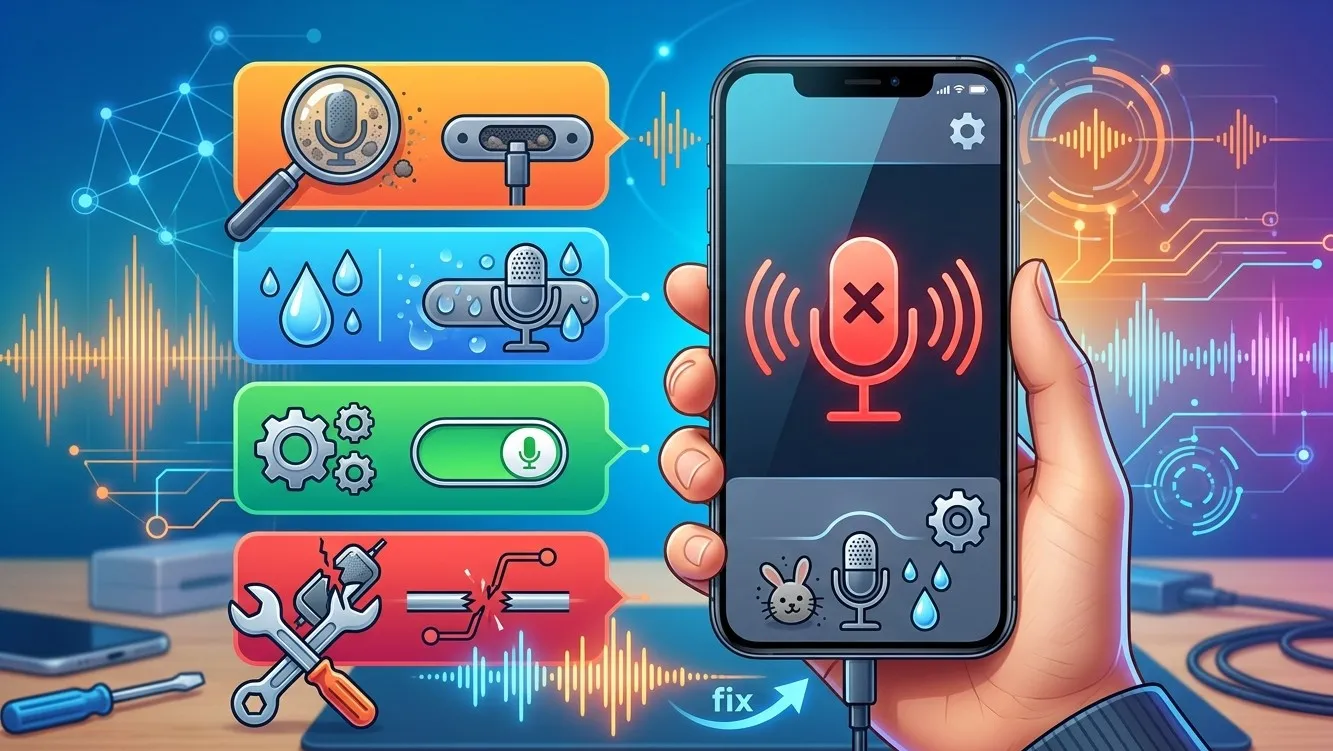
Your smartphone’s microphone is essential for making calls, recording voice messages, attending online meetings, and using voice assistants. When it stops working, even simple tasks can become frustrating. Understanding the possible causes can help you troubleshoot the problem before seeking professional assistance. Whether you need basic troubleshooting or Mobile Phone Repair Albany, identifying the issue is the first step toward a solution. Services such as phone battery replacement Albany and laptop screen replacement Albany can also help address other common device problems when professional repair is needed.
Table of Contents
-
Common Reasons Your Smartphone Microphone Stops Working
-
How to Fix a Smartphone Microphone
-
When to Seek Professional Repair
-
Frequently Asked Questions
-
Call to Action
1. Common Reasons Your Smartphone Microphone Stops Working
Several issues can prevent your microphone from working correctly.
Dust and Debris
Dust, lint, and dirt can accumulate in the tiny microphone openings, blocking sound from reaching the microphone.
Software Glitches
Temporary system errors, outdated software, or problematic applications may interfere with microphone functionality.
Incorrect App Permissions
Some applications cannot access your microphone unless permission is enabled in your phone’s settings.
Water or Physical Damage
Exposure to moisture, accidental drops, or internal component damage can affect microphone performance.
Faulty Accessories
Connected Bluetooth headphones, wireless earbuds, or damaged wired accessories may cause your phone to use a different microphone.
2. How to Fix a Smartphone Microphone
Before arranging a repair, try these practical solutions.
Restart Your Phone
Restarting your device can resolve temporary software glitches. After restarting, make a test call or record a short voice message to check whether the microphone works.
Check Microphone Permissions
Open your phone’s settings and review microphone permissions for the affected application. Enable access if it has been disabled.
Clean the Microphone Opening Carefully
Use a soft, dry brush to remove visible dust around the microphone opening. Avoid sharp objects, liquids, and excessive pressure, as these can damage delicate components.
Disconnect Bluetooth Devices
Turn off Bluetooth temporarily and disconnect headphones or other accessories. Test the microphone again to determine whether an external device was causing the problem.
Update Your Software
Check for available operating system and application updates. Installing appropriate updates may resolve compatibility issues or software bugs.
Test Different Applications
Record audio using your phone’s built-in recording application and compare the results with a phone call or video recording. If the microphone works in one application but not another, the issue may involve app permissions or software settings.
3. When to Seek Professional Repair
If your microphone remains unresponsive after troubleshooting, the device may have a damaged microphone module, a loose internal connection, or liquid-related damage.
Professional technicians can inspect the hardware, identify the underlying fault, and recommend an appropriate repair. Avoid opening your smartphone without the necessary tools and experience, as doing so may cause additional damage.
For other device issues, Mobile Phone Repair Albany can be a relevant service to explore. If your phone also has power problems, phone battery replacement Albany may be worth considering after a proper diagnosis. Similarly, laptop screen replacement Albany is a useful service keyword when researching solutions for damaged laptop displays.
4. Frequently Asked Questions
Why can people hear me poorly during phone calls?
A blocked microphone opening, weak microphone performance, network issues, or software problems may affect call quality. Test your microphone using a voice recorder to narrow down the cause.
Can a software update fix my phone microphone?
Yes. An update may resolve software bugs or compatibility issues. However, it will not repair physical or liquid damage.
How do I know if my microphone is damaged?
If recordings remain silent or distorted across multiple applications after basic troubleshooting, the microphone may require professional inspection.
Is it safe to clean my phone’s microphone myself?
Yes, if you gently remove surface dust with a soft, dry brush. Never insert sharp objects into the opening or pour cleaning liquids into it.
Should I replace my phone if the microphone stops working?
Not necessarily. Many microphone problems can be repaired, so obtaining a professional diagnosis before replacing the entire phone is a sensible option.
5. Final Thoughts
A smartphone microphone that stops working can result from dust, incorrect permissions, software glitches, faulty accessories, or hardware damage. Simple troubleshooting may resolve the issue, but persistent problems deserve professional attention. For further assistance, consider Mobile Phone Repair Albany, and explore related services such as phone battery replacement Albany and laptop screen replacement Albany when needed. Identifying the problem early can help prevent further damage and keep your devices working reliably.
Call to Action (CTA)
Is your smartphone microphone not working properly? Don’t let poor audio interrupt your calls or important conversations. Try the troubleshooting steps above, and contact a professional repair service if the problem continues. Get your device checked and find the right solution to restore its performance.
Related Reading
Why Lifestyle & Culture is Transforming the Global Industry Landscape
Welcome to our in-depth exploration of Lifestyle & Culture. In an era define...
Expert Insights: Navigating the Complex World of Lifestyle & Culture
Welcome to our in-depth exploration of Lifestyle & Culture. In an era define...