Why Is My Phone’s Wi-Fi Connected but Not Working? Common Causes and Fixes
14 Views
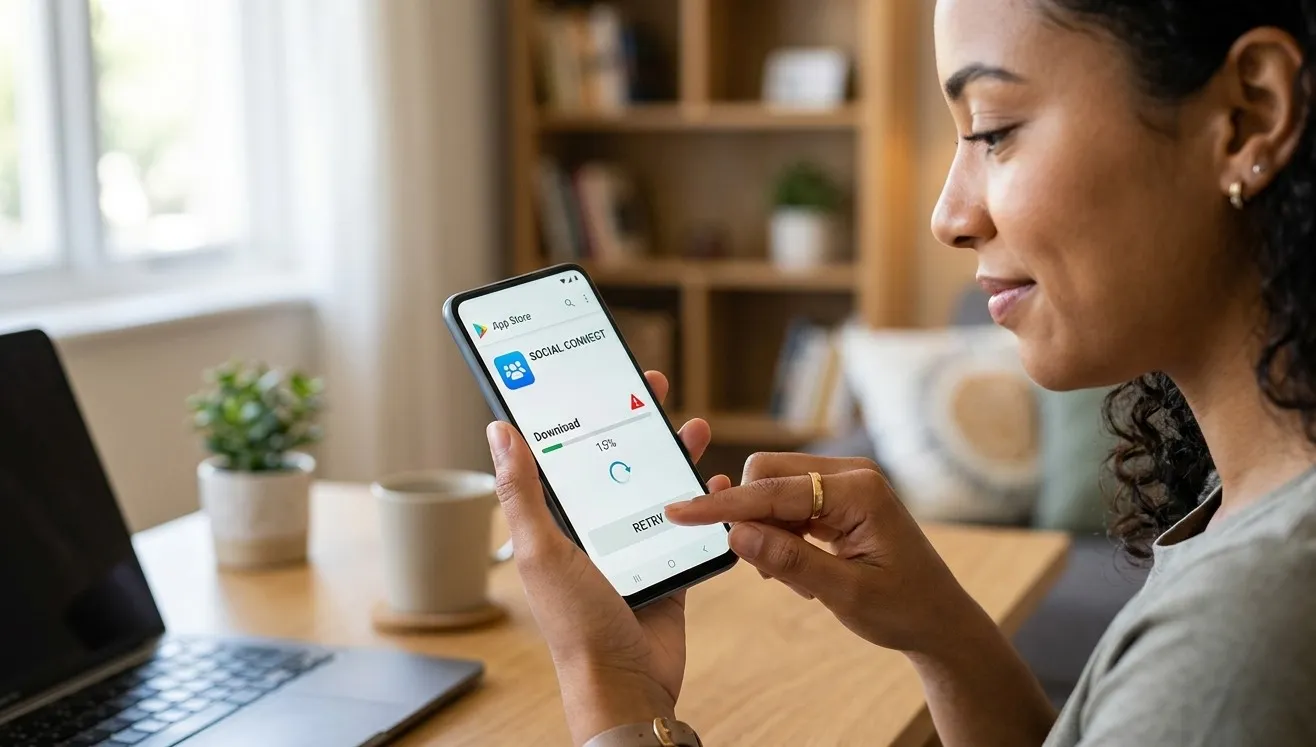
Is your phone connected to Wi-Fi but unable to load websites, stream videos, or use apps? This frustrating problem can result from router issues, incorrect network settings, software glitches, or internet service interruptions. Fortunately, several simple troubleshooting steps can help restore your connection. Mobile Device Techs helps smartphone users address common device problems, including services related to Samsung repair Douglasville and phone battery replacement Douglasville, so they can keep their devices running smoothly.
Table of Contents
-
Common Reasons Your Phone’s Wi-Fi Is Not Working
-
How to Fix Wi-Fi Connection Problems
-
When to Seek Professional Repair
-
Frequently Asked Questions
-
Call to Action
1. Common Reasons Your Phone’s Wi-Fi Is Not Working
Understanding the cause can help you choose the right solution.
Weak Wi-Fi Signal
If you are far from your router, walls and other obstacles may weaken the signal. Your phone might remain connected while struggling to access the internet.
Router or Internet Service Problems
Sometimes, the problem is not your smartphone. A frozen router, service outage, or disconnected internet cable can prevent every connected device from accessing the internet.
Incorrect Network Settings
Incorrect IP configuration, DNS settings, or other network settings may interfere with your phone’s ability to communicate online.
Software Glitches
Temporary system errors or outdated software can affect Wi-Fi connectivity. Certain apps or VPN configurations may also interfere with internet access.
Network Congestion
When many devices use the same Wi-Fi network, performance may slow down, especially during streaming, gaming, or large downloads.
2. How to Fix Wi-Fi Connection Problems
Try these troubleshooting methods to restore your connection.
Step 1: Check Your Internet Connection
Open a website on another device connected to the same Wi-Fi network. If nothing works, check your internet service or contact your provider.
Step 2: Restart Your Router
Unplug your router for approximately 30 seconds, then reconnect it. Wait a few minutes for the connection to return before testing your phone again.
Step 3: Toggle Wi-Fi and Airplane Mode
Turn Wi-Fi off and back on. You can also enable airplane mode briefly and then disable it to refresh your phone's wireless connections.
Step 4: Forget and Reconnect to the Network
Open your phone's Wi-Fi settings, select your network, and choose Forget. Reconnect by selecting the network and entering the correct password.
Step 5: Disable Your VPN Temporarily
If you use a VPN, disconnect it briefly and test your internet connection. If Wi-Fi works afterward, check your VPN settings or app for the cause.
Step 6: Update Your Phone
Install available operating system updates. Updates can fix known software bugs that sometimes affect wireless connectivity.
Step 7: Reset Network Settings
If the problem continues, consider resetting your network settings. This may remove saved Wi-Fi networks, passwords, and Bluetooth pairings, depending on your device. Make sure you have your Wi-Fi password before proceeding.
3. When to Seek Professional Repair
If your phone cannot access the internet on multiple reliable Wi-Fi networks while other devices work normally, the issue may involve its software or wireless hardware.
Repeated disconnections, poor signal strength in different locations, or other connectivity problems may require professional diagnosis.
Mobile Device Techs can help you explore smartphone troubleshooting and repair options. Customers seeking Samsung repair Douglasville can discuss persistent device issues with a qualified technician. If your phone also experiences battery problems, ask whether phone battery replacement Douglasville is appropriate after proper testing.
4. Frequently Asked Questions
Why does my phone say Wi-Fi connected but no internet?
Your router may have lost its internet connection, or your phone may have a network configuration problem. Restart your router and reconnect your device.
Why does Wi-Fi work on other devices but not my phone?
The issue may involve your phone's network settings, software, VPN, or wireless hardware. Forgetting the network and reconnecting may help.
Can restarting my phone fix Wi-Fi problems?
Yes. Restarting can resolve temporary software glitches and refresh your phone's network connections.
Will resetting network settings delete my files?
No. A network reset generally does not delete photos, videos, or personal files, but it may remove saved Wi-Fi passwords and other network configurations.
Can a damaged phone cause Wi-Fi problems?
Yes. Damage to internal wireless components can affect connectivity. A technician can determine whether hardware repair is necessary.
5. Call to Action
A phone connected to Wi-Fi without internet access can interrupt work, communication, and entertainment. Start with simple troubleshooting steps, such as restarting your router, reconnecting to your network, and checking for software updates.
If the issue persists, contact Mobile Device Techs to discuss professional troubleshooting and repair options, including Samsung repair Douglasville and phone battery replacement Douglasville when appropriate. Get your smartphone checked and take the next step toward reliable connectivity.
Related Reading
Why Lifestyle & Culture is Transforming the Global Industry Landscape
Welcome to our in-depth exploration of Lifestyle & Culture. In an era define...
Expert Insights: Navigating the Complex World of Lifestyle & Culture
Welcome to our in-depth exploration of Lifestyle & Culture. In an era define...