What Should You Check Before Taking a Damaged Phone to a Repair Shop?
By David Miller
26 Views
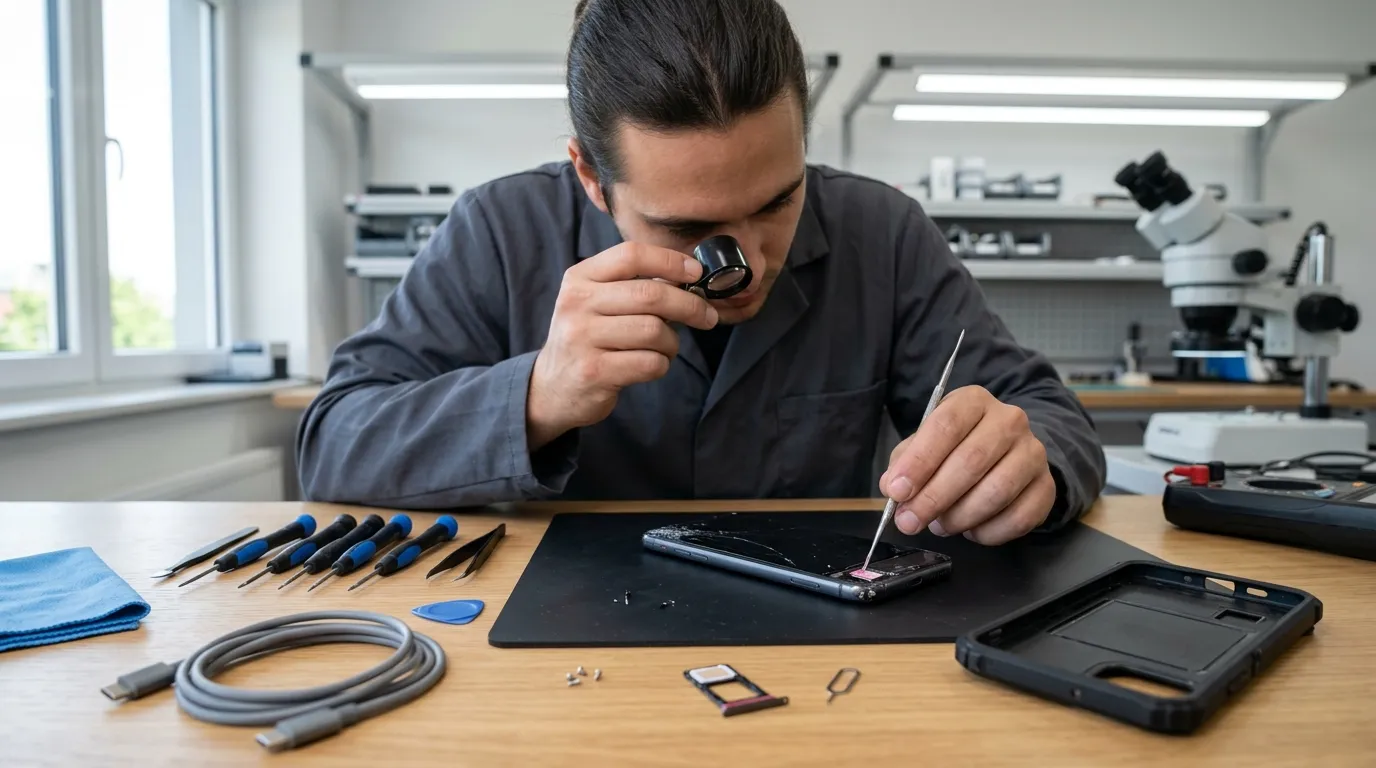
A damaged phone can create problems at the most inconvenient times. A cracked screen, charging issue, or unresponsive button can affect daily activities. Before taking the device to a repair shop, however, a few checks can make the process easier. These checks can also help you explain the problem more clearly to the technician.
First, take a moment to inspect the phone carefully. Look for visible cracks, dents, gaps, loose components, and signs of moisture. Then, note anything unusual about its performance. For example, the phone may become unusually warm or shut down without warning. If you are considering Samsung battery replacement Edmonton, checking these symptoms beforehand can help distinguish battery problems from charging or software issues.
Check the Overall Physical Condition
Start by examining the outside of the phone. Look closely at the screen, frame, back panel, camera lenses, and buttons. Small cracks may be easy to overlook under normal lighting. Therefore, inspect the device from different angles before visiting the repair shop.
Pay attention to gaps between the screen and frame. A noticeable gap could indicate internal damage or battery swelling. Do not press down on a raised screen to close the gap. Instead, stop using the device and seek professional assistance.
Also, check whether the buttons work normally. Test the power button, volume controls, and any other physical controls. However, avoid repeatedly pressing a damaged button.
Identify Exactly What Went Wrong
Try to remember what happened immediately before the problem appeared. This information can help a technician understand the likely cause.
For example, perhaps the phone stopped working after a drop. In another case, the problem might have started after exposure to rain. A charging issue could have appeared after using a different cable.
Write down the sequence of events if necessary. Include when the problem started and whether it became worse gradually.
This information can make the initial assessment more efficient. It also prevents important details from being forgotten during a busy repair visit.
Test the Phone Before Taking It In
If the phone still works safely, test its basic functions. Check the display, touchscreen, cameras, microphone, speakers, charging, buttons, and wireless connections.
Do not perform tests that could worsen physical damage. For instance, avoid charging a phone with suspected battery damage. Similarly, do not power on a device that has significant liquid exposure without professional guidance.
For a phone with a cracked screen, check whether touch input still responds. Look for dead areas, flickering, discoloration, or unexpected lines.
Testing can help you describe the problem accurately. It can also reveal whether multiple functions have been affected.
Check the Battery Condition
Battery performance deserves particular attention. Notice whether the phone drains much faster than usual. Also, check whether it shuts down unexpectedly or becomes unusually warm.
Physical swelling requires special caution. A swollen battery can push against the screen or back cover. Samsung provides safety guidance for damaged batteries and recommends stopping use when a battery appears damaged.
Do not puncture, squeeze, or attempt to remove a swollen battery yourself. Lithium-ion batteries require careful handling because physical damage can create safety risks.
If battery problems appear suddenly, mention them during the repair assessment. The technician can then determine whether the battery is actually causing the symptoms.
Look for Signs of Liquid Damage
Liquid exposure can cause problems even when the phone initially appears normal. Water can reach internal components through openings around ports and speakers.
Think about whether the device recently came into contact with water or another liquid. Mention spills, rain exposure, drops into sinks, or high humidity.
Do not assume that a water-resistant phone is completely waterproof. Water resistance can change with normal wear and physical damage.
If the phone becomes wet, avoid using external heat to dry it. Apple advises against using external heat sources when drying an iPhone.
Also, do not insert objects into charging ports to remove moisture. Improper cleaning can damage delicate contacts.
Inspect the Charging Port
Charging problems are common and can have several possible causes. The battery is not always responsible when a phone fails to charge.
Check whether the charging cable fits securely. Notice whether the connection cuts in and out during charging.
Inspect the port visually for obvious debris or damage. However, avoid inserting sharp objects into the connector.
Apple advises against inserting foreign objects into charging connectors. The company also recommends keeping connectors clean and dry.
Bring the charging cable and adapter with you if they may be relevant. Testing the accessories can help determine whether the problem comes from the phone or charger.
Check the Charging Accessories
A faulty cable or adapter can create symptoms that resemble phone hardware problems. Therefore, inspect your accessories before assuming the phone itself is damaged.
Look for fraying, exposed wires, bent connectors, or damaged plastic. Do not continue using accessories that show significant physical damage.
If available, test the phone with another compatible cable. Use an appropriate adapter designed for the device.
Keep track of which accessories produce the problem. This information can help narrow down the cause during diagnosis.
Check Whether the Phone Has Been Repaired Before
Previous repairs can affect a new repair. Therefore, tell the technician if the phone has been opened or serviced before.
Mention previous screen replacements, battery work, charging-port repairs, or water-damage treatment. Even an older repair can provide useful diagnostic information.
A device may contain replacement components from earlier repairs. The technician may need to inspect those components during the new assessment.
Being transparent about repair history can save time. It gives the technician additional context before disassembly begins.
Back Up Important Data
If the phone still works, back up important information before taking it for repair. This includes photos, contacts, documents, messages, and other valuable files.
A repair does not always result in data loss. However, unexpected hardware or software problems can occur during servicing.
Apple recommends backing up an iPhone before service when possible.
Android users should also maintain regular backups through their preferred backup system. The exact process can vary depending on the device and software version.
A recent backup gives you greater peace of mind. It also protects important information if the device requires more extensive work.
Record the Phone's Current Condition
Taking photographs can provide a useful record before handing over the device. Capture the front, back, sides, and visible damage.
Photograph cracks, dents, scratches, and existing marks. This record can help you remember the phone's condition before service.
You can also note the phone's current battery level. Record any error messages that appear on the screen.
If the device has important settings or accessibility features, make a note of them. Such information can make the handover process smoother.
Remove Personal Items and Accessories
Remove the phone case, wallet attachment, SIM card, and other accessories when appropriate. Keep these items safely stored while the device is being assessed.
A case can sometimes hide damage around the frame. Removing it allows you to inspect the phone more thoroughly.
If the phone uses a physical memory card, check whether it should remain installed. Keep removable accessories separate unless the technician specifically requests them.
Do not remove internal components yourself. Internal disassembly should be left to someone with the appropriate tools and experience.
Protect Your Personal Information
Before handing over a working phone, consider what information the technician may need. Some repairs require access to device functions for testing.
Ask what level of access is necessary. Avoid sharing sensitive information unnecessarily.
If possible, use appropriate privacy features before service. Follow the manufacturer's guidance for preparing a device for repair.
Apple provides specific preparation steps for iPhone service. These steps can include backing up information and removing personal content when appropriate.
For Android devices, preparation steps can vary by manufacturer. Therefore, check the relevant manufacturer's instructions before service.
Write Down the Symptoms
A written symptom list can be surprisingly useful. Phones can have several problems that appear at different times.
For example, write down if the device:
- Randomly shuts down
- Charges intermittently
- Becomes unusually hot
- Has a flickering display
- Loses network connectivity
- Produces distorted sound
- Has an unresponsive touchscreen
- Experiences rapid battery drain
Include information about when each symptom occurs. For example, the phone might only overheat while charging.
Specific details can help the technician reproduce the issue. Consequently, diagnosis may become more focused and efficient.
Ask About the Diagnostic Process
Before approving a repair, ask how the device will be assessed. A good diagnosis should identify the underlying problem before unnecessary components are replaced.
Ask whether diagnostic fees apply. Also, ask whether the repair estimate can change after disassembly.
Some problems are impossible to assess fully without opening the device. Hidden damage may only become visible during internal inspection.
Understanding this possibility can prevent confusion later. It also helps establish realistic expectations about the repair process.
Avoid Making the Damage Worse
One of the most important steps is knowing when to stop using the phone. Continuing to operate a damaged device can sometimes create additional problems.
A cracked screen may worsen after another impact. A damaged charging port can become more problematic when cables are repeatedly forced into it.
Similarly, a phone with suspected liquid damage should not be repeatedly powered on. Avoid charging it until the situation has been properly assessed.
If the battery appears swollen, stop using the device. Do not attempt a home repair without suitable knowledge and equipment.
Understand That Repair Time Can Vary
Once you have completed your checks, remember that the final repair time may still vary. The visible problem does not always reveal the complete situation.
A simple screen issue may require one replacement component. However, impact damage can sometimes affect several internal parts.
Parts availability can also influence the timeline. Uncommon components may need to be ordered before repairs can continue.
Water damage can create another layer of uncertainty. Multiple components may require cleaning, inspection, and testing.
Therefore, an initial estimate should be treated as an expected timeframe. It should not always be considered a guaranteed completion time.
Prepare Questions Before Your Visit
Preparing a few questions can make your repair experience easier. Ask what appears to be causing the problem.
Then, ask which component needs attention. Find out whether additional damage was discovered during inspection.
You can also ask whether the replacement part is new or refurbished. If the device contains important data, ask about data protection during service.
Finally, ask what testing will occur after the repair. Testing should cover the functions affected by the original problem.
Clear questions help you understand the repair process. They can also reduce misunderstandings about the work being performed.
Final Thoughts
Checking a damaged phone before visiting a repair shop can make the entire process smoother. Start by examining the device's physical condition.
Then, identify when the problem started and what caused it. If the phone remains safe to use, test its essential functions.
Pay particular attention to battery behavior, charging problems, liquid exposure, and unusual heat. These symptoms can provide valuable information during diagnosis.
Remember to back up important data whenever possible. Also, document existing damage and explain any previous repairs.
Most importantly, avoid experimenting with serious hardware problems at home. Damaged batteries, liquid exposure, and internal component failures can require specialized handling.
A little preparation can help you communicate clearly with a technician. It can also help set realistic expectations before the repair begins. By understanding the device's condition, you can approach the repair process with better information and fewer surprises