What Can You Learn From the File Details of an MP3Juice Download?
By ellagrace
31 Views
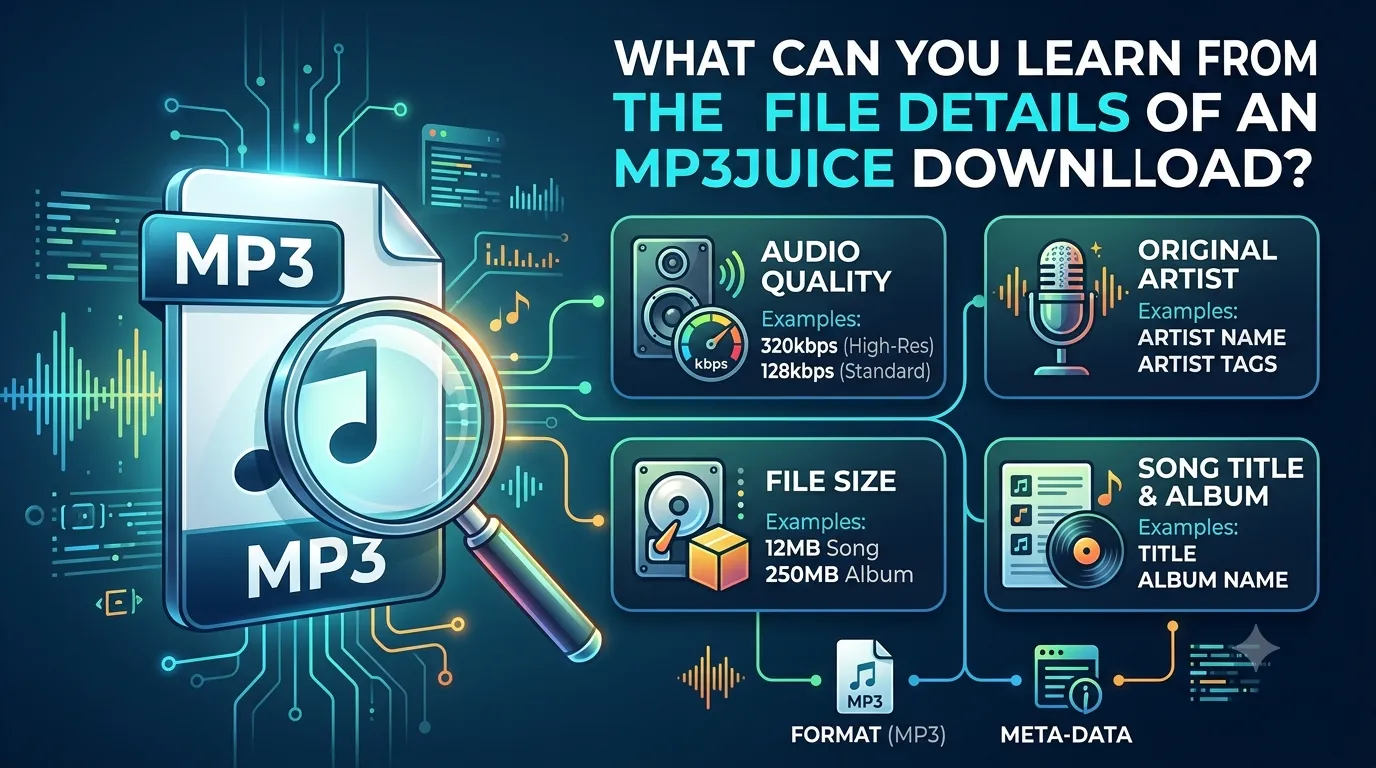
When you download an audio file, its name is not the only useful information. File info can tell you about its format, size, length, and sometimes the quality of the recording. Knowing these details can help you manage your music library and select files that work well with your devices.
An MP3Juice download may have different file details depending on the source and how the audio was processed. Checking this information before adding a file to your collection can help you understand what you are getting. It can also make it easier to identify issues such as missing information or an unexpectedly large file.
What Are MP3 File Details?
File details are basic technical and descriptive information connected to an audio file. Depending on your device or media player, you may see the file type, size, duration, bitrate, sample rate, and metadata.
These details can provide a quick overview without requiring advanced technical knowledge.
1. File Format
The file extension tells you what type of audio file you have. An MP3 file normally ends with .mp3.
MP3 is widely supported by computers, smartphones, tablets, cars, and many music players. Checking the format can help you know whether the file is likely to work with your chosen device.
2. File Size
File size tells you how much storage the audio uses. A short song with a moderate bitrate may take only a few megabytes, while longer recordings or files with higher bitrates can be larger.
This information is especially useful when your phone or computer has limited storage.
3. Duration
The duration shows how long the audio lasts. Checking it can help you identify the correct version of a song.
For example, if you expected a four-minute track but the file is only 30 seconds long, you may have downloaded a preview, an incomplete file, or a different version.
4. Bitrate and Audio Quality
Bitrate describes how much audio data is processed per second. Common MP3 settings include 128 kbps, 192 kbps, and 320 kbps.
A higher bitrate often means a larger file and may provide better audio quality when the original source supports it. However, a higher bitrate does not automatically improve a low-quality original recording.
5. Metadata Information
Metadata can include details such as the artist name, song title, album, release year, track number, and genre. Some files may have complete information, while others may have missing or incorrect fields.
If your music library looks disorganized, checking and editing these fields can make a noticeable difference.
6. Check Before Organizing
Before moving an audio file into your main collection, check its basic details. Confirm that the file opens correctly, has the expected duration, and contains useful metadata.
If something looks unusual, compare the file with another trusted source rather than assuming the details are correct.
What File Details Tell You About an MP3 Song Download
If you want to verify an MP3 song download, you can compare the duration, bitrate, and file size to see if the file is what you expected. Two versions of the same track may have different sizes. One may be a different bitrate or encoding setting.
If metadata is included, you can also see the artist, title, album, and genre. Good metadata makes it quick to track down songs in a music player.
Conclusion
MP3Juice download file information can tell you much more than just the song name. Format, size, duration, bitrate, and metadata can all give you an idea of the file and how you want to organize it. Going over these details before saving your audio can help you avoid confusion, better manage your storage, and build a cleaner digital music collection. Always check that you have permission to save and use the audio and comply with relevant platform terms and copyright laws.
Related Reading
Why Entertainment & Pop Culture is Transforming the Global Industry Landscape
Welcome to our in-depth exploration of Entertainment & Pop Culture. In an er...
The Ultimate Guide to Understanding Entertainment & Pop Culture in 2026
Welcome to our in-depth exploration of Entertainment & Pop Culture. In an er...