Two People, Same Client, No Idea What the Other One's Doing
By Prime Teams
68 Views
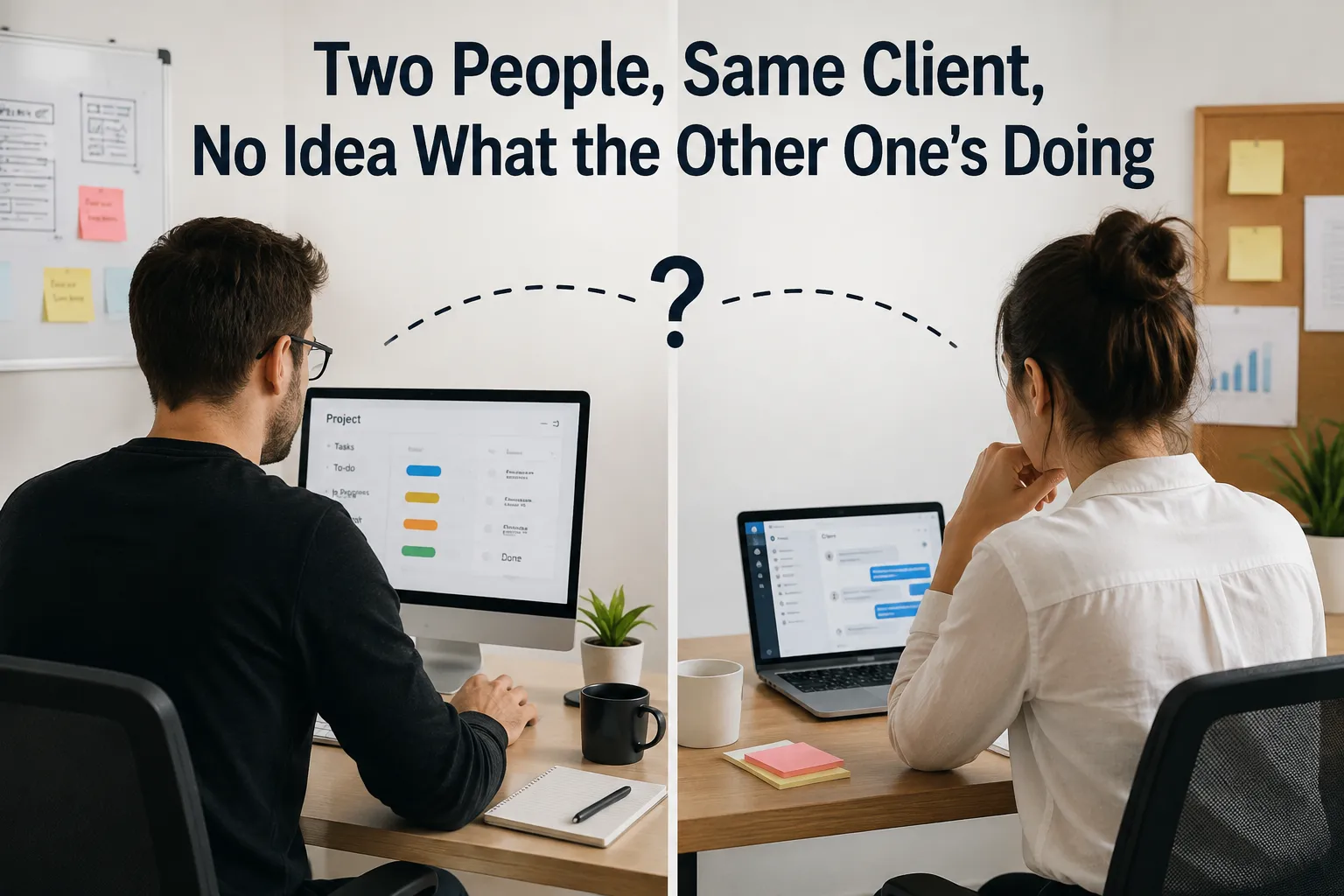
Bigger accounts rarely have just one person on them. A designer, a strategist, an account manager, maybe a developer, all touching the same client at different points in the week. That's normal and usually a good thing — more expertise on an account tends to mean better work.
It also creates a specific failure that smaller accounts never run into: two people doing the same thing without realising it, or worse, both assuming the other one handled something that neither of them actually did.
The Gap That Only Shows Up on Shared Accounts
On a one-person account, coordination isn't really a problem — there's nobody to coordinate with. The moment a second person joins the same client, a new kind of risk shows up quietly: work getting duplicated, dropped, or contradicted, not because anyone made a mistake, but because nobody had a shared, current view of who was doing what.
It plays out in familiar ways. A strategist sends a client an update on a deliverable, not knowing the designer already sent a similar one an hour earlier — now the client's got two different summaries of the same thing. A task quietly falls into the gap between two people, each assuming the other has it, until the deadline arrives and neither did. Two people independently revised the same asset because neither checked whether it had already been touched that day.
None of this is really about anyone being careless. It's what happens by default when coordination depends on people remembering to loop each other in, rather than having a shared view that they can just check.
Why "Just Communicate More" Doesn't Actually Fix It
The standard advice here is more check-ins, more CC'ing, more "just let me know before you touch that." It helps a little and creates its own tax — more meetings, more messages to read, more mental overhead for everyone involved, on top of the actual client work.
The real fix isn't more communication about the work. It's a shared, current view of the work itself — who's assigned to what, what's already been done, what's still open — so people don't have to actively tell each other things that a shared system could just show them.
This is the specific gap Prime Teams' project management software is built to close.
Tasks are assigned and visible to everyone on the account, not just the person doing them.
Because project and task assignment lives in one shared system, anyone touching a client's account can see what's already assigned, what's in progress, and what's been completed — without needing someone to personally update them first.
Time tracking shows what's actually already happened.
Paired with time tracking tied directly to specific tasks, it's not just "this task is assigned to someone" — you can see whether real work has already gone into it today, which is exactly the check that prevents two people from independently doing the same thing.
Team structure makes it clear who's actually on an account.
Team management keeps a clear record of who's assigned to which team and which accounts, so "wait, is so-and-so even working on this client anymore" isn't a question anyone has to guess at.
A team lead can see the whole account at a glance.
For accounts with several people involved, a lead can check the full picture of assignments and progress across everyone touching that client — catching a duplication or a gap before it reaches the client, not after.
What Changes Once the View Is Actually Shared
Once everyone touching an account can see the same live picture, the failure mode mostly disappears on its own — not because people started communicating more, but because they stopped needing to communicate about things a shared view already answers. Nobody sends a redundant update because they can see one already went out. Nobody re-does a task because they can see it's already marked complete. A task that's fallen into a gap between two people gets noticed within a day, not discovered at the deadline.
It also means bringing a third or fourth person onto a growing account doesn't add coordination overhead the way it usually does — the shared view scales with the team, instead of every new person meaning more manual check-ins to keep everyone aligned.
The more people touch a client account, the more this kind of quiet duplication and dropped work becomes likely — not because the team's disorganised, but because coordination by memory and message doesn't scale past one or two people.
Prime Teams gives everyone on a shared account the same live view of who's doing what, so coordination stops depending on people remembering to tell each other things a shared system could just show them.
Want to see what a shared account view actually looks like with your own team? Start your free trial with Prime Teams or schedule a demo and try it on an account with more than one person touching it.