Team Productivity Software: The Complete 2026 Guide
24 Views
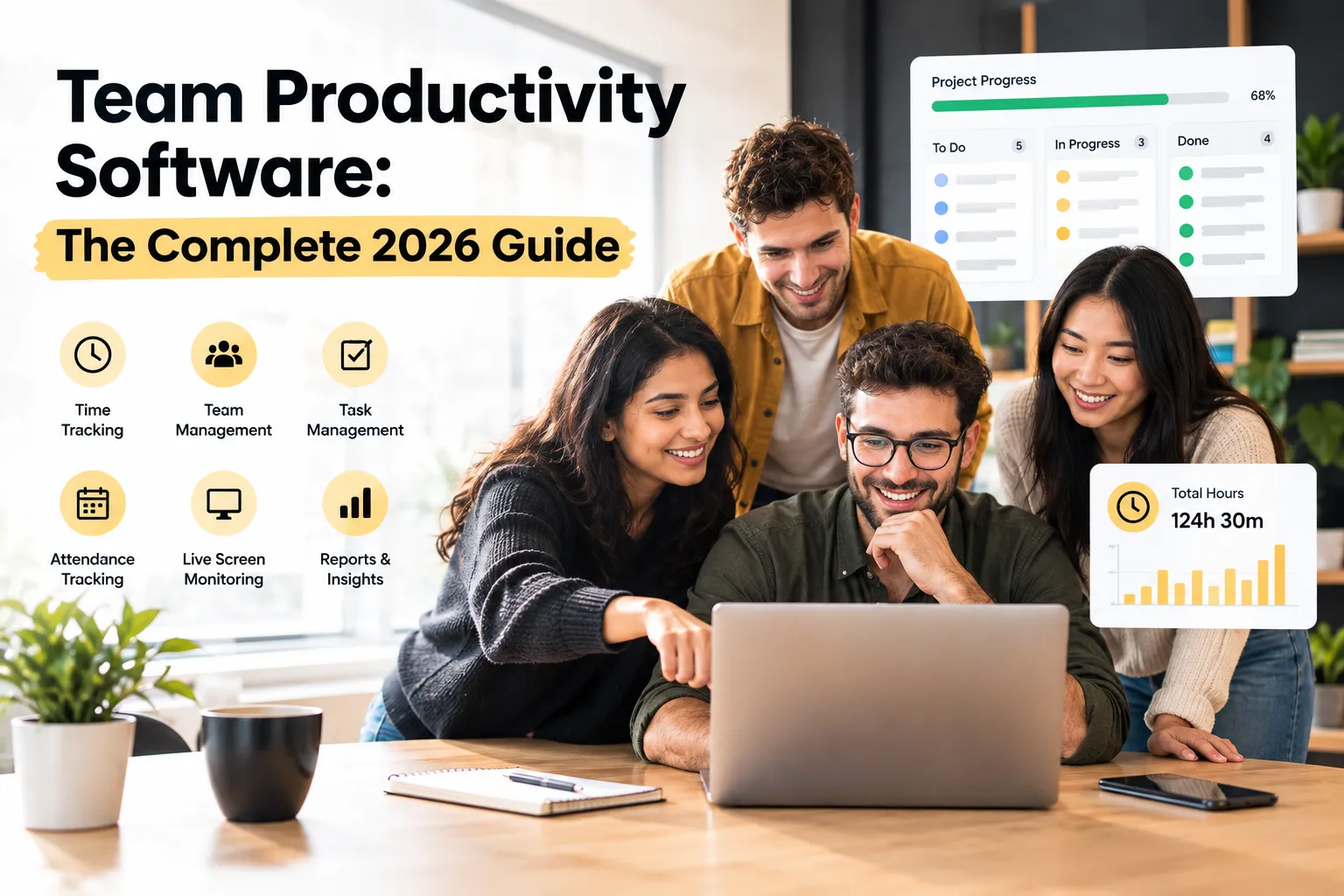
Short answer: Team productivity software combines task management, time tracking, attendance, and workload visibility into one system — replacing the three or four disconnected tools most companies default to. The core value isn't any single feature; it's eliminating the manual reconciliation between tools that causes inaccurate estimates, missed billing, invisible overwork, and inconsistent attendance records. This guide covers what the category actually includes, how to evaluate it, and what's changing in 2026.
Most companies don't choose fragmented tooling on purpose. It happens gradually — a task board gets adopted first, then a time tracker gets bolted on, then attendance gets handled separately because nobody thought to connect it. By the time a company has 30 or 40 people, there are usually three or four systems that each hold part of the picture, and nobody holds all of it. Team productivity software exists specifically to close that gap.
What Is Team Productivity Software?
Direct answer: Team productivity software is a category of tools that manage how work gets planned, tracked, and completed across a team — typically combining task management, time tracking, attendance, and reporting in a single system rather than as separate point solutions.
The category sits at the intersection of several narrower tools:
-
Project management software — plans and tracks tasks, ownership, and progress.
-
Time tracking software — records hours spent on specific work.
-
Attendance tracking software — confirms who's working and when.
-
Team management software — the umbrella layer that ties the above together into one coherent view of a team's capacity and output.
A company can run each of these as separate tools. Most do, at first. The friction shows up once headcount grows past the point where a manager can mentally reconcile four different data sources — usually somewhere around 20–30 people, though it varies by how distributed or client-facing the team is.
Why Does Tool Fragmentation Actually Hurt Teams?
Direct answer: Fragmentation hurts teams because each disconnected tool only tells part of the story, forcing someone to manually reconcile task status, hours, and attendance — and manual reconciliation is where accuracy, speed, and trust in the data all break down.
Three consequences show up consistently across growing companies:
-
Estimates stay wrong indefinitely. Without time data attached directly to tasks, there's no reliable feedback loop between what was planned and what actually happened — so the next estimate is no more accurate than the last.
-
Workload imbalance stays invisible until it's a crisis. A task board shows status, not hours. Without aggregated, per-person time data across every active project, overload on reliable team members goes unnoticed until burnout or turnover makes it visible the hard way.
-
Attendance and billing records become inconsistent. When attendance is tracked separately from time and tasks, payroll and client billing both depend on reconciling data that was never designed to match up cleanly in the first place.
None of these is discipline problems. They're structural consequences of running a team's operational data through tools that don't talk to each other.
What Core Capabilities Should Team Productivity Software Include?
Direct answer: The core capabilities are task management with clear ownership, time tracking linked directly to tasks, attendance tracking consistent across locations and work arrangements, and reporting that surfaces workload and budget data in real time rather than after the fact.
-
Task management with real ownership. Every task needs a clear owner and status, visible to the whole team — not just the manager.
-
Time tracking tied to tasks, not just projects. Hours logged against a specific task are what make budget-vs-actual reporting and accurate billing possible at all.
-
Attendance tracking that works the same for everyone. Whether staff are in-office, remote, or hybrid, attendance needs to be captured consistently — otherwise the data isn't comparable across the team.
-
Workload visibility, aggregated per person. The ability to see total hours across every active project a person is on, not just one board at a time, is what catches overload before it becomes a resignation.
-
Reporting built for real decisions. Budget drift, team capacity, and billing accuracy all need to be visible continuously, not reconstructed at month-end.
How Should a Manager Evaluate Team Productivity Software?
Direct answer: Evaluate based on whether the tool unifies task, time, and attendance data in one place, how well it fits your team's size and structure (in-office, remote, hybrid, or agency), how transparent the reporting is to the whole team, and whether it scales without adding admin overhead.
-
Does it unify data, or just add another silo? A tool that tracks time well but doesn't connect it to tasks or attendance just becomes a fourth disconnected system.
-
Does it fit your team's actual structure? A fully in-office team has different needs than a distributed one — time tracking software for remote employees and time tracking software for agencies exist because those contexts have specific, different requirements.
-
Is reporting visible to the team, not just management? Tools where only admins see the data tend to produce less accurate input, because the people entering it get no value back.
-
Does it scale without becoming its own admin burden? The right tool should get easier to manage as headcount grows, not harder.
How Is AI Changing Team Productivity Software in 2026?
Direct answer: AI is increasingly used for surfacing risk early — flagging workload imbalance, budget drift, or attendance anomalies automatically — rather than waiting for a manager to notice during a weekly review.
This is a genuine shift from how the category worked even a couple of years ago. Earlier tools were largely passive — they recorded data and left interpretation entirely to a human reviewing a report. The current generation increasingly surfaces patterns proactively: a task trending toward a budget overrun, a person whose aggregated hours across projects are climbing toward unsustainable, an attendance pattern inconsistent with a stated schedule. The underlying data hasn't changed — tasks, time, attendance — but the distance between the data existing and a manager actually seeing the relevant signal has gotten shorter.
This doesn't replace the fundamentals covered above. A smart alert about workload drift is only useful if the underlying time and task data feeding it is accurate in the first place — which is still a function of the system being used consistently across the team, not a feature layered on top of bad data.
What Does a Real Rollout Actually Look Like?
Direct answer: A realistic rollout starts with one team, keeps logging effortless so adoption doesn't stall, runs for a full cycle before judging the data, and shares reporting with the whole team rather than only upward to leadership.
A pattern that holds across task management, time tracking, and attendance rollouts alike: companies that start company-wide on day one tend to generate noisy, inconsistent early data and lose momentum fast. Companies that pilot with one team — usually the one closest to client billing or budget accountability, where the pain is sharpest — tend to get clean signal faster and have an easier time expanding from there. Giving the team visibility into their own data, not just handing reports upward, also consistently correlates with better long-term adoption, because people who can see value in the data they're entering keep entering it accurately.
FAQs
Is team productivity software the same thing as project management software? No — project management software is one component. Team productivity software is the broader category that also includes time tracking, attendance, and workload reporting unified in one place.
Does a small team need this, or is it overkill? A very small team with simple, informal tracking usually doesn't need a unified system yet. The value becomes clear once a team grows past the point where a manager can informally track who's doing what, who's overloaded, and whether attendance and billing records are accurate — typically somewhere past 20–30 people.
Will combining these functions feel like increased surveillance to employees? It depends heavily on framing and transparency. Systems that share data back with employees — their own hours, their own workload picture — tend to be received as a planning tool. Systems that only report upward to management, with no visibility for the person doing the work, tend to be received as monitoring.
What's the single biggest mistake companies make when adopting this category of software? Rolling it out company-wide immediately, without a pilot team, and judging the data too early — within the first few days rather than a full operating cycle.
Quick Summary
-
Team productivity software unifies task management, time tracking, attendance, and reporting into one system.
-
Fragmented tools cause wrong estimates, invisible overload, and inconsistent billing or payroll data.
-
Core capabilities: task ownership, task-linked time tracking, consistent attendance, aggregated workload visibility, and real-time reporting.
-
AI is shifting the category from passive recording to proactive risk-flagging — but only as good as the underlying data.
- Successful rollouts start with one team, keep logging effortless, and share data with the whole team, not just leadership.
Want to see what task management, time tracking, attendance, and workload visibility look like unified in one platform?
Explore team management software from Prime Teams, or start a free trial to see how it fits your team.