Secret Chat App: A Practical Privacy Guide for Modern Conversations
46 Views
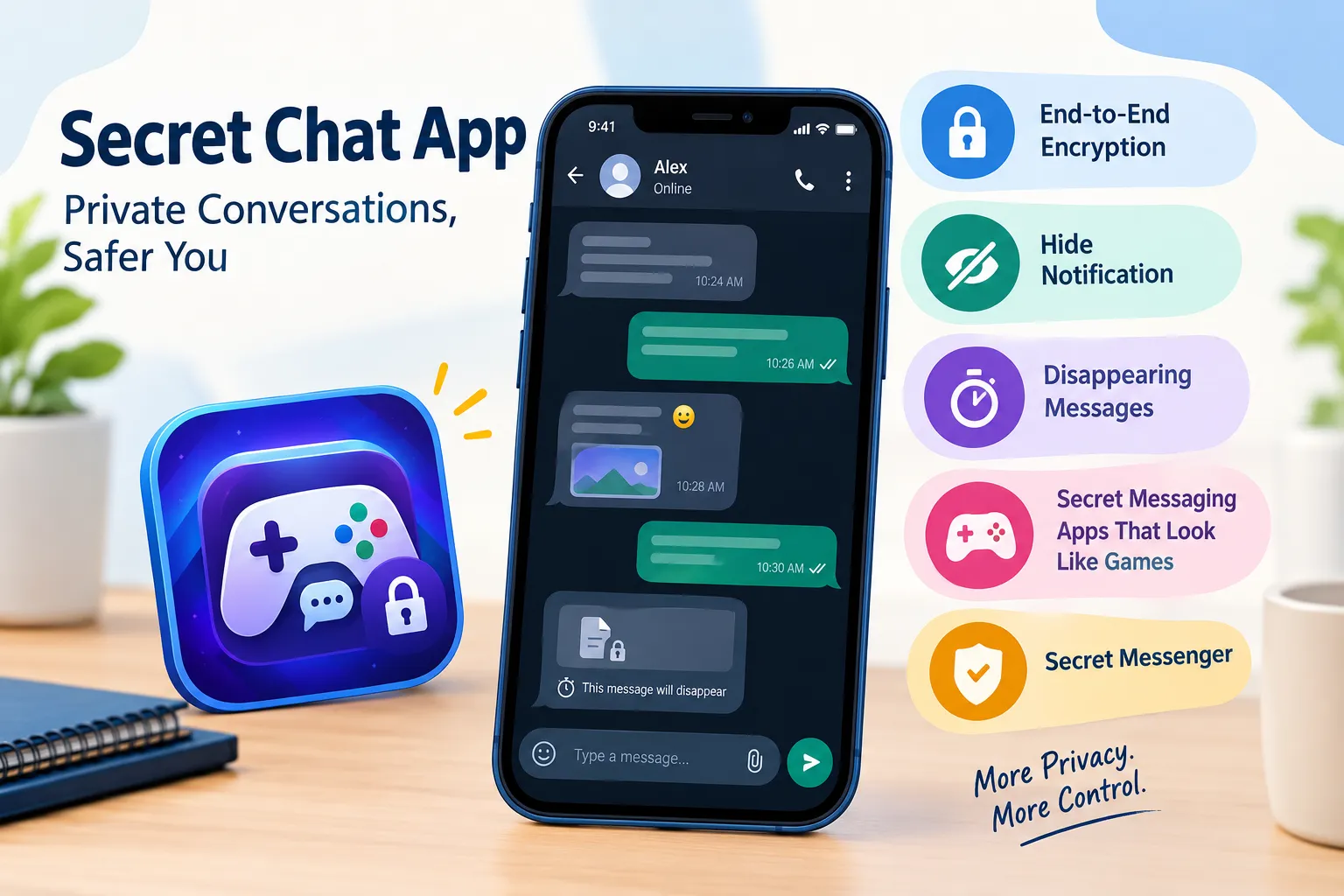
Secret Chat App: A Practical Privacy Guide for Modern Conversations
A messaging conversation can begin with something as simple as “Are you free today?” and eventually turn into a long record of personal information. Photos, locations, documents, contact details, business discussions, and everyday plans can all end up inside a chat.
Because messaging has become such a normal part of life, privacy is easy to overlook.
A Secret Chat App can provide tools that help users manage private communication more carefully. These tools can include encryption, disappearing messages, notification controls, device management, and additional account protections.
But privacy is not simply about turning on every available setting. The better approach is to understand what each feature does and use it when it matches a particular situation.
Start by Identifying the Information You Are Protecting
Before choosing privacy features, think about the type of information involved.
Not every message has the same level of sensitivity.
A casual discussion about dinner is different from a conversation containing a work document or personal photograph.
It can help to divide information into three broad categories:
Everyday Information
This includes casual conversations, jokes, general plans, and routine updates.
Personal Information
This could include addresses, family details, photographs, travel plans, or personal documents.
Sensitive Information
This may include confidential business material, financial information, access details, or information that could cause harm if shared improperly.
The more sensitive the information, the more attention should be paid to both the messaging application and the device being used.
Encryption Is the Starting Point
When discussing private communication, encryption is usually one of the first concepts users encounter.
End-to-end encryption is designed to protect the content of a conversation so that the communicating participants can access it in readable form.
This can provide an important layer of protection while messages are being transmitted.
However, encryption does not mean that every piece of information associated with communication is automatically hidden.
A service may still handle account information, technical information, or other metadata depending on its design and policies.
That distinction is important because a Secret Chat App should be evaluated based on its actual privacy architecture rather than a simple label.
Use Notification Privacy Where It Makes Sense
Sometimes a conversation is private but the phone is not.
A message notification can appear on a lock screen while the device is sitting on a desk, counter, or table. If the full message is visible, someone nearby may read it without opening the application.
This is where Hide notification controls can be useful.
Depending on the phone and messaging service, users may be able to prevent message content from appearing in notifications.
For example, a device might show a generic alert instead of displaying the complete message.
This can be particularly helpful when:
- You work in a shared office.
- You frequently travel.
- You attend meetings with your phone nearby.
- Your device is sometimes visible to other people.
- You prefer to read messages only after unlocking the phone.
After changing the setting, test it yourself. Different operating systems and applications can handle notification previews differently.
Temporary Conversations May Not Need Permanent Storage
Chat applications are excellent at remembering things.
That is useful when you need to find an old address or retrieve a document from several months ago. But not every conversation deserves such a long digital history.
For temporary information, disappearing messages can offer another option.
A user may be able to configure messages to disappear after a selected period. This reduces the amount of information remaining in the conversation history.
Consider using temporary messages for conversations involving information that has a short useful lifespan.
However, remember an important limitation: disappearing from one chat does not mean that every copy disappears. A recipient may save, copy, screenshot, or photograph information before it disappears.
Temporary messaging is therefore a tool for reducing stored history, not a promise that information can never be preserved.
What Makes a Secret Messenger Different?
The phrase Secret Messenger can refer broadly to a messaging service that emphasizes privacy or discretion.
But users should avoid assuming that every service using this terminology provides the same protections.
Instead, investigate specific features.
A useful checklist might include:
- Is end-to-end encryption explained?
- What data does the service collect?
- How are messages stored?
- Can users manage linked devices?
- Are notifications customizable?
- Is additional account protection available?
- How are backups handled?
- Does the service clearly explain its privacy practices?
Specific answers are more useful than general descriptions.
Discreet Design Is Not the Same as Security
Some messaging applications attempt to make private communication less obvious through unusual interfaces.
This has led to interest in Secret Messaging Apps That Look Like Games.
A game-style interface may make an application appear less like a conventional messenger when someone casually looks at the phone.
That can provide a form of visual discretion.
However, visual discretion and technical security should be evaluated separately.
A disguised interface does not automatically mean that messages are encrypted or that account information is protected.
If discreet design is important to you, look underneath the interface and investigate the actual security and privacy features.
Consider the Person on the Other End
One of the most overlooked parts of messaging privacy is the recipient.
Suppose a message is protected while traveling from one device to another. Once it reaches the recipient, that person may be able to save it.
The same applies to photographs and documents.
A recipient could potentially:
- Take a screenshot
- Copy text
- Save an attachment
- Photograph the screen
- Forward information through another channel
This does not make private messaging pointless. It simply means that technology cannot replace judgment.
Before sending sensitive material, consider whether the recipient genuinely needs it.
Your Phone Is Part of the Privacy System
A messaging application can provide strong privacy features, but it cannot fully protect information on a device that is left unlocked.
Imagine someone finding a phone on a desk and being able to open it immediately. The security of the messaging application becomes only one part of the situation.
Basic device protection therefore matters.
Consider:
- A strong passcode
- Automatic screen locking
- Updated operating-system software
- Updated applications
- Secure notification settings
- Appropriate biometric authentication
These measures create a foundation for safer messaging.
Be Careful With Shared Computers
Phones are not the only devices involved in messaging.
Many services can be accessed from desktop computers and tablets. This can be convenient, particularly when typing long messages or working with documents.
But shared computers require extra attention.
If you use a computer that other people can access, consider whether your messaging account remains logged in after you leave.
After using a shared device:
- Check whether your account is still connected.
- Sign out when appropriate.
- Review linked-device settings.
- Remove access if the device is no longer trusted.
An old connected device can be easy to forget.
Review Linked Devices Regularly
Modern accounts often support multiple connected devices.
This means a privacy check should not stop at the phone.
Open the messaging application's device-management section when available and look through the list.
Ask yourself:
Do I recognize every device here?
If the answer is no, investigate the connection and take appropriate action.
Also remove devices you no longer use.
This is particularly important after replacing a laptop, changing phones, or leaving a shared environment.
Backups Need Their Own Privacy Check
Backups can be extremely useful.
If a phone is lost or replaced, backups may help restore important information.
But backups can also create another location where conversation data exists.
Users should understand:
- What gets backed up
- Where backups are stored
- Whether backup data is encrypted
- Who controls the backup
- Whether backups can be disabled
- How restoration works on another device
The exact answers depend on the messaging service.
The important lesson is simple: privacy inside a chat and privacy of a backup are not necessarily the same thing.
Do Not Judge Privacy by Appearance
A modern messaging application may have a beautiful interface, a secret-looking icon, or a game-inspired design.
None of these characteristics automatically demonstrate strong security.
Likewise, a simple-looking application can still have sophisticated privacy technology.
When researching a Secret Chat App, focus on documented functionality rather than visual impressions.
Look for clear information about encryption, data practices, account security, storage, and device management.
A Simple Privacy Plan for Different Situations
Instead of using the same settings for everything, consider matching privacy tools to circumstances.
SituationPrivacy considerationPhone used in publicHide message previewsShort-term discussionConsider disappearing messagesConfidential workUnderstand encryption and account securityShared computerCheck sessions and linked devicesSensitive photographConsider whether sending it is necessaryMultiple personal devicesReview device connectionsLost or replaced phoneCheck account recovery and device accessDiscreet communicationEvaluate both interface and underlying security
This makes privacy more practical.
Five Questions to Ask Before Installing an App
If you are researching a new messaging service, five questions can provide a useful starting point.
1. What does the service protect?
Look for specific explanations of encryption and communication security.
2. What information does it collect?
Read the privacy documentation instead of relying solely on the application's description.
3. What happens to old messages?
Check whether messages can be deleted or configured to disappear.
4. What happens on other devices?
Find out how linked devices and desktop sessions are handled.
5. Can notifications be controlled?
Check whether message content can be hidden from lock-screen notifications.
These questions can help separate meaningful privacy features from vague claims.
Building Better Habits Takes Less Time Than Expected
Privacy does not have to become a complicated daily routine.
A few habits can become automatic.
Before sending:
Check the recipient and consider whether the information really needs to be shared.
After installing:
Review important privacy and security settings.
Before traveling:
Check device security and connected accounts.
After replacing a device:
Review and remove old sessions.
Periodically:
Clean up unnecessary chat history and review notification settings.
Small actions can prevent larger problems later.
Privacy Is About Reducing Unnecessary Exposure
No messaging service can control every aspect of a conversation.
However, users can reduce unnecessary exposure by making thoughtful choices.
A Hide notification setting can prevent private content from appearing on a lock screen. Disappearing messages can reduce stored conversation history. Encryption can help protect message content. Device controls can reduce unauthorized access.
Even Secret Messaging Apps That Look Like Games can serve a particular privacy purpose when discreet presentation matters, although their appearance should not be treated as evidence of technical security.
Meanwhile, a Secret Messenger should be judged according to its documented features and privacy practices rather than its name.
Final Thoughts
Modern communication creates convenience, but it also creates a large amount of digital information.
A Secret Chat App can give users additional tools for managing that information, but choosing the right features requires understanding the problem first.
Sometimes the issue is a notification appearing on a public screen. Sometimes it is an old conversation that no longer needs to be stored. In other cases, the concern may involve account access, linked devices, backups, or sensitive information being shared with another person.
There is no single setting that solves all of these situations.
A more useful approach is to think about privacy as a series of small decisions: protect the device, understand encryption, control notifications, review connected devices, manage unnecessary chat history, and think carefully before sharing.
When these habits become part of everyday messaging, privacy becomes less about hiding and more about maintaining control over personal communication.
Related Reading
Why Entertainment & Pop Culture is Transforming the Global Industry Landscape
Welcome to our in-depth exploration of Entertainment & Pop Culture. In an er...
The Ultimate Guide to Understanding Entertainment & Pop Culture in 2026
Welcome to our in-depth exploration of Entertainment & Pop Culture. In an er...