Project Time Estimation vs. Actual Hours: What Teams Should Measure
8 Views
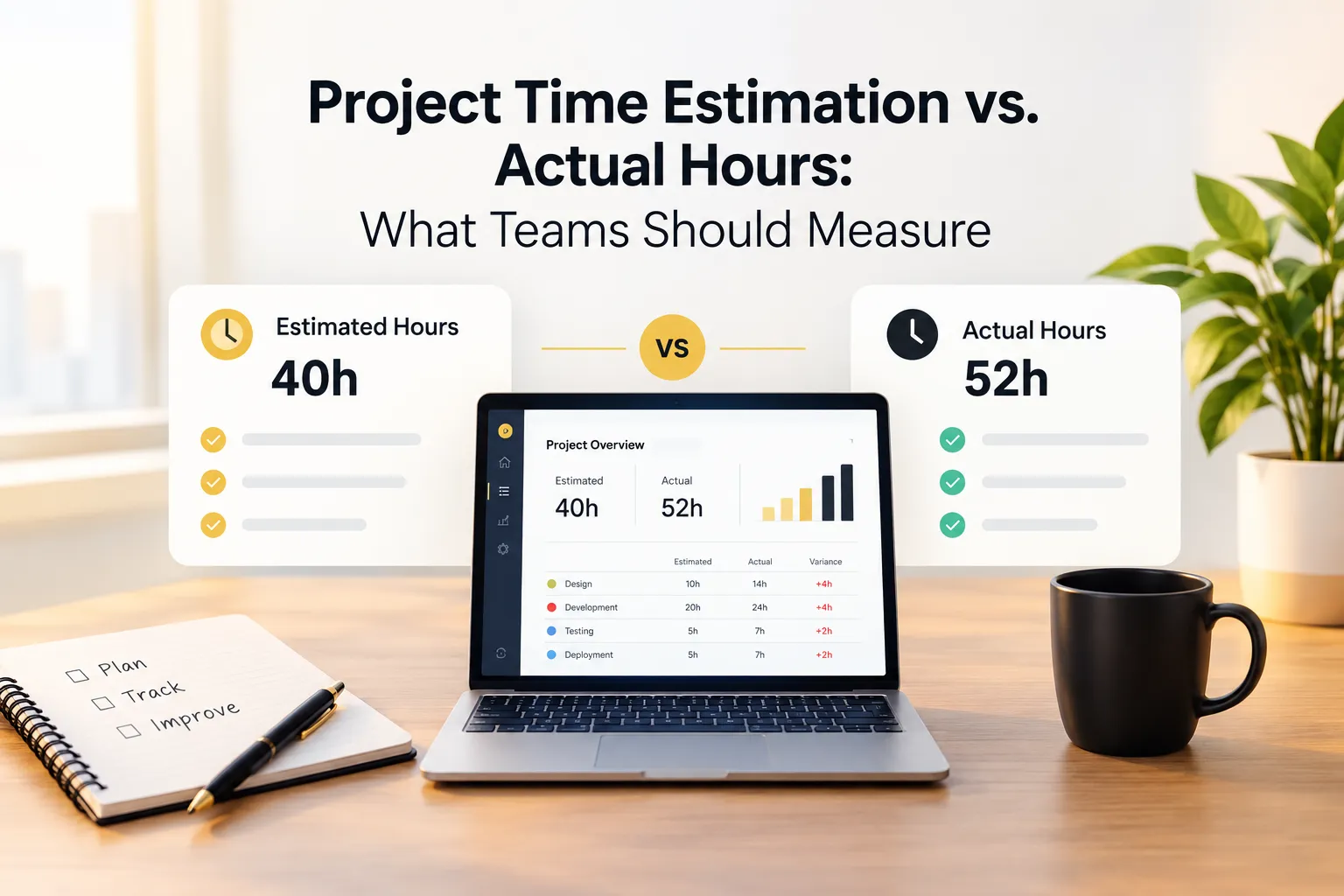
Quick answer: Comparing estimated hours with actual hours shows how accurate your planning really is. With project time tracking, teams should measure variance by task type, the effect of scope changes, rework, and how workloads were distributed, then use those findings to plan better resources and set more realistic estimates on the next project.
Every project begins with a plan, and every plan includes a number: how long the work will take. Then the project starts, and reality rarely matches that number. Tasks run long, requirements shift, and unplanned work appears.
The gap between estimated and actual hours is not a failure. It is one of the most useful pieces of information a team can collect. But only if someone measures it, and only if the team knows what to do with it.
This article explains what teams should measure when comparing estimates with actual hours, how to use project time tracking to improve resource planning, how to handle scope changes, and how to turn completed projects into better plans.
Why Estimates and Actuals Rarely Match
Understanding why estimates miss helps you decide what to measure. The most common causes are predictable.
Optimism in planning
People tend to estimate for the best case. They imagine the task going smoothly, with no interruptions, questions, or rework.
Hidden work
Reviews, revisions, meetings, handoffs, and communication rarely appear in a task estimate, yet they take real time.
Scope changes
Requirements evolve. A small addition here and a changed priority there can add up to a very different project from the one that was estimated.
Interruptions and context switching
Team members rarely work on one thing at a time. Switching between projects costs effort that nobody planned for.
Uncertainty
Some tasks involve unknowns that cannot be seen until the work begins.
None of these is unusual. The goal is not to eliminate the gap, but to understand it and narrow it over time.
What Project Time Tracking Adds
Without recorded time, comparing estimates with actuals depends on memory, and memory is generous. People remember the work that went well and forget the extra hours.
Project time tracking records the hours spent on each project and task as work happens. That creates an objective record you can set against your plan. Tracked time tied to specific tasks also lets you see where the gap came from, not just that it exists.
What Teams Should Measure
Not every metric is worth collecting. These six give the clearest insight without creating extra work.
1. Variance between estimated and actual hours
The basic measure is the difference between the hours planned and the hours used, at both project and task level. Look at the direction as well as the size. Consistent overruns point to a planning habit. Random swings point to uncertainty.
2. Variance by type of task
Averages hide patterns. A team may estimate writing tasks well and design tasks poorly, or the reverse. Breaking variance down by task type shows exactly where your estimates need adjusting.
3. Hours added by scope changes
Track how much effort went to work that was not in the original plan. This separates two very different causes of overruns: poor estimation and changing requirements. Each calls for a different fix.
4. Rework and revision time
Revisions are a normal part of most projects, but their size varies enormously. Measuring the time spent on rework shows how much effort goes into correcting and refining instead of creating, and highlights where clearer requirements or feedback processes would help.
5. Coordination and overhead time
Meetings, handoffs, and communication consume real hours. Tracking them as their own category reveals how much of the project is spent on coordination and whether the balance is right.
6. Workload distribution
How were the hours spread across the team? If one person carried a large share while others had capacity, the project may have succeeded at a hidden cost. Workload data is essential for resource planning.
Using the Data for Better Resource Planning
Resource planning is where estimation data pays off most directly.
-
Plan around real capacity. Tracked hours show how much productive time each person actually has in a week, after meetings and overhead. Plan to that number, not to a full working week.
-
Match work to skills and availability. Historical data shows who tends to handle which types of tasks and how long they usually take.
-
Spot overload early. If one person's hours are climbing on a live project, redistribute work before quality or morale drops.
-
Build in margin. Use your measured variance to add a realistic buffer to future estimates.
-
Forecast more confidently. The more completed projects you have measured, the better your forecasts become.
A platform that brings project management and time tracking together, such as Prime Teams, keeps task ownership, tracked hours, and team workloads in one place, which makes this kind of planning faster.
Handling Scope Changes Without Losing Track
Scope changes are one of the biggest reasons actual hours exceed estimates, and one of the hardest to manage if they are not visible.
-
Record changes as they happen. Note when requirements change, who requested the change, and what it affects.
-
Track the added work separately. Where possible, track time on additions as distinct tasks, so you can see their effect.
-
Revisit the plan. When scope grows, adjust estimates, deadlines, or resources, or agree to trade something off.
This turns scope conversations from opinion into evidence. It also protects teams from the quiet accumulation of small additions that nobody planned for.
Learning from Completed Projects
A completed project is a rich source of data, but only if you look at it deliberately.
Hold a short review
Within a couple of weeks of finishing, review the numbers with the team:
-
Where did actual hours differ most from estimates?
-
What caused the biggest overruns or savings?
-
How much effort went to scope changes and rework?
-
Was the workload fair across the team?
-
What would we estimate differently next time?
Record two or three lessons
Keep it concrete. For example: "Design tasks took about a third longer than planned because of extra feedback rounds, so plan for two review cycles next time." Small, specific adjustments compound quickly.
Keep a reference library
Store actual hours for common task types. Over time, you build a practical guide for estimating future work, based on your own team's reality instead of generic assumptions.
Common Mistakes to Avoid
-
Treating variance as blame. If people fear being judged for overruns, they hide them, and your data becomes unreliable.
-
Looking only at totals. Project-level numbers conceal the task-level patterns that matter.
-
Ignoring scope changes. Blaming estimation alone misses the real cause of many overruns.
-
Estimating without past data. Your own history is the best predictor of future effort.
-
Reviewing too late. Comparing estimates with actuals only at the end leaves no chance to correct course.
-
Tracking without tasks. Hours not tied to specific tasks cannot explain anything.
A Simple Starting Routine
-
Break projects into tasks and record an estimate for each.
-
Track time inside those tasks as work happens.
-
Review estimates against actuals each week while the project is running.
-
Note scope changes and the hours they add.
-
Hold a short review at the end, and capture two or three lessons.
-
Use those lessons to adjust the next set of estimates.
Frequently Asked Questions
What is project time tracking?
Project time tracking is the practice of recording the hours spent on each project and task. It gives teams an accurate record of effort that can be compared with plans and used to improve future estimates and resource planning.
Why compare estimated hours with actual hours?
The comparison shows how accurate your planning is, where effort went, and what caused overruns or savings. It turns each project into evidence for better estimates.
What should teams measure when comparing estimates with actuals?
Measure variance overall and by task type, hours added by scope changes, rework and revision time, coordination overhead, and workload distribution.
How can teams improve estimation accuracy?
Estimate at the task level, use past project data, ask the people doing the work, include time for reviews and revisions, and add a margin based on measured variance. Review results after every project.
Final Thoughts
The difference between estimated and actual hours is not a problem to hide. It is feedback. Teams that measure it, understand its causes, and apply the lessons gradually plan more accurately, distribute work more fairly, and handle scope changes with evidence instead of guesswork.
Start with project time tracking tied to specific tasks, compare plans with reality while projects are still running, and treat every completed project as the starting point for a better estimate.