How Multimodal AI Is Creating a New Generation of Mobile Apps
56 Views
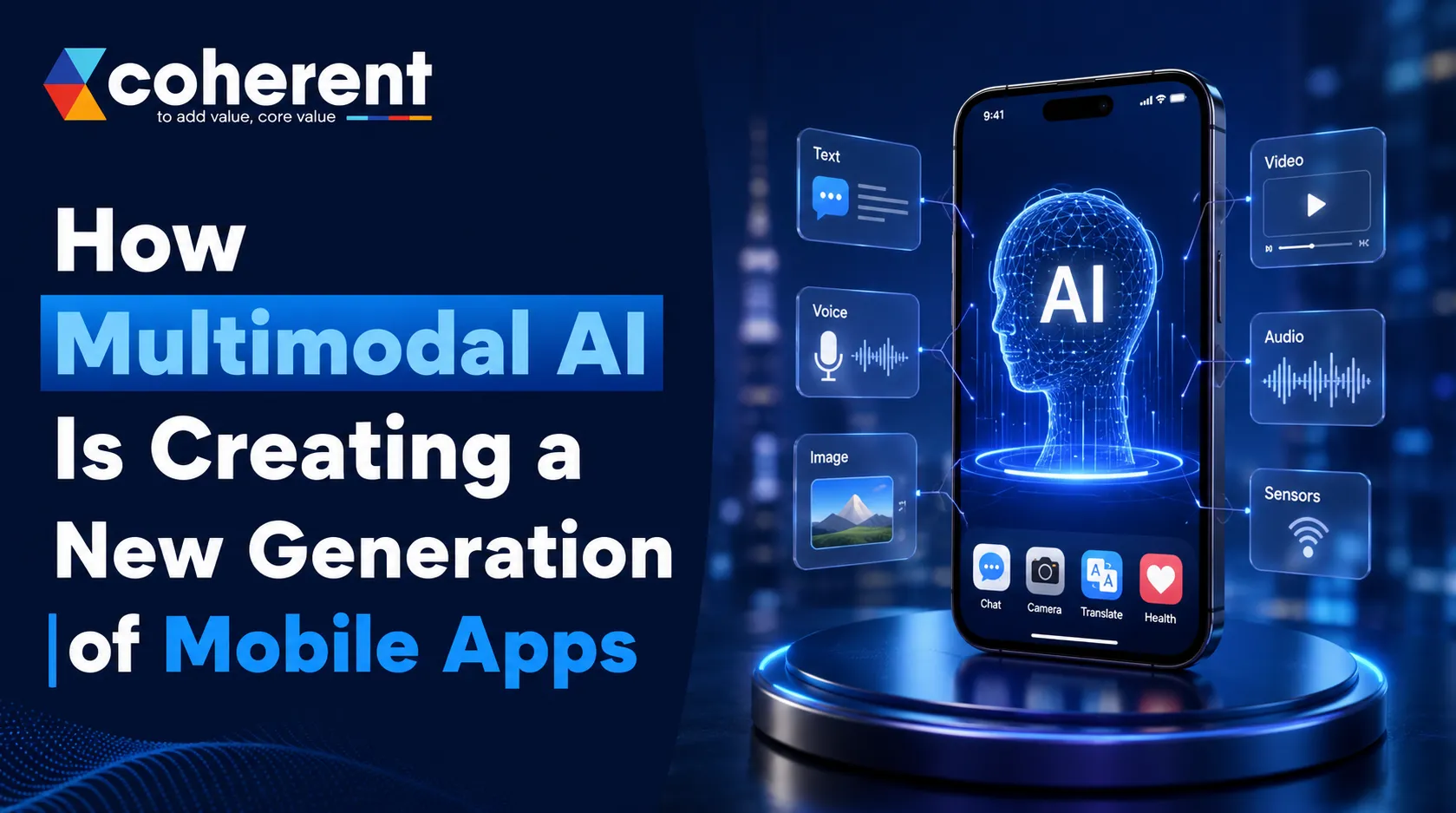
Mobile apps are entering a new phase. For years, apps mainly relied on text, taps, forms, images, and predefined commands. But multimodal AI is changing that experience by allowing mobile applications to understand and work with multiple types of information—such as text, images, voice, video, and other contextual signals—within a single experience.
Instead of simply asking users to interact with an interface, AI-powered mobile apps can increasingly understand what users say, show, type, and do. This opens the door to smarter personal assistants, visual search apps, healthcare solutions, educational platforms, e-commerce experiences, travel apps, and business applications.
This guide explains how multimodal AI is transforming mobile app development, the technologies behind it, key use cases, benefits, challenges, development costs, and what businesses should consider before building a multimodal AI app.
What Is Multimodal AI?
Multimodal AI refers to artificial intelligence systems that can process and understand multiple types of data, often called modalities.Traditional AI applications may specialize in one type of input. A speech recognition system, for example, primarily processes audio. A computer vision model focuses on images or video.Multimodal AI brings these capabilities together so an application can understand information from different sources and generate a more contextual response.
- Text
- Images
- Voice and audio
- Video
- Documents
Why Multimodal AI Matters for Mobile App Development
Mobile devices already provide powerful capabilities through cameras, microphones, GPS, sensors, and user-generated content. Multimodal AI brings these capabilities together with intelligent AI models, allowing applications to understand users in more natural and contextual ways. This can transform ordinary mobile apps into smarter digital experiences that respond to voice, images, text, and other inputs while helping businesses improve personalization, automation, accessibility, and customer engagement.
From Tap-Based Apps to AI-Driven Experiences
Traditional mobile applications usually depend on predictable screen-based workflows where users search, select options, enter information, and submit requests. Multimodal AI can make these interactions more conversational and flexible. Users can speak, show an image, ask a question, and receive an intelligent response, reducing unnecessary navigation and creating a smoother AI-powered mobile app experience.
- Reduce user interaction steps
- Simplify complex workflows
- Improve app usability
- Enable natural-language interactions
- Provide contextual responses
- Create more personalized experiences
Why Businesses Are Investing in Multimodal AI
Businesses are increasingly exploring multimodal AI app development because it can improve both customer experiences and internal operations. By combining AI with mobile capabilities, companies can automate repetitive processes, understand different types of user input, and deliver more personalized services. This makes multimodal AI valuable across industries such as e-commerce, healthcare, travel, education, finance, retail, and customer service.
- Improve mobile app personalization
- Automate repetitive business tasks
- Create conversational user experiences
- Enhance AI-powered customer support
- Enable visual product search
How Multimodal AI Is Changing Mobile Apps
The biggest change brought by multimodal AI is not simply adding artificial intelligence to an existing application—it is transforming how people interact with mobile software. Users can now communicate through voice, images, documents, and video instead of relying only on taps and text. This creates more natural, personalized, and convenient experiences while helping businesses build smarter AI-powered mobile apps across industries such as e-commerce, travel, education, healthcare, and entertainment.
1. Voice Is Becoming a Natural Interface
Voice AI is making mobile interactions faster and more conversational. Instead of typing keywords or navigating several screens, users can simply tell an application what they need. Multimodal AI can understand spoken requests and connect them with relevant app functions, Travel and booking applications
- Personal productivity apps
- Customer service platforms
- Automotive applications
- Healthcare applications
- Education apps
- Smart home applications
2. Images Become Searchable Data
Multimodal AI is turning images into valuable, searchable information. With computer vision, mobile applications can understand objects, products, scenes, and visual details. Instead of typing a product name, users can simply upload a photograph and let AI identify what they are looking for. This makes AI visual search particularly valuable for e-commerce, retail, fashion, and marketplace applications.
- Upload a clothing image
- Identify the product style
- Find visually similar products
- Compare available prices
- Discover matching accessories
- Generate AI-powered outfit recommendations
3. AI Can Understand Documents
Documents are another area where multimodal AI can simplify mobile experiences. Modern AI models can analyze text along with visual document elements, allowing applications to extract useful information from photographs and uploaded files. Businesses can use this capability to reduce manual data entry and create smarter document processing apps for customers and employees.
- Invoices and receipts
- Application forms
- Contracts and agreements
- Identity documents
- Business reports
- Product manuals
- Financial documents
A user could photograph a document and ask the AI questions about its contents. The application can then extract relevant information, summarize it, or organize the data into the appropriate workflow.
4. Video Can Add Another Layer of Intelligence
Video gives AI access to significantly more context than a single image. Multimodal AI can analyze selected video content to understand objects, activities, scenes, or events, depending on the model and implementation. This creates opportunities for AI-powered mobile applications that need richer visual understanding, real-time assistance, or activity-based insights.
- AI fitness coaching
- Sports performance analysis
- Security monitoring
- Educational applications
- Product demonstrations
Benefits of Multimodal AI for Mobile Applications
Multimodal AI offers businesses more than advanced technology—it can improve how users experience and interact with mobile applications. By combining text, voice, images, video, and contextual information, apps can become more intuitive, personalized, and efficient. These capabilities can help businesses increase engagement, simplify customer journeys, improve accessibility, automate repetitive tasks, and create a stronger competitive position in an increasingly AI-driven mobile app market.
Better User Experience
Multimodal AI creates a more natural way for people to interact with mobile applications. Users are no longer limited to typing or tapping through multiple screens. They can speak, upload an image, type a question, or combine different inputs. This flexible interaction can make AI-powered mobile apps easier, faster, and more convenient to use.
Higher Personalization
Multimodal AI can understand multiple contextual signals to deliver more relevant experiences. Instead of relying only on basic user history, an AI system can combine preferences, conversations, images, and current requests. This allows businesses to build personalized mobile app experiences that feel more relevant to individual customers and their specific needs.
Improved Accessibility
Multimodal AI can make mobile applications more accessible by giving users different ways to communicate with technology. Voice interaction can reduce the need for typing, while image and conversational features can simplify complex workflows. By supporting multiple interaction methods, businesses can create more inclusive mobile app experiences for a wider range of users.
Faster Task Completion
One of the biggest benefits of multimodal AI is its ability to reduce unnecessary steps. Instead of opening multiple screens, searching through menus, and entering information manually, users can explain what they want in natural language. The AI can understand the request and guide or complete appropriate actions, making mobile experiences significantly more efficient.
Competitive Advantage
As more businesses adopt AI-powered mobile applications, multimodal capabilities can help brands create experiences that stand apart from traditional apps. Companies that focus on solving real customer problems with voice, vision, and conversational AI can build stronger engagement and differentiation. The advantage comes from useful AI—not simply adding technology for the sake of innovation.
Multimodal AI Works Alongside Traditional UI
The goal of multimodal AI is not to completely replace traditional mobile interfaces. Instead, AI can work alongside buttons, menus, forms, and navigation to make applications more flexible and intelligent. Users can choose the interaction method they prefer, while businesses can combine familiar UI patterns with AI-driven mobile experiences for better usability.
Best Practices for Multimodal AI App Development
Successful multimodal AI app development is not about adding every available AI feature. The focus should be on building reliable, useful, secure, and user-friendly experiences. Businesses should start with a clear customer problem, select the right AI models, protect sensitive information, control infrastructure costs, and prepare for AI errors. Following these AI app development best practices can help create scalable mobile applications that deliver genuine business and customer value.
Start With One Strong AI Use Case
A successful AI mobile app should begin with one clear and valuable use case instead of launching with too many experimental features. Identify the biggest customer pain point and use AI to solve it effectively. A focused MVP makes development easier, reduces initial costs, and provides real user feedback before expanding the application.
- A specific customer problem
- A measurable business objective
- The most suitable AI capability
- Expected user benefits
- MVP features and priorities
- Success metrics for the AI feature
Keep Humans in Control
AI should assist users rather than remove their control over important decisions or actions. A well-designed multimodal AI application should provide users with opportunities to review, correct, confirm, or reject AI-generated results. This creates greater transparency and trust while reducing the impact of incorrect AI responses or unexpected automated actions.
- Review AI-generated results
- Correct incorrect information
- Approve important actions
- Undo automated actions
- Ask follow-up questions
- Provide feedback
Protect User Data
Multimodal applications can process sensitive information through cameras, microphones, documents, conversations, and personal data. Strong security should therefore be included from the beginning of development. Businesses should implement appropriate technical and organizational safeguards to protect user information and maintain trust throughout the AI mobile app development lifecycle.
- Data encryption
- Secure authentication
- Role-based access controls
- Secure API communication
- Appropriate data retention policies
- Privacy-focused data handling
- Regular security testing
Optimize AI Costs
AI infrastructure costs can increase as application usage grows, particularly when processing images, audio, video, and large volumes of requests. Businesses should select AI models according to the complexity of each task. Smaller or specialized models may handle simple operations efficiently, while advanced multimodal models can be reserved for complex reasoning and high-value workflows.
- Choose models based on task complexity
- Reduce unnecessary API requests
- Optimize image and video processing
- Use caching where appropriate
- Monitor token and inference usage
- Scale cloud resources based on demand
Design for Failure
AI systems can occasionally misunderstand a voice request, misinterpret an image, provide inaccurate information, or fail to complete an action. Instead of showing a generic error, applications should provide clear recovery options. Thoughtful AI UX design should explain what went wrong and help users continue their task without frustration.
- Clear error messages
- Alternative actions
- Retry options
- Human support when necessary
- User correction controls
- Confirmation for sensitive actions
- Safe fallback workflows
On-Device AI vs Cloud AI for Mobile Apps
Choosing between on-device AI and cloud-based AI is an important decision in AI mobile app development. The right architecture depends on factors such as privacy, performance, connectivity, device capabilities, model complexity, and operating costs. Some applications can benefit from processing AI directly on smartphones, while others need powerful cloud infrastructure. For many modern multimodal applications, combining both approaches can provide a balanced solution.
On-Device AI
On-device AI processes selected AI workloads directly on a user's smartphone without sending every request to a remote server. This approach can improve responsiveness and reduce dependence on internet connectivity. It can be particularly useful for privacy-sensitive features and applications that need basic AI functionality even when the user has limited or no network access.
- Lower dependence on network connectivity
- Potentially faster responses
- Better privacy for suitable workloads
- Offline functionality for supported features
- Reduced cloud API requests
Cloud-Based AI
Cloud-based AI sends application data to remote servers or AI platforms for processing. This approach provides access to powerful models and scalable computing resources, making it suitable for complex multimodal AI applications that require advanced reasoning, image processing, speech capabilities, or large-scale data processing.
- Access to larger and more capable AI models
- Centralized model and system updates
- Powerful computational resources
- Easier scaling for growing user demand
- Suitable for complex AI workloads
Hybrid AI Architecture
A hybrid AI architecture combines on-device and cloud-based processing to balance performance, privacy, scalability, and cost. Simple or privacy-sensitive tasks can be handled directly on the smartphone, while complex AI workloads are sent to the cloud. This approach can be especially effective for multimodal mobile app development where different AI tasks have different requirements.
- Process simple tasks on-device
- Send complex requests to cloud AI
- Reduce unnecessary network requests
- Improve responsiveness
- Support selected offline capabilities
- Balance privacy and AI performance
- Optimize cloud infrastructure costs
How Coherent Lab Can Help Build AI-Powered Mobile Apps
Building a multimodal AI application requires expertise across mobile app development, AI integration, backend engineering, cloud infrastructure, UI/UX, and security.Coherent Lab LLP helps businesses develop modern mobile and AI-powered digital solutions tailored to their business requirements.Whether the goal is an AI chatbot, visual search application, voice-enabled assistant, intelligent recommendation engine, or a more advanced multimodal AI platform, the development process should begin with a clear use case and scalable technical architecture.Businesses can explore Coherent lab to learn more about building AI-powered applications.
Final Thoughts
Multimodal AI is changing the way people interact with mobile applications. Instead of relying only on buttons, menus, and text fields, users can increasingly communicate through voice, images, documents, video, and natural language. This shift is making mobile experiences more intuitive, conversational, personalized, and efficient.
Companies that approach multimodal AI app development strategically—starting with a real customer problem and building a reliable, secure, and scalable solution—will be better positioned to create the next generation of mobile applications.Ready to build a smarter and more engaging AI-powered mobile application.