CPQ for Microsoft Dynamics: Streamlining Sales and Quoting
16 Views
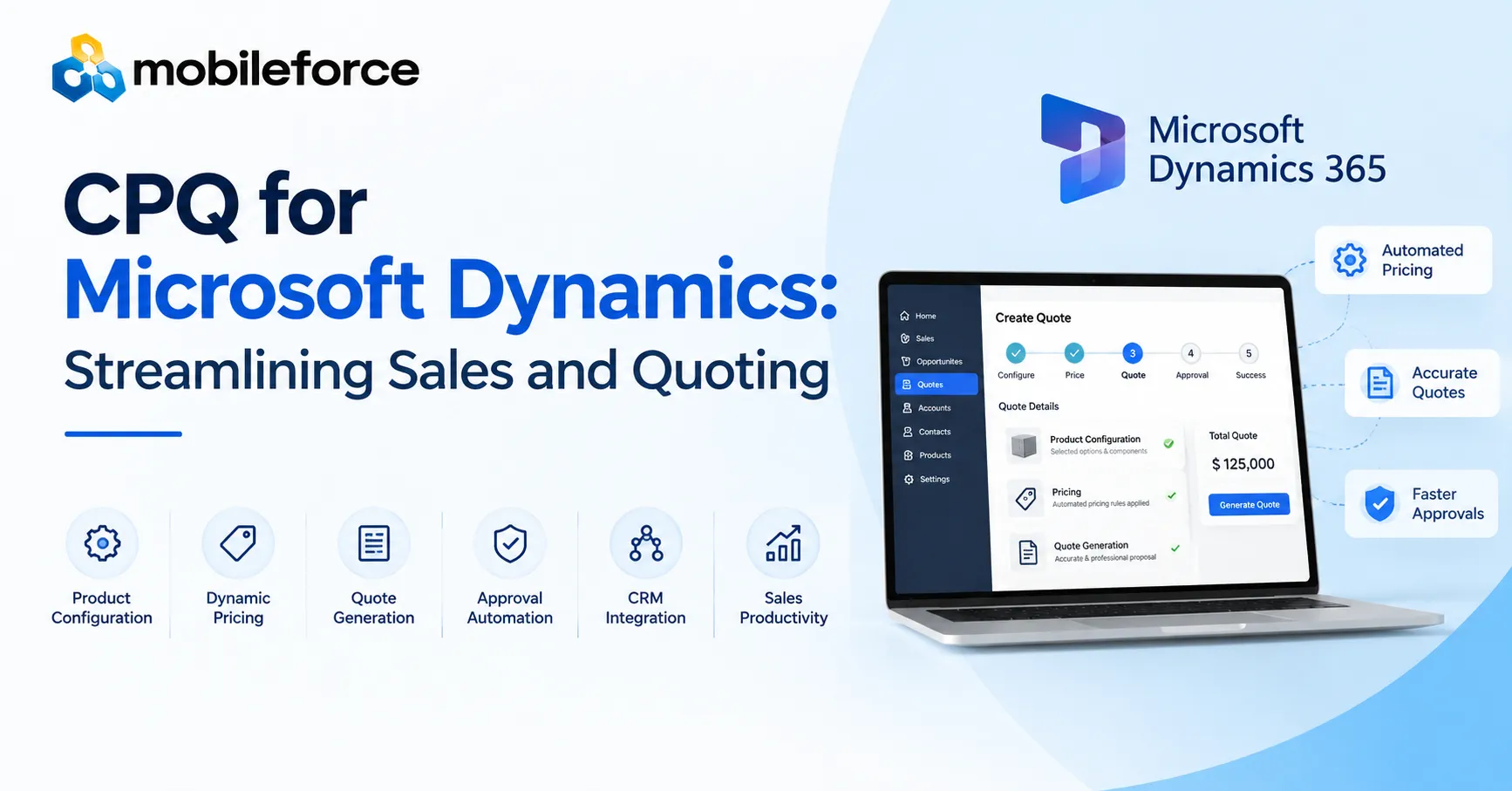
CPQ for Microsoft Dynamics helps businesses simplify complex product configuration, automate pricing, generate accurate quotes, and manage approvals within connected sales processes. By combining Configure Price Quote capabilities with customer relationship management data, organizations can reduce repetitive tasks, improve quote consistency, and help sales representatives respond to customer requirements more efficiently.
Modern sales teams often manage multiple product options, customer-specific discounts, changing price lists, and internal approval requirements. When these activities depend on spreadsheets and disconnected tools, errors become harder to prevent and opportunities can take longer to close. A structured quoting process gives sales teams greater control over product selection, pricing accuracy, and communication throughout the sales cycle.
What Is CPQ for Microsoft Dynamics?
CPQ for Microsoft Dynamics is a solution that connects product configuration, pricing calculations, and quote generation with Microsoft Dynamics customer data. It helps sales teams apply business rules consistently, reduce manual work, manage approvals, and prepare accurate customer proposals. This integration supports more efficient selling and improves visibility across quoting activities.
Why Sales Teams Need a Smarter Quoting Process
Sales complexity increases when businesses offer configurable products, subscription packages, service bundles, or customer-specific pricing. Representatives must understand product compatibility, calculate costs, apply discounts, and follow company policies before sending a proposal.
Manual processes make these responsibilities difficult to manage consistently. A representative might select incompatible components, use an outdated price list, or overlook an approval requirement. Even when individual mistakes are corrected, repeated revisions consume time that could otherwise support customer conversations.
An integrated quoting approach establishes a repeatable process for turning customer requirements into commercially accurate proposals. Instead of relying on personal spreadsheets or disconnected documents, teams can follow standardized rules and access relevant information through their existing sales environment.
The objective is not simply to produce quotes faster. It is to create a dependable workflow that balances customer flexibility, pricing discipline, operational efficiency, and revenue visibility.
Key Benefits of Microsoft Dynamics CPQ
1. Guided Product Configuration
Businesses selling configurable products need a reliable way to match customer requirements with compatible products, components, and services. Guided configuration uses predefined rules to help representatives select suitable options without overlooking important dependencies.
For example, an industrial equipment supplier might offer several machine models, optional accessories, maintenance packages, and installation services. Configuration rules can restrict incompatible combinations and identify required components before a quote moves forward.
This approach helps standardize product selection while allowing representatives to accommodate legitimate customer preferences. It also reduces the need to consult product specialists for routine configuration questions.
2. Automated Pricing and Discount Management
Pricing becomes challenging when a business maintains multiple price lists, volume-based discounts, negotiated agreements, regional adjustments, and promotional offers. Manual calculations increase the likelihood of inconsistent prices and margin mistakes.
CPQ Software can apply approved pricing rules automatically, using relevant product information and customer-specific conditions. Representatives can calculate totals more consistently and understand how discounts affect the final proposal.
For instance, a distributor serving several customer segments might maintain different pricing arrangements for each segment. A rules-based workflow can apply the appropriate arrangement while flagging discounts that exceed authorized limits.
Businesses should review pricing rules regularly to ensure they reflect current commercial policies and contractual commitments.
3. Accurate Quote Generation
Preparing a customer proposal involves more than calculating a total. Quotes may include product descriptions, quantities, selected options, service terms, delivery details, taxes, discounts, and expiration dates.
Automated quote generation assembles these details into a consistent document using approved templates. When representatives change quantities or product selections, the system can recalculate relevant values and update the proposal.
Standardized templates improve readability and help ensure customers receive complete information. They also make it easier for sales managers to review proposals and identify missing details before delivery.
4. Faster Approval Workflows
Special pricing, unusual contract terms, and high-value opportunities often require management or finance approval. Email-based processes can create delays when requests lack context or remain unnoticed in busy inboxes.
Approval workflows route requests to the appropriate reviewers according to business-defined conditions. A discount beyond a specified threshold, for example, might require sales management approval, while nonstandard payment terms could require finance review.
Clear routing rules, notification mechanisms, and approval records help teams understand who must act next. Organizations should also establish escalation procedures for requests that remain pending beyond an acceptable period.
5. Connected CRM Information
Effective quoting depends on accurate customer and opportunity information. Sales representatives need to understand account details, deal stages, product interests, and previous interactions before preparing proposals.
CRM integration connects quoting activities with relevant customer records. Depending on the implementation, teams can retrieve opportunity details, associate quotes with accounts, and update records when proposals change status.
This visibility helps representatives maintain context without repeatedly entering the same information. It also supports sales managers who need to monitor pipeline activity and identify opportunities requiring attention.
How CPQ Software Improves Sales Automation
Sales automation works best when connected activities follow a consistent sequence. A well-designed quoting workflow can begin with an opportunity in Microsoft Dynamics and continue through configuration, pricing, validation, approvals, proposal delivery, and opportunity updates.
Each stage should use reliable data from the preceding step. For example, changing a product option should trigger the relevant pricing calculations and validation checks rather than requiring representatives to update separate spreadsheets manually.
Mobileforce is one example of a platform to evaluate when comparing configurable quoting workflows, pricing automation, and CRM-connected sales processes against business requirements.
Automation should still allow appropriate human judgment. Complex negotiations, unusual contractual arrangements, and exceptions involving strategic customers may require experienced sales, finance, or legal professionals.
The strongest implementations automate predictable tasks while directing exceptions to the people equipped to resolve them.
Realistic Business Example: From Opportunity to Quote
Consider a technology provider selling software subscriptions, implementation services, and optional support packages. A representative creates an opportunity in Microsoft Dynamics after discussing requirements with a prospective customer.
The quoting workflow retrieves relevant customer information and guides the representative through package selection. Configuration rules ensure that selected features are compatible, while pricing logic calculates subscription charges and implementation fees.
The representative requests a discount that exceeds the standard authorization limit. The system routes the proposal to the appropriate manager, who reviews the deal and approves the request or recommends an adjustment.
After approval, the representative generates a customer-ready proposal using the organization's approved template. Quote details remain associated with the opportunity, allowing the sales team to track the proposal's status and follow up appropriately.
This example illustrates how connected workflows can reduce repeated data entry and make responsibilities clearer. Actual results depend on configuration quality, integration scope, user adoption, and the complexity of the company's sales process.
Implementation Challenges and Best Practices
Define Requirements Before Selecting a Solution
Start by documenting the existing quoting process, including product dependencies, pricing exceptions, approval thresholds, document requirements, and system integrations.
Interview representatives, sales managers, finance teams, and product specialists to identify recurring problems. Prioritize issues that create meaningful operational risk or consume substantial employee time.
Clean and Standardize Product Data
Configuration and pricing rules depend on accurate product catalogs, price lists, and customer information. Duplicate records, outdated descriptions, and inconsistent identifiers can undermine otherwise capable automation.
Establish data ownership and review procedures before migrating information into the quoting workflow. Assign responsibility for maintaining product rules, pricing changes, and approval policies.
Plan CRM Integration Carefully
Confirm which records must synchronize, which system owns each data field, and when updates should occur. Test how the workflow handles missing information, failed synchronization, duplicate submissions, and changes made after a quote has been created.
Document error-handling procedures so representatives know how to resolve problems without creating conflicting records.
Introduce Automation in Manageable Stages
Begin with a clearly defined use case, such as standard product bundles or routine discount approvals. Test common transactions alongside unusual configurations and exception scenarios.
Gather feedback from a small group of representatives before expanding deployment. Training should explain not only which buttons to use but also why configuration rules and approval policies exist.
Monitor Performance and Refine Workflows
Establish baseline measurements before implementation. Useful indicators include quote preparation time, revision frequency, approval turnaround, pricing exceptions, quote conversion, and user adoption.
Review these indicators periodically rather than assuming that automation automatically improves every outcome. Use findings to refine product rules, remove unnecessary approval steps, and address integration problems.
Measuring the Impact on Revenue Operations
Quoting improvements should support broader revenue operations objectives, including reliable forecasting, consistent commercial policies, and better coordination between sales and finance.
Track operational indicators alongside business outcomes. Faster quote creation is valuable, but teams should also examine quote accuracy, discount compliance, customer responsiveness, and conversion rates.
Interpret results in context. Changes in deal size, customer mix, product complexity, or market conditions can influence sales performance independently of quoting technology.
A balanced measurement framework helps decision-makers distinguish genuine process improvements from temporary fluctuations. It also provides evidence for deciding whether to expand automation or adjust existing workflows.
Frequently Asked Questions
1. What is CPQ in Microsoft Dynamics?
CPQ refers to Configure Price Quote technology that helps sales teams select compatible products, calculate prices, apply discounts, and generate customer proposals. When connected with Microsoft Dynamics, it can use CRM information to support consistent quoting workflows.
2. Does Microsoft Dynamics include built-in CPQ functionality?
Microsoft Dynamics provides CRM capabilities, but the availability of dedicated CPQ features depends on the specific Dynamics product, licensing, configuration, and connected applications. Businesses should verify their requirements against current product documentation and evaluate suitable extensions when necessary.
3. How does CPQ reduce quoting errors?
CPQ solutions can enforce product compatibility rules, apply approved pricing calculations, validate required information, and generate standardized documents. These controls reduce opportunities for manual mistakes, although accurate source data and regular rule maintenance remain essential.
4. Can CPQ automate sales approvals?
Yes. Configurable approval workflows can route quotes according to discount thresholds, deal values, contract conditions, or other business policies. Organizations should define clear authorization levels and escalation procedures to prevent unnecessary delays.
5. How should a business choose a CPQ solution?
Evaluate product complexity, pricing requirements, Microsoft Dynamics compatibility, integration capabilities, approval needs, reporting, usability, scalability, implementation effort, and total ownership costs. Pilot the preferred solution with representative sales scenarios before committing to a broader rollout.
Turn Your Quoting Workflow Into a Competitive Advantage
Efficient quoting depends on more than generating documents quickly. Businesses need accurate product configurations, dependable pricing, timely approvals, connected customer information, and clear performance measurements.
CPQ for Microsoft Dynamics can support these objectives when its workflows reflect actual selling requirements and its underlying data remains reliable. Success requires thoughtful implementation, practical training, and continuous improvement rather than automation alone.
Start by reviewing your current quoting process. Identify the most frequent errors, longest approval delays, and most repetitive tasks. Then compare suitable CPQ solutions against those priorities, request realistic demonstrations, and test representative scenarios before making a decision. A measured, requirements-driven approach can help your sales team improve consistency, protect pricing discipline, and deliver a smoother customer experience.
SEO Metadata
Meta Title: CPQ for Microsoft Dynamics: Streamline Sales and Quotes
Meta Description: Discover how CPQ for Microsoft Dynamics simplifies product configuration, automates pricing, speeds approvals, and improves