What Live Screen Monitoring Actually Shows You (And What It Doesn't)
By Prime Teams
70 Views
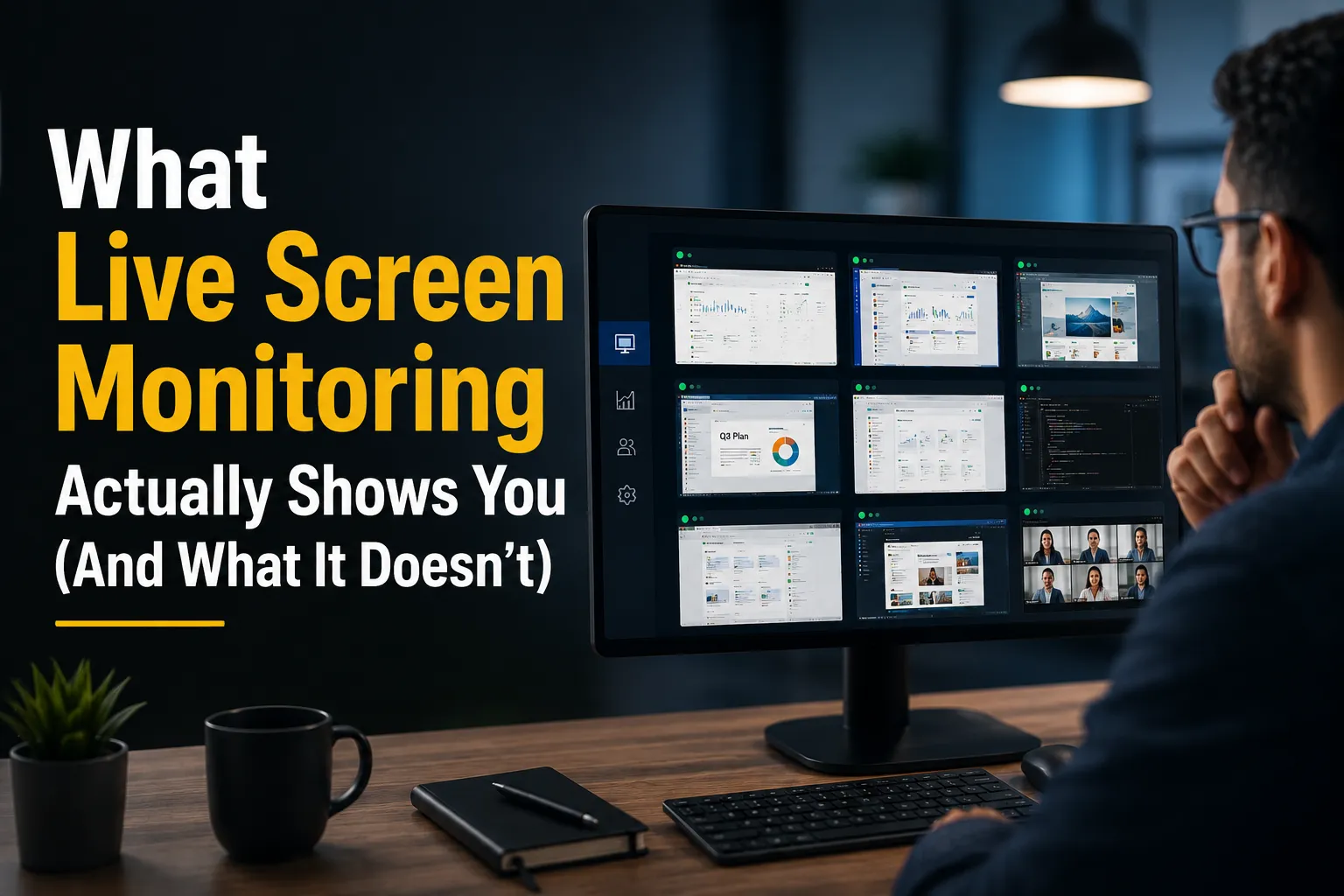
"Screen monitoring" is one of those features that gets a reaction before anyone's actually looked at what it does. Some agency owners hear it and think, "Finally, real visibility." Others hear it and think, "I don't want to run a surveillance operation." Both reactions usually happen before anyone's asked the more useful question: what does it actually show, and where does it actually help?
Worth answering plainly, because the honest answer is more specific — and more limited — than either reaction assumes.
Prime Teams is a workforce and project management platform built specifically for teams that need to see where hours, tasks, and progress actually go — time tracking, project management, attendance, and team structure, all in one connected system rather than four disconnected tools. Live screen monitoring is one piece of that platform, not the whole story, and it's worth understanding on its own terms before deciding whether it belongs in your agency's stack.
The Visibility Problem It's Actually Solving
Every post in this series has circled the same core issue from a different angle: agencies run on hours, and most of the time, agency owners and team leads don't have a clear, real-time picture of where those hours are actually going. Time tracking tells you a number. Project management tells you a status. Neither one tells you what was actually happening on someone's screen at 2:47pm when a task was marked "in progress" for the fourth day in a row.
That's the specific gap live screen monitoring fills — not a replacement for time tracking or project management, but the layer underneath both of them, showing actual activity behind the numbers instead of just the numbers themselves.
For distributed teams especially, this addresses something an in-office setup gives you automatically and remote work quietly takes away: the ambient, walk-by-the-desk sense of what people are actually doing, versus what a status update says they're doing.
What It's Genuinely Useful For
Verifying that logged hours match logged work. If someone's timesheet says 6 hours on a client project, screen activity and screenshots tied to that time entry give you something to check that number against — not to catch people out, but because a number with nothing behind it isn't actually verifiable, and billing clients off unverifiable numbers is a real risk.
Catching a stalled task before it becomes a missed deadline. A task sitting "in progress" for three days might mean someone's deep in focused work, or it might mean they're stuck and haven't said so. Activity visibility gives you a way to tell the difference without having to ask directly, which matters when asking directly can feel like checking up on someone.
Supporting freelance and contractor billing with real data. As covered in this series' piece on freelancer time tracking, contractor hours are often the least visible part of an agency's operations. Activity data tied to logged time gives you something to verify freelance invoices against, instead of taking a summary email on faith.
Onboarding new remote hires with less guesswork. In someone's first few weeks, it's genuinely useful to see how they're spending time — not to judge them, but to catch early confusion about priorities or workflow before it becomes a pattern nobody addressed.
What It Doesn't Do (And Shouldn't Be Sold As)
It's not a productivity score. Activity on a screen isn't the same as good work — someone can look "active" while producing nothing useful, and someone can look "idle" while thinking through a hard problem. Treating raw activity data as a stand-in for output quality is a misuse of the tool, not a feature of it.
It's not a substitute for trusting your team. If the plan is to replace every management conversation with a dashboard, that's not what this closes the gap on — it's meant to fill in the specific blind spots remote work creates, not to remove judgment and conversation from how you manage people.
It's not something to roll out silently. Monitoring that employees don't know is happening is a trust problem waiting to happen, and in some places, a legal one — many jurisdictions have specific disclosure requirements for workplace monitoring. Whatever you use this for, tell your team clearly what's being tracked and why before you turn it on, and check what your local employment laws require.
Who This Genuinely Fits — and Who It Might Not
Fully remote or hybrid agencies managing distributed teams across time zones are the clearest fit — the visibility gap is real and constant, and this closes a meaningful piece of it. Agencies working heavily with freelancers and contractors, where billing accuracy depends on verifiable hours, are another strong fit.
Where it fits less naturally: small, senior, highly autonomous teams where trust is already high and the visibility gap this solves isn't really the problem the agency has. Rolling this out there isn't wrong, exactly, but it's worth being honest that you might be adding a layer of oversight your team doesn't need and might resent — that's a call to make deliberately, with your team's actual culture in mind, not just because the feature exists.
Live screen monitoring isn't a magic fix for not knowing what your team is doing, and it isn't a surveillance tool either, unless you use it like one. It's a specific answer to a specific problem: the activity-level visibility an office gives you by accident, and remote work takes away — used well, alongside time tracking and project data, not instead of an actual conversation with your team.
If that visibility gap is one you're genuinely feeling — not just checking a box — it's worth seeing what it actually shows before deciding whether it's right for how your agency works.
Want to see what activity-level visibility actually looks like on your own team? Start your free trial with Prime Teams or schedule a demo and judge for yourself on your own projects.