IT Services for Law Firms: Secure, Reliable & Efficient
By Thomas
41 Views
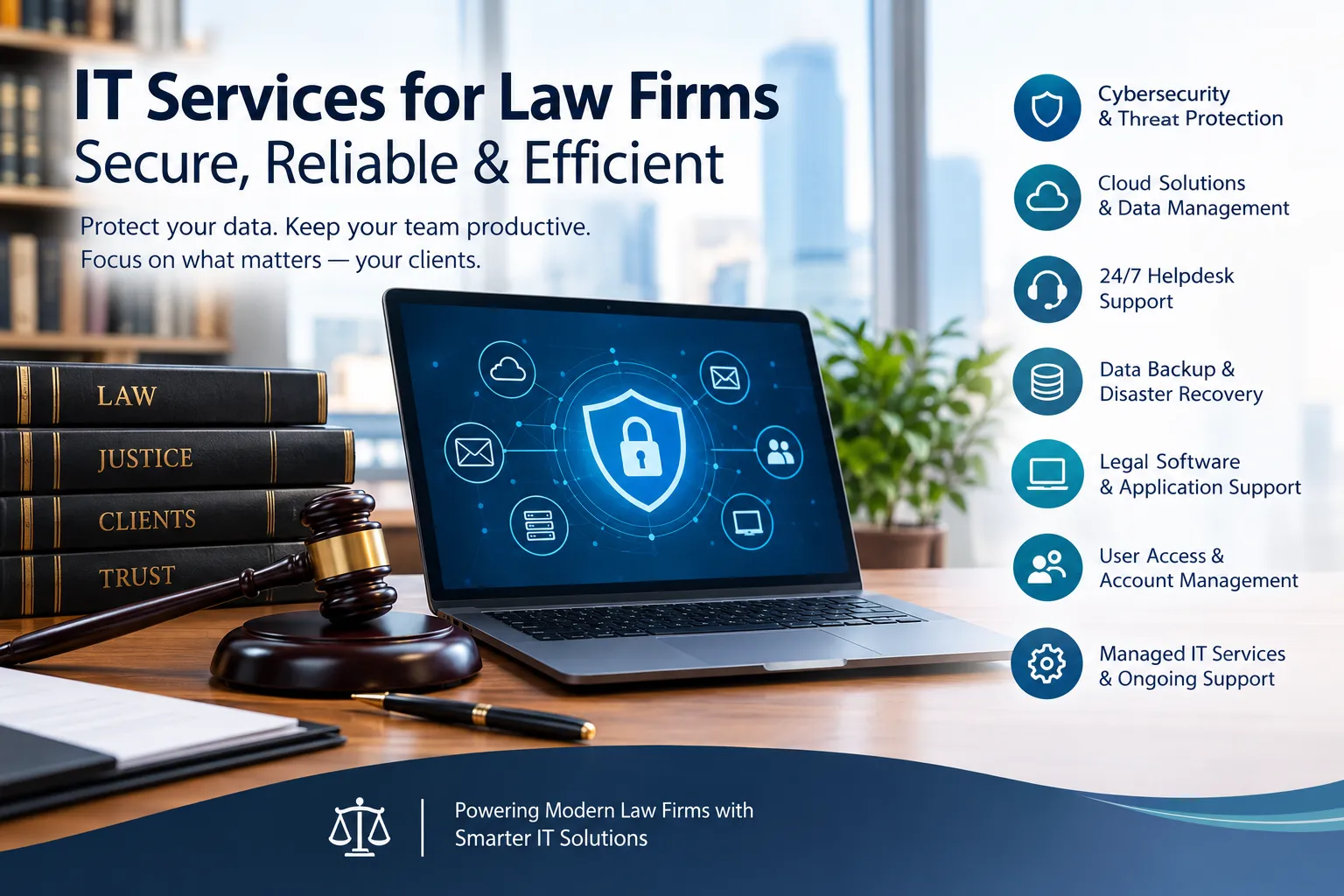
Law firms depend on technology for almost every part of their daily operations. Attorneys communicate with clients through email, manage case documents digitally, conduct legal research online, attend virtual meetings, use practice management software, and access files from offices or remote locations. When technology fails, the impact can go far beyond inconvenience.
A slow network, compromised account, lost document, or unavailable application can interrupt legal work and consume valuable time. Because law firms handle confidential client information and work under strict deadlines, their technology environment needs to be reliable, secure, and properly managed.
This is where specialized IT services for law firms can make a meaningful difference. Instead of treating technology problems as isolated emergencies, professional IT support can help firms prevent recurring issues, strengthen cybersecurity, manage systems, and keep employees productive.
What Are IT Services for Law Firms?
IT services for law firms are technology solutions designed around the specific operational and security requirements of legal practices. These services can include managed IT support, cybersecurity, cloud management, helpdesk assistance, data backup, network monitoring, software support, compliance assistance, and disaster recovery planning.
Legal IT support is different from simply fixing computers when they stop working. A proactive approach monitors systems, manages updates, controls user access, identifies potential vulnerabilities, and helps the firm prepare for technology-related disruptions.
Modern managed IT services can also coordinate multiple technology vendors, support remote employees, manage Microsoft 365 environments, and assist with legal applications used by attorneys and staff.
Why Law Firms Need Specialized IT Support
A typical business may be able to tolerate occasional technical interruptions. A law firm often cannot.
Consider an attorney preparing for a filing deadline when a laptop suddenly stops working. If important documents, email access, or legal software become unavailable, the problem can immediately affect productivity and deadlines.
Law firms also handle information that should receive strong protection, including:
- Client communications
- Legal documents
- Financial records
- Contracts and agreements
- Case files
- Personally identifiable information
- Intellectual property
- Discovery materials
The FTC recommends practices such as regular software updates, backups, encryption, multi-factor authentication, access controls, and employee security training as part of a broader cybersecurity program.
For a legal practice, these protections should be integrated into everyday IT management rather than treated as occasional security projects.
Key IT Services for Law Firms
1. Managed IT Support
Managed IT services provide ongoing technical management instead of relying only on break-fix support.
A managed service provider can monitor systems, troubleshoot problems, manage updates, maintain devices, and help employees resolve technical issues. This proactive model can reduce recurring technology problems and give attorneys a consistent place to turn when something goes wrong.
For growing firms, managed IT can also provide technology planning so infrastructure keeps pace with new employees, applications, and locations.
2. Cybersecurity and Threat Protection
Cybersecurity should be a central part of legal technology management.
Law firms can face threats such as phishing, ransomware, stolen credentials, malware, and unauthorized access. Strong security requires multiple layers rather than depending on a single antivirus program.
Important safeguards can include:
- Multi-factor authentication
- Endpoint protection
- Email security
- Firewall management
- Security monitoring
- Encryption
- Vulnerability management
- User access controls
- Security awareness training
NIST specifically recommends enabling MFA on accounts that support it and emphasizes stronger authentication for sensitive and privileged accounts.
3. Secure Data Backup and Disaster Recovery
A backup is valuable only if important information can actually be restored.
Law firms should have a documented backup strategy covering critical files, applications, and systems. Backups should also be protected from unauthorized access and periodically tested.
NIST recommends regularly backing up business information, protecting backups, and testing them to provide confidence that data can be restored when necessary.
A disaster recovery plan can further define what happens after events such as ransomware, hardware failure, accidental deletion, or a major system outage.
4. Legal Software and Cloud Support
Law firms frequently depend on specialized applications for practice management, document management, billing, communication, research, and collaboration.
IT professionals who understand legal workflows can help maintain these systems and troubleshoot compatibility or access problems.
Cloud technology can also support secure collaboration between attorneys and staff. However, cloud adoption should include appropriate identity management, permissions, authentication, data protection, and backup considerations.
5. Helpdesk Support for Attorneys and Staff
Even well-managed technology environments experience problems.
Employees may need help with password issues, software errors, email configuration, printing, remote access, account permissions, or new devices. A responsive helpdesk gives users a clear way to resolve these issues without spending hours troubleshooting technology themselves.
For attorneys, fast support can be especially important when a technical problem interrupts active case preparation or communication with a client.
6. User Access and Account Management
Employee turnover creates an important security challenge for law firms.
When a new employee joins, they need the appropriate systems and permissions. When someone changes roles, their access may need to be adjusted. When an employee leaves, unnecessary access should be removed promptly.
Access should be based on what users actually need to perform their responsibilities. This helps reduce unnecessary exposure of sensitive information.
How IT Services Help Reduce Common Law Firm Problems
Many law firm technology problems are connected. For example, repeated login issues may be caused by poor account management, while slow applications may result from outdated infrastructure or insufficient monitoring.
A proactive IT strategy can address these problems systematically.
Problem: Frequent Technology Downtime
Possible solution: Continuous monitoring, maintenance, hardware management, and proactive troubleshooting can identify issues before they become larger disruptions.
Problem: Employees Struggle With Technology
Possible solution: A dedicated helpdesk gives attorneys and staff access to technical assistance when they need it.
Problem: Security Risks Keep Increasing
Possible solution: Layered cybersecurity controls, MFA, endpoint security, email protection, security monitoring, and employee training can strengthen the firm's overall security posture.
Problem: Important Files Are Difficult to Recover
Possible solution: A tested backup and disaster recovery strategy can improve the firm's ability to restore critical information after an incident.
Problem: Remote Employees Have Access Problems
Possible solution: Secure remote access, identity management, cloud administration, and endpoint controls can make hybrid work more reliable.
What Should You Look for in a Law Firm IT Provider?
Choosing an IT provider should involve more than comparing monthly prices.
A firm should consider whether the provider understands legal workflows, cybersecurity requirements, cloud environments, business continuity, and the applications the firm depends on.
Useful questions include:
- Does the provider have experience supporting law firms?
- How does it monitor and respond to security threats?
- How are backups protected and tested?
- What is included with helpdesk support?
- How quickly are critical issues escalated?
- How are employee accounts managed?
- Can the provider support remote and hybrid workers?
- Does it assist with technology planning?
- How does it document systems and security controls?
- Can it coordinate with other technology vendors?
A provider's ability to explain its processes clearly can be just as important as the list of services it offers.
Why Proactive IT Management Matters
Reactive IT support waits for something to break.
Proactive IT management looks for potential problems before they become major interruptions. This can include monitoring devices, applying security updates, reviewing access permissions, checking backups, identifying vulnerabilities, and planning technology upgrades.
NIST's Cybersecurity Framework 2.0 organizes cybersecurity activities around Govern, Identify, Protect, Detect, Respond, and Recover, giving organizations a structured way to manage cybersecurity risk.
For law firms, this approach can connect everyday IT management with broader business continuity and security objectives.
Can the Best IT Company in USA Be the Right Fit for Every Law Firm?
The phrase Best IT Company in USA may appear in marketing, but law firms should evaluate providers based on measurable capabilities rather than a label.
A provider that works well for one organization may not necessarily match another firm's requirements. The right fit depends on factors such as firm size, number of users, locations, applications, remote work requirements, cybersecurity needs, support expectations, and budget.
Instead of choosing a provider based only on promotional claims, ask for specific information about its experience, support model, security practices, response procedures, and technology expertise.
A Practical IT Checklist for Law Firms
Before reviewing your technology environment, consider whether your firm has:
- Multi-factor authentication enabled for important accounts
- Regular and tested data backups
- Endpoint protection on business devices
- Secure remote access
- Up-to-date operating systems and applications
- Clearly defined user permissions
- Employee cybersecurity training
- Documented incident response procedures
- A disaster recovery plan
- Reliable helpdesk support
- Regular technology assessments
- A documented process for employee onboarding and offboarding
This checklist is not a substitute for a formal security assessment, but it can help identify areas that deserve attention.
Final Thoughts
Reliable technology is an important part of running a modern law firm. Attorneys need dependable access to documents, communication tools, legal applications, and client information without constantly dealing with preventable technical problems.
Professional IT services for law firms can bring these needs together through managed support, cybersecurity, backups, cloud services, helpdesk assistance, access management, and technology planning.
The goal is not simply to fix computers faster. It is to create a technology environment that supports secure communication, protects important information, minimizes disruption, and allows legal professionals to focus on their work.
When evaluating an IT provider, look beyond broad marketing claims. Focus on legal-industry experience, security practices, responsiveness, disaster recovery, technology expertise, and the provider's ability to understand your firm's actual workflow. That practical evaluation can help you build an IT strategy that supports both day-to-day productivity and long-term business needs.