How to Prepare Your Device for Samsung Galaxy Repair at iRepair Experts
By savace
80 Views
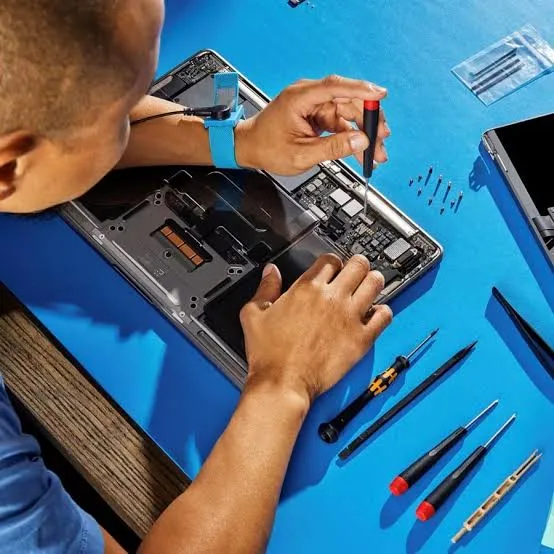
Getting your Samsung Galaxy ready for repair doesn't have to be complicated at all, but a little bit of preparation genuinely goes a long way in making the entire process smoother and considerably faster for everyone involved. Taking a few simple steps beforehand helps protect your personal data and ensures the technician assigned to your device can focus entirely on fixing the actual issue at hand without unnecessary delays, back-and-forth questions, or complications along the way that could otherwise slow down the whole appointment.
Back Up Your Important Data
Before handing over your device for repair, it's always wise to back up your photos, contacts, messages, and any other important files you may have stored, even for repairs that seem entirely unrelated to storage. While most straightforward repairs don't directly affect stored data, unexpected situations can still occur, especially with more complex issues involving the motherboard or internal storage components that require deeper access. Using cloud storage or a simple computer backup gives you genuine peace of mind regardless of what ultimately happens during the repair process itself, and it only takes a few minutes to set up properly.
Remove Personal Accessories and Cases
Take off phone cases, screen protectors, and SIM card trays before arriving for your scheduled appointment, as these small items can otherwise get in the way of a thorough assessment. This allows technicians to fully inspect the entire device without unnecessary obstructions and considerably speeds up the initial assessment process for everyone involved, particularly when trying to identify hairline cracks or hidden damage around the edges. It also reduces the overall chance of losing or accidentally damaging your personal accessories during the busy repair process itself.
Note Down the Specific Issue
Write down exactly what's happening with your device, including precisely when the problem first started and any noticeable patterns you may have observed since then, however small or seemingly unimportant they might seem. Does the screen only flicker while charging? Does the battery drain noticeably faster during certain specific apps or activities like gaming or video streaming? These small details help technicians diagnose the underlying issue faster and far more accurately during the entire Samsung galaxy repair process, cutting down on unnecessary guesswork and testing.

Disable Find My Mobile and Security Locks
Many modern Samsung devices come with security features like Find My Mobile or a Samsung Account lock that can genuinely prevent technicians from properly accessing the device for essential testing purposes, even after the physical repair itself is complete. Disabling these temporarily, or providing your login details if specifically requested and only for the duration of the repair, allows for a full and completely proper repair and testing process without unnecessary roadblocks along the way that could delay collection of your device.
Bring the Charger If Charging Is the Issue
If your device is experiencing power or charging-related problems, be sure to bring your original charger and cable along to the appointment rather than assuming a spare one will do the job just as well. This helps technicians determine more accurately whether the issue genuinely lies with the device itself or simply with the charging accessory being used at home, leading to a faster and considerably more accurate overall diagnosis of the actual root cause.
What Happens During the Assessment
Once your device has been properly prepared, a technician will run a full diagnostic check to confirm the exact issue and provide you with a clear repair plan alongside transparent, upfront pricing before any work actually begins. Being prepared beforehand genuinely means less waiting around and a noticeably faster turnaround time for getting your Galaxy device back in fully working condition again, often within the same day depending on the specific parts required for the job.