How to Choose the Right Image Format for Your Needs
20 Views
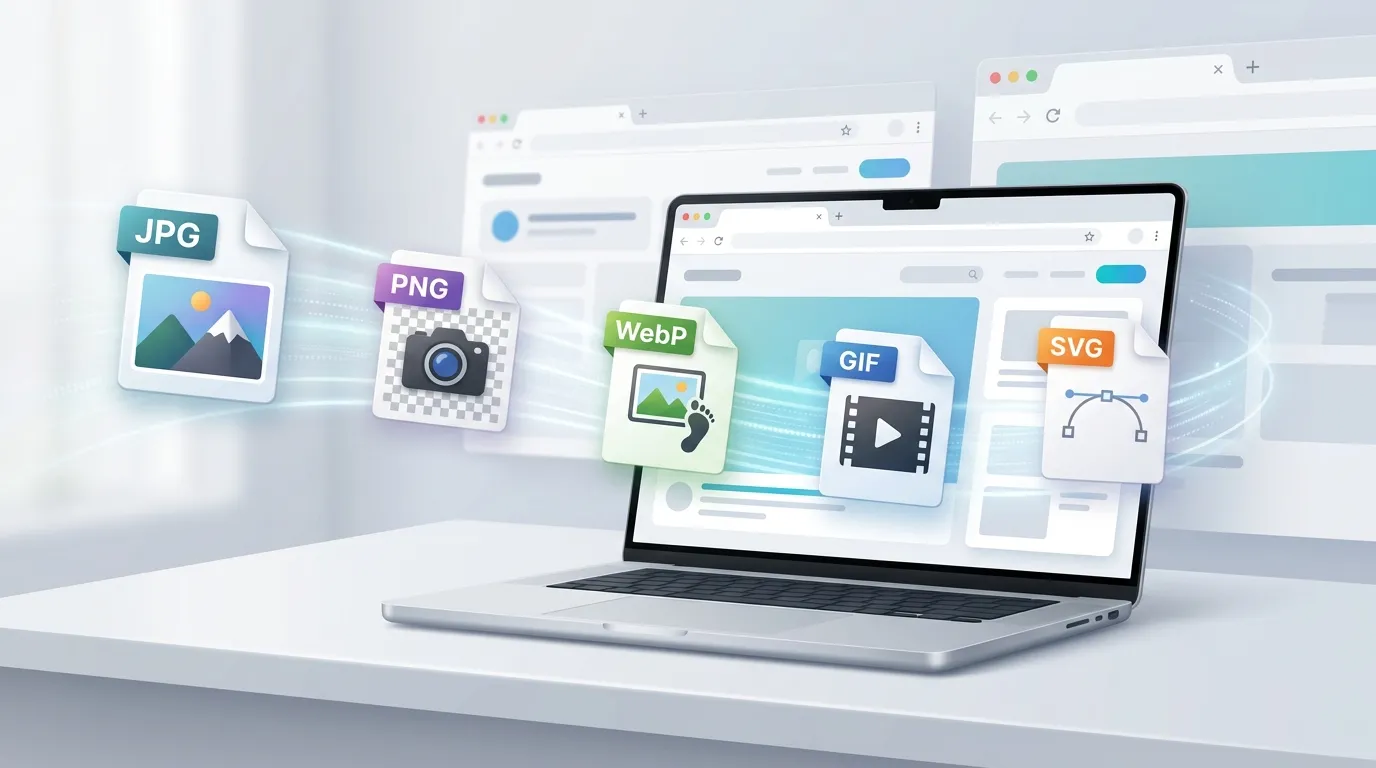
Images are everywhere online. From website graphics and social media posts to product photos, presentations, and personal memories, digital images are an important part of everyday communication. However, not every image format works equally well for every purpose.
Choosing the right format can affect image quality, file size, compatibility, transparency, and even website performance. Understanding the differences between common formats makes it easier to decide which one to use and when converting an image is worthwhile.
Understanding the Most Common Image Formats
Several image formats are widely used, but each one has different strengths.
JPEG or JPG is one of the most common formats for photographs and detailed images. It uses lossy compression, which reduces file size by removing some image information. This makes JPG useful for websites, social media, email attachments, and other situations where smaller files are important.
PNG is often preferred for graphics, screenshots, logos, illustrations, and images that need transparency. PNG generally produces larger files than JPG, but it preserves image details well and supports transparent backgrounds.
WEBP is a modern image format designed to provide efficient compression while maintaining good visual quality. It can be useful for websites because smaller image files can contribute to faster page loading.
GIF is commonly associated with simple animations. Although it can also store still images, GIF is better suited to basic graphics and short animations than high-quality photographs.
SVG works differently from pixel-based formats. It is a vector format, meaning images are represented using shapes and paths rather than a fixed grid of pixels. This makes SVG particularly useful for logos, icons, and illustrations that need to remain sharp at different sizes.
Why Image Quality and File Size Matter
When selecting an image format, there is often a balance between quality and file size.
A very large image may look excellent but can take longer to upload, download, store, or display on a website. On the other hand, excessive compression can make an image look blurry, blocky, or less detailed.
For example, a high-resolution photograph might work well as a JPG because the format can significantly reduce file size while maintaining acceptable visual quality. A logo with a transparent background may be better saved as PNG or SVG.
The right choice depends on how the image will be used. There is no single format that is best for every situation.
When Should You Convert an Image?
Image conversion becomes useful when the original format is not suitable for the task at hand.
Imagine receiving a PNG image that needs to be uploaded to a platform with specific JPG requirements. Instead of recreating the image, you can convert it to the required format.
Similarly, you may have a JPG photograph that needs to be used with transparency. Converting it to PNG may be helpful, although simply changing the file extension is not enough. A proper conversion process is needed to create a file in the new format.
Conversion can also help with compatibility. Some applications, websites, or devices may work better with particular image formats. Converting an image can make it easier to open, edit, upload, or share.
For users who regularly work with different formats, an image conversion tool can make this process much simpler.
How to Convert Images Without Making Things Complicated
A good conversion workflow should be straightforward.
First, identify the format you currently have and the format you need. Next, check whether the destination platform has any requirements regarding dimensions, file size, transparency, or supported formats.
Then select a suitable conversion method. Depending on your needs, you can use desktop software, built-in operating system tools, image-editing applications, or an online converter.
For occasional conversions, an online solution can be convenient because there is no need to install specialized software. A browser-based workflow can be particularly useful when working from different computers or devices.
However, convenience should not mean ignoring privacy. Before uploading an image to an online service, check how the service handles uploaded files, whether files are stored, and how long they remain available.
How to Choose the Best Format for Different Uses
The best image format depends largely on the intended purpose.
For photography, JPG is usually a practical choice because it provides a good balance between quality and file size.
For logos and graphics with transparency, PNG is often useful. If the artwork is vector-based, SVG may be even more appropriate.
For web images, WEBP can be an efficient option because of its compression capabilities.
For simple animations, GIF remains widely recognized, although other modern formats may provide better quality and compression in some situations.
For professional design work, the original working format may be preferable while editing. A final copy can then be exported into a format suitable for publishing or sharing.
The important point is to consider the final destination rather than automatically choosing the smallest file.
Practical Tips Before Converting an Image
A few simple checks can help avoid problems.
Keep an original copy. Always retain the original image before performing a conversion. This gives you a high-quality source if you need another format later.
Check the required dimensions. Converting formats does not automatically resize an image correctly. If a website requires a specific width or height, check those requirements separately.
Consider transparency. If an image has a transparent background, make sure the target format supports transparency.
Avoid unnecessary repeated conversions. Repeatedly converting a lossy image can gradually reduce quality. Whenever possible, work from the original file.
Check the final result. Open the converted image before uploading or sharing it. Look for changes in quality, colors, transparency, dimensions, and file size.
Review privacy policies. If you are converting personal, confidential, or business images online, understand whether the service processes files locally in your browser or uploads them to a server.
Making Image Conversion Easier
You do not need to become an expert in every image format to handle everyday conversion tasks. Understanding a few basic differences between JPG, PNG, WEBP, GIF, and SVG is usually enough to make better decisions.
The key is to choose a format based on the image's purpose. A photograph, logo, screenshot, website graphic, and animated image may all have different requirements.
When you need to change formats, an online image conversion tool can provide a convenient alternative to installing dedicated software. It can be especially useful for quick tasks where you simply need a compatible output file.
At the same time, users should pay attention to privacy, quality, and file-handling practices when choosing any online conversion service.
Final Thoughts
Image formats are not interchangeable in terms of quality, compression, transparency, and compatibility. JPG works well for many photographs, PNG is useful for graphics and transparency, WEBP can reduce web image sizes, GIF is commonly used for simple animation, and SVG is valuable for scalable vector artwork.
Choosing the right format becomes much easier when you consider where and how the image will be used. By keeping an original copy, checking the destination requirements, and using a reliable conversion method, you can make image conversion a simple part of your everyday digital workflow.