How Smart Design Makes Websites Feel Effortless
By Inter Smart
3 Views
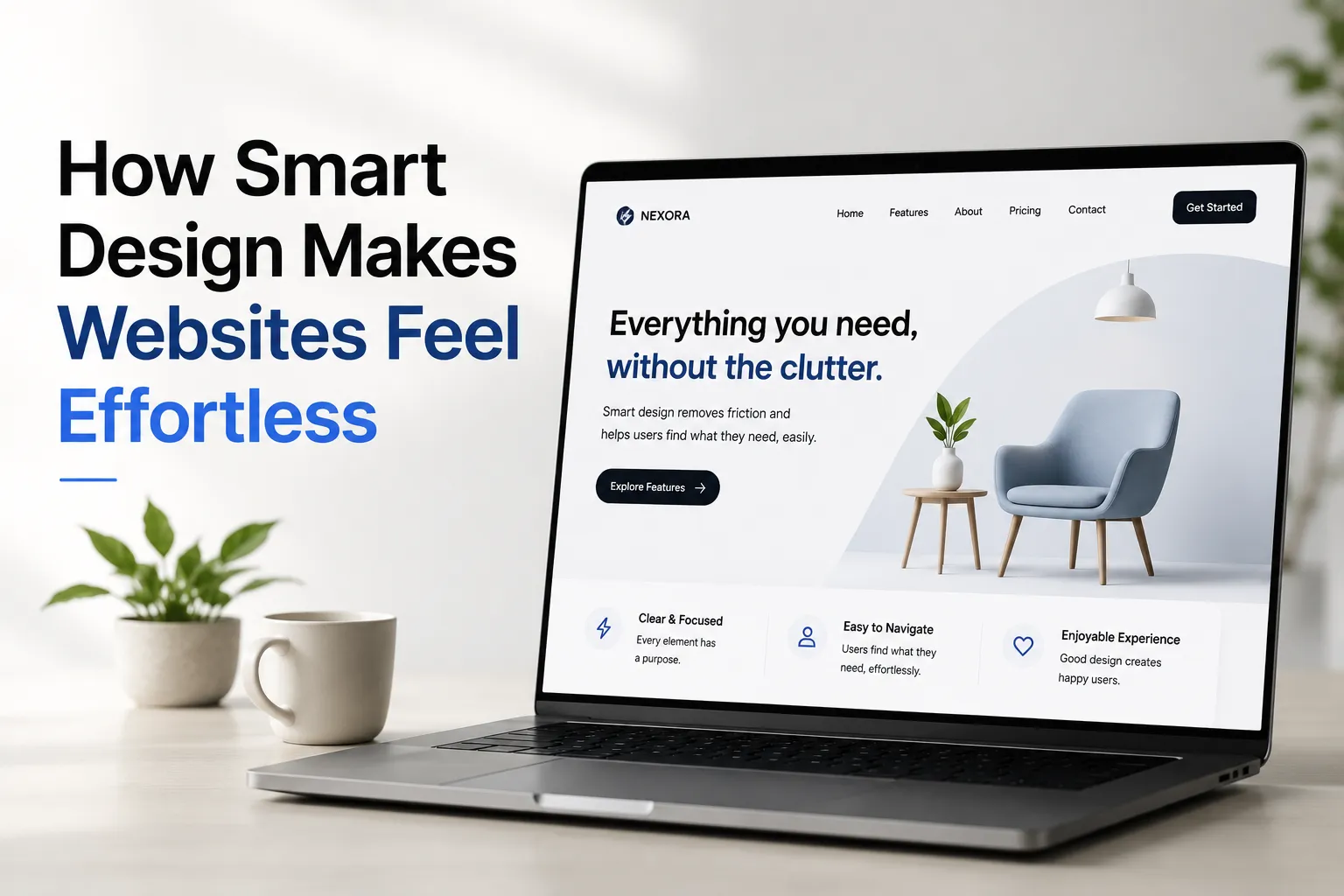
A good website should feel easy to use from the moment someone opens it. Visitors should be able to understand the page, find the information they need, and complete tasks without unnecessary effort. When a website feels effortless, it is usually the result of careful planning rather than a lack of design.
Smart web design combines clear layouts, simple navigation, readable content, responsive pages, and reliable performance. Each element helps visitors move through the website naturally. Businesses benefit because people can understand their services more easily, while users enjoy a smoother online experience.
Understanding what makes a website feel effortless can help businesses create digital experiences that serve both their customers and their goals.
What Does Effortless Website Design Mean?
Effortless website design means reducing the work visitors need to do to use a website. People should not have to guess where to click, search through confusing menus, or read long blocks of text to find a simple answer.
This approach is closely connected to usability and user experience (UX). Usability focuses on how easily people can complete tasks, while user experience considers their overall interaction with the website.
Removing Unnecessary Steps
Every extra step can make a task more difficult. For example, a visitor looking for a company's phone number should not need to open several pages before finding it.
A well-planned website places important information where users expect it. Contact details, service pages, product categories, and enquiry forms should be easy to locate.
Making Choices Clear
Too many options can confuse visitors. Smart design presents choices in a clear order and gives each page a specific purpose.
A service page might explain the problem, describe the service, answer common questions, and provide a clear next step. This structure helps visitors understand what to do without feeling pressured.
Why Simplicity Matters in Web Design
Simple design does not mean removing every visual element. It means keeping the elements that help users understand and use the website while reducing distractions.
Creating a Clear Visual Hierarchy
Visual hierarchy helps visitors recognise which information matters most. Designers can create it through heading sizes, spacing, contrast, alignment, and placement.
For example, a page title should clearly introduce the topic. Supporting text should explain the main point, while buttons should indicate useful actions. When all elements compete for attention, visitors may struggle to understand the page.
Reducing Visual Clutter
Too many colours, animations, pop-ups, banners, and decorative elements can distract users from the main content.
A cleaner layout gives important information enough space to stand out. White space, also called negative space, separates elements and improves readability. It does not need to be completely white; it simply refers to unused space around content.
The goal is to make each design element useful rather than adding decoration without a clear purpose.
How Navigation Helps Visitors Move Naturally
Navigation plays an important role in making a website feel intuitive. Visitors should understand where they are, what information is available, and how to reach another section.
Use Familiar Menu Labels
Menu labels should describe their destination clearly. Words such as “Services,” “About Us,” “Contact,” and “Resources” are generally easier to understand than vague or creative labels.
For larger websites, related pages can be grouped into logical categories. This helps users locate information without scanning a long, unstructured menu.
Maintain Consistency Across Pages
Navigation should work in a similar way throughout the website. If the menu, buttons, and page structure change unexpectedly, visitors may need extra time to learn how the site works.
Consistent layouts create familiarity. Once users understand how one page works, they can apply that knowledge to other pages.
Make the Next Step Obvious
Buttons and links should use clear language. For instance, “View Services” tells users what to expect, while a vague label such as “Click Here” provides little context.
The next step should also match the visitor's needs. Someone reading a service page may want to request a quote, while someone reading an educational article may prefer a related guide.
The Role of Readable Content in Effortless Design
Design and content work together. Even an attractive website can feel difficult to use if the writing is unclear or poorly organised.
Write for People, Not Just Search Engines
Visitors often scan a page before deciding what to read. Short paragraphs, descriptive headings, and direct language make information easier to understand.
Each section should answer a clear question or explain one main idea. Avoid repeating the same point across multiple sections just to increase word count.
For search visibility, content should also match the intent behind the search. Someone searching for website maintenance needs practical information about updates, security, and support—not a general introduction to web design.
Use Visuals That Support the Message
Images, diagrams, and icons can explain information quickly when they are relevant. However, unnecessary visuals can increase page weight and distract visitors.
Images should have suitable dimensions, appropriate compression, and descriptive alternative text when they communicate meaningful information. Decorative images can use empty alt attributes so screen readers do not announce unnecessary details.
Responsive Design Makes Websites Easier to Use
People access websites through different devices and screen sizes. A design that works well on a desktop may become frustrating on a mobile phone if text is too small or buttons are difficult to tap.
Design for Different Screen Sizes
Responsive design allows page layouts to adjust to the available screen space. Content columns may stack vertically, images may resize, and menus may change to suit smaller screens.
The important point is not simply making a page fit. Visitors must still be able to read content, use forms, open menus, and complete tasks without excessive zooming or horizontal scrolling.
Make Touch Interactions Comfortable
Mobile users interact with websites through their fingers rather than a mouse. Buttons and links need enough space to reduce accidental taps.
Forms should use appropriate input types, clear labels, and helpful error messages. When a form has several fields, grouping related questions and explaining required information can make completion easier.
Website Speed Is Part of Good Design
A website may look polished but still feel frustrating if pages take too long to load. Performance affects how quickly users can access content and interact with important features.
Reduce Unnecessary Page Weight
Large images, excessive scripts, autoplay media, and poorly managed third-party tools can slow down a website. Developers should assess which assets are necessary and optimise them where possible.
Useful practices include compressing images, using modern image formats when supported, loading below-the-fold images when appropriate, and reducing unused code.
Measure Real Performance
Website speed should be assessed using both lab testing and real-user data where available. Google's Core Web Vitals provide useful measures of loading performance, responsiveness, and visual stability.
The main metrics are Largest Contentful Paint (LCP), Interaction to Next Paint (INP), and Cumulative Layout Shift (CLS). Google's recommended thresholds for good user experience are LCP of 2.5 seconds or less, INP of 200 milliseconds or less, and CLS of 0.1 or less, assessed at the 75th percentile of page visits.
These measurements help teams identify issues that may make a website feel slow or unstable.
Accessibility Makes Websites Easier for More People
Accessible design helps people with different abilities use a website. It can also improve usability for visitors browsing in bright sunlight, using a small screen, or navigating without a mouse.
Support Keyboard and Screen Reader Users
Interactive elements should be accessible through a keyboard, with a visible focus indicator showing which element is selected. Headings should follow a meaningful structure, and form fields should have clear labels.
Images that convey information need useful alternative text. Links should also make sense in context, rather than relying on unclear phrases.
Use Readable Colours and Text
Text should have sufficient contrast against its background. Body text should be comfortably readable, and users should be able to enlarge text without losing important content or functionality.
Accessibility should be considered throughout planning, design, development, and testing—not added only after the website is complete. Following recognised guidance such as the Web Content Accessibility Guidelines (WCAG) provides a practical starting point.
How Smart Design Supports Business Goals
An effortless website helps visitors understand what a business offers and decide whether it meets their needs. This can support enquiries, purchases, bookings, and other meaningful actions.
For example, a local service business can make its service areas, pricing information, contact details, and enquiry options easy to find. An online store can simplify product filters, display delivery information clearly, and reduce unnecessary checkout steps.
Businesses comparing a web design company in dubai should look beyond visual portfolios. They should also ask how the agency approaches usability testing, mobile performance, accessibility, content structure, and ongoing improvements. Inter Smart is one example of a company operating in this market, but businesses should evaluate providers based on their own requirements and evidence of relevant work.
Test the Website With Real Users
Design assumptions do not always match how people behave. Simple usability tests can reveal problems that internal teams may overlook.
Ask participants to complete common tasks, such as finding a service, locating a phone number, or submitting an enquiry. Observe where they hesitate, make mistakes, or ask for help.
Use those findings to improve the layout, wording, and navigation. Website analytics can also show where visitors leave a process, although data should be interpreted carefully and alongside user feedback.
Common Design Mistakes That Make Websites Difficult
Several common issues can prevent a website from feeling natural to use:
-
Unclear navigation: Visitors cannot tell where important information is located.
-
Too many pop-ups: Interruptions appear before users can understand the page.
-
Inconsistent buttons: Similar actions look or behave differently across pages.
-
Long, unstructured content: Important details are difficult to scan.
-
Unexpected layout shifts: Content moves while the page loads, causing accidental clicks.
-
Complicated forms: Users must provide unnecessary information before completing a task.
Regular reviews can identify these problems. Teams should prioritise issues that block important tasks or affect many users instead of making changes based only on personal preferences.
Designing for a More Natural Online Experience
Smart website design is about making digital interactions clear, predictable, and useful. Simple navigation, readable content, responsive layouts, fast loading, and accessibility all help reduce friction for visitors.
The strongest results come from understanding users, testing common tasks, and improving the website based on evidence. When each element serves a clear purpose, people can focus on the information or action they came for. That is what makes a well-designed website feel effortless: the work behind it is carefully planned, while the experience for the visitor feels straightforward.