How Digital Tool Integration Can Simplify School Operations
7 Views
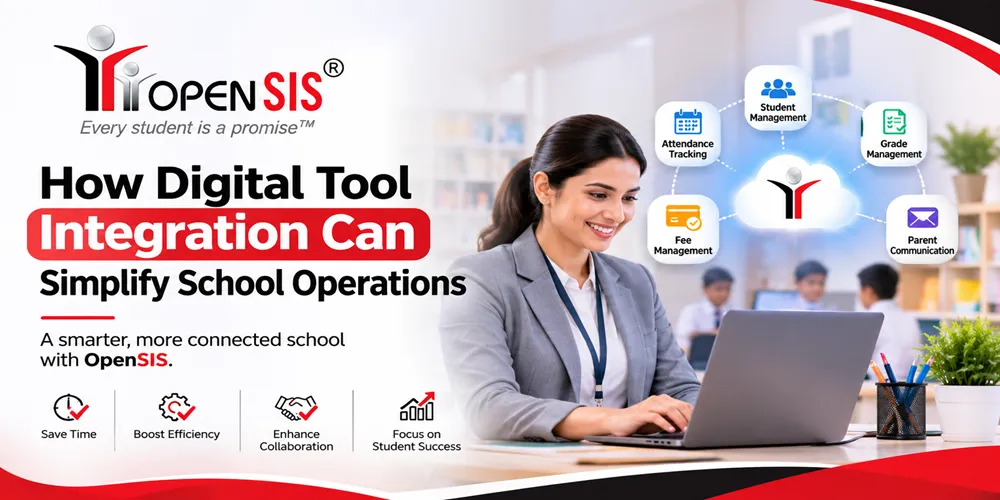
Schools rarely run on a single software system. A large-scale school operate on a multitude of systems, paper files and spreadsheets often remain one of them. Each tool serves a purpose. But when these systems work in isolation, routine work can become unnecessarily complicated. This is why, integration becomes essential to schools that want growth. An advanced SIS with Moodle integration like openSIS can connect the entire school and help leaders operate from one platform.
Think what happens when a student joins a new class. Someone will have to enter enrollment data, create an account in the class software, and assign course access. If these steps when handled separately will cost you a lot of time. now, if you multiply it with hundreds or thousands of students, your operation gets really costly and time-consuming. In this situation, you need a modern digital tool to support centralization. Modern schools need something like an SIS with Canvas integration to simplify their operations.
Digital Integration – Why It Is Important
Digital tool integration helps schools connect these separate systems so information can move without any disturbance. A well-integrated Student Information System can serve as a central space of student data while working alongside other tools.
The goal is not to put everything inside one application. It is to make existing tools work together more effectively. Here are some ways digital integration can simplify your school operations.
Eliminate Repeated Student Data Entry
Student data often needs to appear in different systems. When staff members enter these details manually in each tool, the same information can be duplicated, or mistyped. Integrating your SIS with Canvas integration with other school applications can reduce this issue. When a supported integration transfers approved information between systems, staff members may no longer need to re-enter the same information in multiple places. Reducing duplicate entry also improves speed. If a student's enrollment data changes, connected applications can receive the relevant update through the SIS. Integration can help schools -
-
Transfer approved student information between connected applications
-
Reduce repeated entry of names, address, and class details
-
Minimize common typing and missing errors
-
Standardize student identifiers across platforms.
Connect Student Administration With Digital Learning
A Student Information System and a Learning Management System serve different purposes. The SIS with Moodle integration manages student records and administrative information. The LMS supports courses. When the two systems operate independently, schools may need to update enrollment and class information in both the places. Integrating these platforms can create a better experience for administrators, teachers, and students. Depending on the features, the approved data may move between the systems, helping your school operations run smoothly. This can reduce delays when students join, leave, or change classes. If you are considering a student information system, you should evaluate how the system handles centralization. Integration capabilities vary depending on features. Therefore, make sure that you pick the right features.
Make Enrollment and Student Onboarding More Efficient
Enrollment involves several activities. From collecting student information to creating records leaders have to take care of a lot of things. If you use separate systems for each task, your people will have to enter the same information over and over again. This creates repetition and exposes data to the risk of errors. Integration can connect enrollment tools with other administrative and learning applications. It will reduce the need to review everything manually. A connected process also helps schools establish a smooth process for everyone. Instead of relying on emails to remember everything, staff members can operate from one single platform. Integrated enrollment workflows can help schools -
-
Transfer approved enrollment information to connected systems
-
Reduce repeated data entry
-
Connect class assignment and course access
Improve Attendance Management and Follow-Up
Attendance information is one of the most relevant pieces of data. And it requires daily attention. Also, attendance maintenance goes through a multitude of processes. Teachers record classroom attendance, administrators review information, and enter it in system. So, you can see the task moves around in three different stages. It often creates delay and errors. This is why, you need a system like SIS with Moodle integration for integration. It can make attendance information easier to enter across supported tools.
Better Communication Across School Teams
School operations depend on coordination between different departments. Yet each team may use a different tool and create information gaps. A change to a student's enrollment may get overlooked and it may create a serious delay at the end of the year. Integrated systems like SIS with Canvas integration can help moving updates between systems. It gives you the power to view and use data whenever you need it. Role-based access remains essential here. Better coordination also reduces dependence
Successful integration needs proper implementation. Schools should identify what part of workflows create the most repetitive work. Before implementing an SIS with Canvas integration, you need to understand the features and your requirement. Digital integration helps schools move ahead with a strong data storage ecosystem. When student records, learning platforms, and communication tools work together tasks become easier to manage. Staff members can spend less time transferring data and more time using it to support students and improve school operations.
FAQ
1. What is digital tool integration in school administration?
Digital tool integration connects applications such as a Student Information System, Learning Management System, finance software, and communication tools so they can exchange relevant information efficiently.
2. How does a Student Information System simplify school operations?
A Student Information System simplifies school operations by centralizing student data, reducing duplicate entry, streamlining administrative workflows, and supporting consistent reporting.
3. What is SIS with Moodle integration?
SIS with Moodle integration connects a Student Information System with Moodle so compatible systems can exchange approved student, enrollment, and class information, reducing manual updates.
4. What is SIS with Canvas integration?
SIS with Canvas integration connects a Student Information System with Canvas LMS to help synchronize supported student records, course enrollments, and class roster information.
Related Reading
Expert Insights: Navigating the Complex World of Education & Learning
Welcome to our in-depth exploration of Education & Learning. In an era defin...
Why Education & Learning is Transforming the Global Industry Landscape
Welcome to our in-depth exploration of Education & Learning. In an era defin...