How Better PDF Management Can Improve Everyday Digital Workflows
By Subhan Ali
21 Views
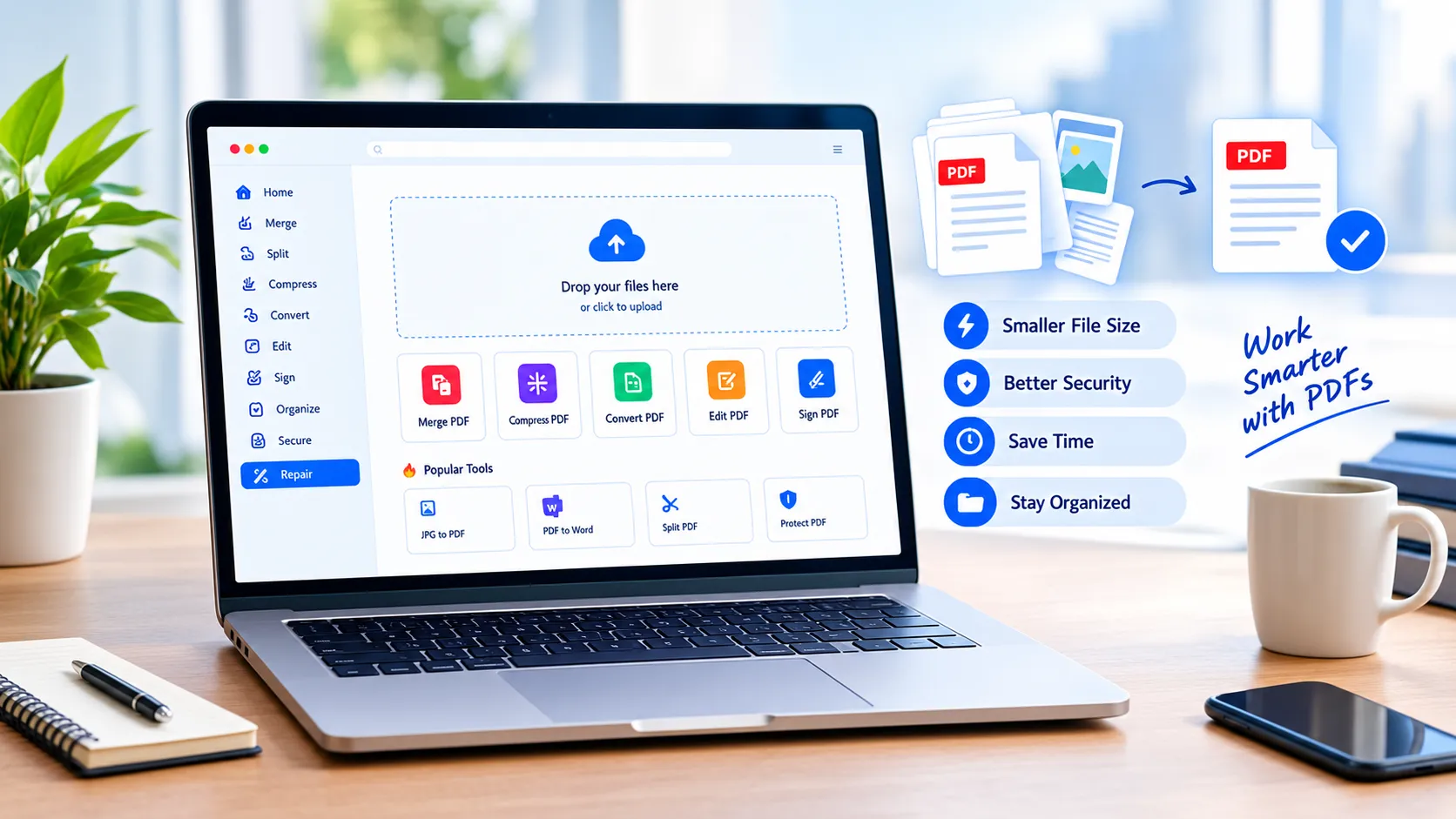
PDF files are everywhere in modern digital work. Businesses use them for proposals, invoices, contracts, reports, and presentations. Students submit assignments as PDFs, professionals exchange documents with clients, and remote teams often rely on PDFs when sharing information across different devices.
Although PDFs are convenient, managing them efficiently can become surprisingly time-consuming. A document may be too large to send, contain unnecessary pages, need to be combined with another file, or require a quick edit before it is ready for sharing. These small problems can interrupt an otherwise productive workflow.
The good news is that better PDF management does not require complicated software or advanced technical knowledge. A few simple habits can make working with digital documents faster, cleaner, and more organized.
Why PDF Management Matters
A PDF is often treated as the final version of a document, but that does not mean it is always ready to use immediately. Documents frequently go through several stages before they reach their final destination.
A business report might begin as several separate files. A scanned document may contain unnecessary blank pages. A presentation exported as a PDF may include large images that increase the file size. A contract may need a signature before it can be sent to a client.
When these tasks are handled individually without a clear process, users can waste time switching between different applications and repeating basic steps.
A better approach is to think of PDF management as part of the overall digital workflow.
Start by Identifying What the Document Needs
Before modifying a PDF, determine its purpose.
Is the document being sent by email? Will it be printed? Does someone need to edit it? Is it being archived? Does it contain confidential information?
The answers affect the best way to prepare the file.
For example, a PDF intended for email may benefit from a smaller file size. A document prepared for professional printing may need higher-quality images. A long report may benefit from removing unnecessary pages or organizing sections more clearly.
This simple step prevents unnecessary processing and helps preserve the qualities that matter most.
Reduce Unnecessary File Size
Large PDF files are one of the most common document-management problems. High-resolution images, scanned pages, embedded graphics, and other resources can quickly increase the size of a document.
A large file can be inconvenient to upload, share, store, or download. It can also become a problem when a platform or email service has attachment-size restrictions.
PDF compression can address this problem by reducing the amount of data stored in the document. However, compression should not automatically mean sacrificing readability.
The goal is to find a practical balance between file size and document quality. A text-heavy report may compress significantly without noticeable visual changes, while a PDF containing photographs or detailed graphics requires more careful optimization.
For people who regularly work with large documents, this PDF compression guide provides useful information about reducing file size while maintaining acceptable quality.
Combine Related Files When It Makes Sense
Another common problem is having too many separate PDF files for one project.
Imagine receiving a proposal as one PDF, supporting charts as another, terms and conditions as a third, and an appendix as a fourth. Technically, all the information is available, but the recipient has to manage multiple files.
Combining related documents into one PDF can create a cleaner experience.
Before merging files, however, review each document carefully. Remove duplicate pages, check the order of the sections, and make sure the final document has a logical structure.
A descriptive filename can also help. Instead of using something generic such as document-final-new.pdf, a name such as Client_Project_Proposal_2026.pdf makes the file easier to identify later.
Keep Documents Organized
PDF management is not only about editing files. Organization is equally important.
A simple folder structure can prevent documents from becoming difficult to locate. For example, a small business might separate files into folders such as:
-
Client Documents
-
Financial Records
-
Contracts
-
Reports
-
Marketing Materials
-
Archived Projects
Consistent filenames can make the system even more useful. Include relevant information such as the project name, document type, and date when appropriate.
Good organization reduces the need to search through downloads folders or email attachments whenever an older document is needed.
Think About Privacy Before Sharing
PDFs can contain more information than users realize. A document may include personal details, financial records, business information, signatures, or internal notes.
Before sharing a PDF, review the entire document and confirm that it contains only information intended for the recipient.
Privacy should also be considered when selecting PDF software or online tools. Users should understand how a service processes uploaded documents and whether files are stored remotely.
For sensitive material, tools that process files locally in the browser can be useful because they can reduce the need to transfer documents to an external server. However, users should always review the actual privacy and processing practices of the tool they choose.
Make PDF Workflows More Efficient
A repeatable process can make everyday document work much easier.
A practical workflow might look like this:
1. Review the document.
Check for missing pages, outdated information, formatting problems, and unnecessary content.
2. Organize the pages.
Put sections in the correct order and remove duplicate or irrelevant pages.
3. Optimize the file.
Reduce file size when necessary while keeping text and important graphics readable.
4. Protect sensitive information.
Check whether the document contains information that should not be shared.
5. Give the file a clear name.
Use a filename that makes its purpose immediately understandable.
6. Test the final version.
Open the completed PDF before sending it. Check the pages, links, images, signatures, and overall appearance.
This workflow takes only a few minutes but can prevent many common document mistakes.
Choose Tools Based on the Task
Not every PDF task requires a large desktop application. Many everyday operations can be handled with focused browser-based tools.
Users may need to merge documents one day, compress a large report the next, and convert an image into a PDF later. Having access to a broad collection of PDF utilities can reduce the need to install separate applications for every individual task.
The important consideration is not simply how many tools are available. Ease of use, privacy, supported operations, and the way files are processed should all be considered.
A practical PDF toolkit can become especially useful for remote workers, students, small businesses, freelancers, and anyone who regularly handles digital documents.
Conclusion
PDFs are designed to make digital documents easier to share, but poor document management can still create unnecessary friction. Large files, scattered documents, confusing filenames, unnecessary pages, and privacy concerns can all slow down everyday work.
A better workflow starts with understanding the purpose of each document. From there, users can organize pages, reduce unnecessary file size, combine related documents, protect sensitive information, and verify the final version before sharing it.
The goal is not to make PDF management complicated. It is to create a simple process that keeps documents organized, accessible, and ready for the people who need them.
With the right habits and appropriate tools, everyday PDF tasks can become a much smaller part of the workday—and digital document workflows can become considerably more efficient.