How to Extract Studio-Quality Sound: The Complete Guide to MP4 to WAV Conversion
By Patel Pinku
15 Views
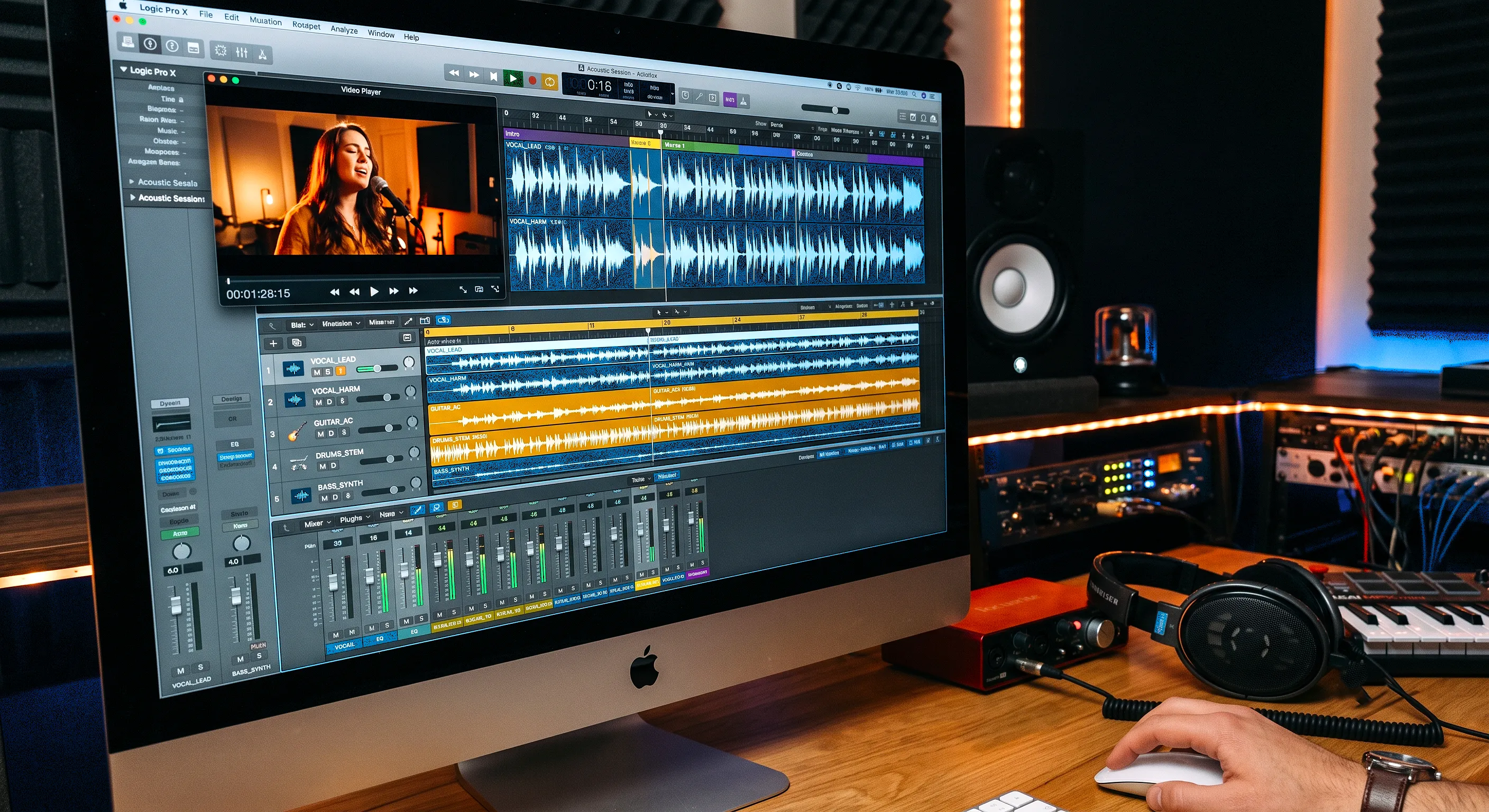
Whether you are editing a podcast recorded over Zoom, cutting dialogue for an indie film, or pulling high-resolution sound effects from raw footage, audio is half of the viewer’s experience. Yet, many creators run into a common roadblock: modern cameras and screen recorders export video in MP4 containers, while digital audio workstations (DAWs) perform best with uncompressed WAV audio files.
Converting video soundtracks into pure audio shouldn't mean sacrificing sound depth or dealing with heavy software bloat. Below, we break down why transitioning from MP4 to WAV matters, the technical differences to keep in mind, and how to execute the conversion seamlessly.
Why Convert MP4 to WAV Instead of MP3?
A frequent question among beginners is: "Why not just export directly to MP3?" The answer comes down to compression and editing headroom:
Common Use Cases for MP4 to WAV Extraction
1. Cleaning Up Podcast Recordings
Video meeting platforms like Zoom and Riverside output MP4 recordings. Isolating the audio track into a dedicated WAV format allows podcasters to remove background hums, equalize vocal sibilance, and balance dynamic ranges without fighting video sync issues.
2. Foley and Sound Design
Sound designers often capture ambient field recordings on smartphones or action cams. Converting these video snippets into 24-bit or 16-bit WAV files makes it easy to catalog them into sound effect libraries.
3. Archiving Master Audio Tracks
If you are archiving musical performances or interview voiceovers from raw video clips, stripping unnecessary video data saves storage while preserving the master-grade audio channel.
How to Convert MP4 to WAV: Modern, Frictionless Workflows
Traditionally, extracting audio required opening a hefty non-linear video editor (like Premiere Pro or Final Cut) simply to export a 3-minute clip. For everyday creators who need rapid turnarounds without complex timeline configurations, cloud-based tools have become the industry standard.
For quick, single-track extractions without opening heavy editing suites, leveraging a dedicated mp4 wav converter directly in your browser saves valuable render time while preserving the master track’s fidelity. Clean browser utilities eliminate the need to install third-party plugins or risky desktop freeware.
Step-by-Step Online Conversion Workflow:
Quick Audio Format Comparison
Key Settings to Watch When Converting
Final Thoughts
High-quality audio separates amateur productions from professional content. By stripping away heavy video packaging and converting raw MP4 clips into high-resolution WAV tracks, you unlock complete creative control over your mix. Whether you rely on desktop suites or instant cloud utilities, keeping a clean workflow ensures your audience hears your content exactly as intended.