Gaming on a Chromebook After the 2026 Steam Shutdown: What Still Works
By Johan
99 Views
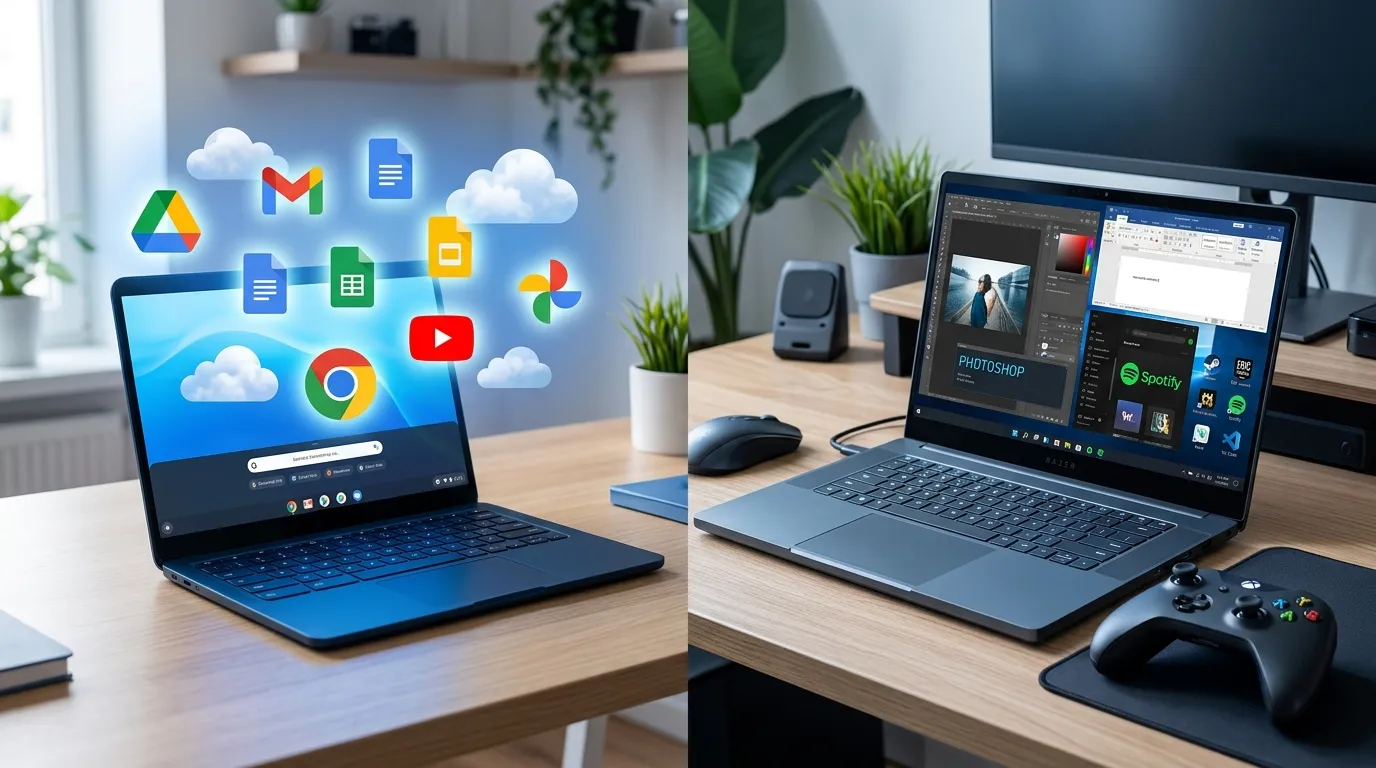
If you bought a Chromebook hoping to game on it, the start of 2026 brought bad news. On January 1, 2026, Google officially ended the Steam for Chromebook beta. Any games installed through that program stopped working, and the door to native PC gaming on ChromeOS quietly closed for good. There was no last-minute reprieve and no replacement program waiting in the wings — the beta simply reached its end date and the installed games went dark.
Plenty of older articles still tell you that you can install Steam and play PC titles on a Chromebook. As of 2026, that advice is flatly out of date, and following it is a fast route to a refund request. But before you write Chromebooks off as gaming machines entirely, it's worth understanding what genuinely still works — because the real picture is far more interesting than "no games allowed." For a lot of players, a Chromebook in 2026 is still a perfectly good way to game. It just plays a different game than you might assume.
Why Steam on Chromebooks never really took off
To understand where Chromebook gaming is headed, it helps to know why the Steam experiment ended. The beta launched in 2022 with real ambition. It used Valve's Proton compatibility layer — the same technology that powers the Steam Deck — to translate Windows games so they'd run on ChromeOS's Linux foundation. On paper, that promised a genuine library of PC titles on a cheap, light laptop.
The problem was always hardware. The overwhelming majority of Chromebooks ship with low-power processors and integrated graphics built for browsing and video, not for rendering modern 3D worlds. Even with Proton doing clever translation work, demanding games either ran at a slideshow or refused to launch. The list of titles Google officially marked as playable stayed small, dominated by older or lightweight games. Adoption never reached critical mass, updates slowed to a trickle, and Google eventually folded the effort into its broader plan to merge ChromeOS with Android.
The takeaway is simple: native, install-and-play, fully offline PC gaming on a Chromebook is off the table for now. If that specific experience is your priority, you want a dedicated gaming laptop, full stop. No workaround changes that in 2026.
What actually works in 2026
Here's the good part, and it's better than the doom-and-gloom headlines suggest. Two avenues remain wide open, and one of them is genuinely excellent.
The first is Android games. Your Chromebook can install titles straight from the Google Play Store, and that library is enormous. Polished strategy games, racers, RPGs, puzzlers, and countless indie gems run smoothly on even modest Chromebook hardware. Pair a Bluetooth controller and many of them feel close to a console-lite experience. For casual and mobile-style gaming, this alone satisfies a huge slice of players.
The second avenue — and this is the real story of Chromebook gaming today — is cloud gaming. Services like NVIDIA GeForce Now and Xbox Cloud Gaming run the actual game on powerful remote servers and stream the video straight to your screen, while your inputs travel back the other way. Because your Chromebook is only displaying a video feed, the weak local hardware stops mattering. A $350 Chromebook can "play" a graphically punishing AAA title that would never install locally, because the heavy lifting happens in a data center hundreds of miles away.
This is exactly why cloud-gaming Chromebooks exist. Google and its partners built a line of these machines with fast 120Hz screens, better speakers, and optimized versions of the major streaming apps. They work shockingly well — often indistinguishable from local play — with one non-negotiable requirement: a solid, stable internet connection. A wired or strong 5GHz Wi-Fi connection delivers a smooth experience. Spotty or congested Wi-Fi turns the same session into a stuttering, blurry mess, because every dropped packet is a dropped frame.
What you need for cloud gaming to feel good
Cloud gaming lives and dies on your network, so a few practical things matter. Aim for a stable connection of at least 15–25 Mbps for smooth 1080p streaming, with higher being better. Latency matters even more than raw speed — a fast but laggy connection feels worse than a slightly slower but consistent one. Sit near your router or use the 5GHz band, and avoid streaming over a crowded coffee-shop network if you care about responsiveness. A wired USB-C-to-Ethernet adapter is a cheap upgrade that transforms reliability. And remember the services are subscriptions: factor the monthly cost into your budget, because the savings on hardware partly shift into a recurring fee.
Who this actually suits
If your idea of gaming is mobile titles plus the occasional cloud-streamed AAA session on good Wi-Fi, a Chromebook is a capable and affordable way to play, and the cloud-gaming models are purpose-built for exactly this. Students, commuters, and casual players who already live online get a light, cheap, all-day-battery machine that also happens to game well.
If, on the other hand, you want to install AAA games locally, run mods, play competitively at the lowest possible latency, or game on long flights with no internet, no Chromebook will satisfy you. That's gaming-laptop territory, and pretending otherwise leads straight to buyer's remorse. Offline, mod-heavy, install-it-all gaming is the one thing the cloud can't replace.
The mistakes to avoid
The biggest error is buying a Chromebook on the assumption that the old Steam workaround still exists. It doesn't, and any guide that says otherwise is stale. The second mistake is buying a bottom-tier Chromebook for cloud gaming — you want a model with a good screen and reliable Wi-Fi hardware, not the cheapest box on the shelf. The third is overlooking your home internet; the best cloud-gaming Chromebook in the world is only as good as the connection feeding it.
Quick questions players ask
Can I still play any PC games on a Chromebook? Yes, but through the cloud rather than locally. GeForce Now and Xbox Cloud Gaming stream real PC and console titles to your Chromebook over the internet.
Do I need a controller? Not required, but recommended. Many Android and cloud titles play far better with a Bluetooth controller, and Chromebooks pair with the common Xbox and PlayStation pads easily.
The bottom line
If you're still weighing whether a Chromebook or a regular laptop fits how you actually use a computer day to day — not just for games but for everything else — it's worth reading a proper comparison of Chromebooks and traditional laptops before deciding, because gaming is only one piece of a much bigger puzzle.
The short version: Chromebook gaming in 2026 isn't dead, it just moved to the cloud. Set your expectations around streaming and Android titles rather than local installs, get a model built for it, and feed it good internet — do that and a Chromebook can be a genuinely fun, budget-friendly way to play.