Core Web Vitals for Small Business: Why Speed Decides Whether Google and ChatGPT Show Your Site
By Amir
51 Views
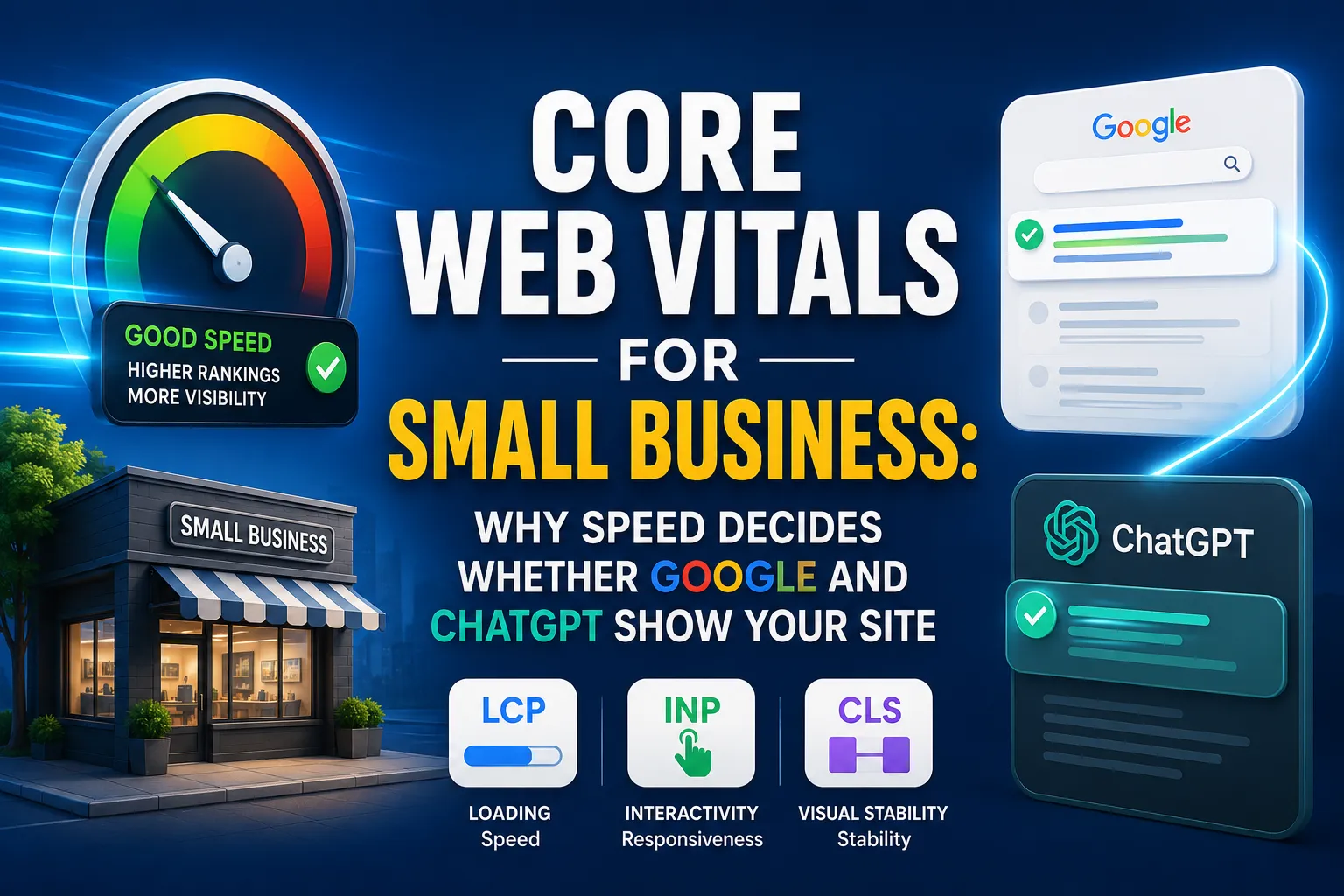
Core Web Vitals are no longer just a technical SEO checkbox. For small businesses, they sit at the center of how fast your pages feel to users, how Google evaluates page experience, and how easily AI systems can understand and surface your content.
Why this topic matters
Most small business sites do not lose traffic because of one big mistake. They lose because of a chain of small performance problems that slow the page, frustrate visitors, weaken trust, and make content harder for both Google and AI systems to process.
Speed matters because it affects three things at once.
- User patience on mobile.
- Search visibility in Google.
- Content extractability for ChatGPT and other AI search systems.developers.
What Core Web Vitals are
Core Web Vitals are Google’s main user experience metrics for the web. They focus on three practical signals: loading speed, responsiveness, and visual stability.
The three metrics are:
- LCP, Largest Contentful Paint.
- INP, Interaction to Next Paint.
- CLS, Cumulative Layout Shift.
Google’s current guidance uses field data and Search Console reporting to show how real users experience your pages, not just how a lab test performs. That matters because a site can feel fast in a test but still be slow for actual visitors.
Why small businesses should care
Small businesses usually have limited time, limited budgets, and limited traffic room for error. That makes performance even more important, because every visitor matters more when you do not have a massive brand advantage or huge backlink profile.
A fast site helps in practical ways:
- More users stay long enough to read and convert.
- Forms and calls to action feel easier to use.
- Mobile visitors are less likely to bounce.
- Local competition becomes easier to beat with the same content quality.
For many small business sites, the biggest issue is not advanced code. It is heavy images, too many plugins, uncompressed assets, and script bloat.
How Google uses them
Google’s official documentation ties Core Web Vitals to search results and page experience. The Search Console report shows page performance grouped by metric type and URL status using real world usage data.
What this means in plain language:
- Google measures how usable your page feels.
- Google does not rely only on one synthetic test.
- Good performance can support better search outcomes when your content is already relevant and useful.
This is why small businesses should treat speed as an SEO foundation, not a finishing touch. Google can still rank a strong page with imperfect scores, but poor performance removes an important advantage.
Why ChatGPT cares
AI search systems do not behave exactly like Google. They need pages they can crawl, understand, and extract from quickly and cleanly.
What helps AI visibility:
- Crawlable pages.
- Clear heading structure.
- Strong topical organization.
- Consistent entities and terminology.
- Structured data where relevant.
Speed matters here because performance usually correlates with cleaner architecture and easier access. A faster site is often a better structured site, and a better structured site is easier for ChatGPT style systems to cite.
The three metrics
LCP
LCP measures how long it takes the main content of a page to appear. In simple terms, it tells users how quickly the page feels like it has loaded.
Common causes of poor LCP:
- Oversized hero images.
- Slow hosting or weak server response.
- Render blocking CSS and JavaScript.
- Delayed loading of the primary above the fold content.
INP
INP measures responsiveness. It reflects how quickly the page reacts when a user clicks, taps, or types.
Common causes of poor INP:
- Heavy JavaScript.
- Too many third party scripts.
- Unnecessary animations.
- Slow frontend frameworks on mobile devices.
CLS
CLS measures visual stability. It captures layout shifts that move buttons, text, or images while the page is loading.
Common causes of poor CLS:
- Images without set dimensions.
- Ads that load late.
- Fonts that swap too aggressively.
- Embeds and popups that push content around.
What top guides share
The best ranking Core Web Vitals articles tend to cover the same core ground. They define the metrics, explain thresholds, show measurement tools, diagnose common problems, and give step by step fixes.
They also tend to repeat these entities:
- PageSpeed Insights.
- Lighthouse.
- Search Console.
- CrUX.
- Real user data.
- LCP, INP, CLS.developers.google+4
To beat them, your article should do more than explain the metrics. It should connect speed to ranking, conversion, and AI visibility in one clear framework.
Comparison table
LCP
Supports page experience and perceived quality developers.
Helps pages load and render in a more extractable way
Compress the hero image, improve hosting, and reduce render blocking assets
INP
Reflects responsiveness and interaction quality
Cleaner front end behavior can improve usability and crawl friendliness
Cut JavaScript bloat, delay noncritical scripts, simplify interactive elements
CLS
Prevents frustrating layout shifts and protects UX developers.
Stable layout makes content easier to interpret and cite
Set image dimensions, reserve ad space, stabilize fonts and embeds
Hidden causes of slow pages
Many small businesses assume the homepage is slow because of the theme. Often the real issue is a stack of smaller problems working together.
Watch for these:
- Large uncompressed images.
- Too many plugins.
- Too many tracking scripts.
- Poor hosting.
- Excessive popups.
- Render blocking CSS and JS.
- Layout instability from ads or embeds.
For small sites, fixing images alone often creates the biggest visible improvement. That is why performance audits should prioritize the biggest user facing bottlenecks first.
How to measure it
Use both lab and field tools so you can see what is happening in testing and what real visitors experience.
Useful tools include:
- Google Search Console Core Web Vitals report.
- PageSpeed Insights.
- Lighthouse.
- CrUX and field data.
A practical workflow is simple:
- Check Search Console for pages with poor scores.
- Test those pages in PageSpeed Insights.
- Use Lighthouse to identify specific technical fixes.
- Re test after changes and compare field trends over time.
How to fix it
Improve images
Images are one of the easiest places to win back speed.
- Compress files before upload.
- Use WebP or AVIF where possible.
- Resize images to actual display dimensions.
- Lazy load below the fold media.
- Preload the hero image.
Reduce code weight
Too much CSS and JavaScript usually slows both LCP and INP.
- Minify CSS and JavaScript.
- Defer noncritical scripts.
- Remove unused plugins.
- Limit third party widgets.
- Avoid unnecessary animation libraries.
Improve hosting and delivery
Server speed still matters.
- Use good quality hosting.
- Enable caching.
- Use a CDN when needed.
- Compress files with Brotli or GZIP.
- Reduce backend response delays.
Stabilize layout
CLS is often easy to fix once you know where shifts come from.
- Reserve height and width for media.
- Set ad container space in advance.
- Use stable font loading strategies.
- Avoid inserting content above existing page elements after load.
ChatGPT visibility checklist
If your goal is to show up in AI answers, page speed is only one piece. The content must also be easy to parse and trust.
Use this checklist:
- Make the page crawlable.
- Use clear H2 and H3 structure.
- Write answer first sections.
- Keep terminology consistent.
- Add relevant schema markup.
- Maintain factual freshness.
- Build topical depth around one subject.
Structured data can strengthen extraction and visibility because it helps machines understand page purpose and entities. That means technical SEO and content structure work together, not separately.
Mistakes to avoid
A lot of businesses chase scores without improving user experience. That leads to wasted effort and no meaningful SEO gain.
Avoid these mistakes:
- Focusing on speed scores but ignoring content quality.
- Ignoring mobile performance.
- Loading too many third party scripts.
- Publishing thin content that is hard to cite.
- Not checking Search Console regularly.
The better strategy is to fix the biggest blockers first, then support the content with clear structure and entity-rich writing.
Action plan
First 7 days
- Run Search Console checks.
- Identify the worst affected URLs.
- Compress the biggest images.
- Remove obvious plugin or script bloat.
- Test the homepage and main service pages.
Next 30 days
- Improve hosting or caching if needed.
- Fix layout shifts across templates.
- Rebuild slow templates.
- Add structured data where relevant.
- Re test after every major change.
Ongoing
- Monitor field data.
- Review new pages before publishing.
- Keep assets lightweight.
- Audit performance quarterly.
- Refresh key pages to protect visibility.
FAQ
What are Core Web Vitals?
Core Web Vitals are Google’s main page experience metrics. They measure loading, responsiveness, and visual stability through LCP, INP, and CLS.
Do Core Web Vitals affect Google rankings?
Yes, they are part of Google’s page experience framework and can support better search performance when paired with relevant, useful content.
Do Core Web Vitals affect ChatGPT visibility?
Not directly as a ranking score, but faster, clearer, more crawlable pages are easier for AI systems to access and cite.
Which metric matters most for small business sites?
All three matter, but LCP usually gives the fastest visible win because it strongly affects perceived speed and is often improved through image and hosting fixes.
How do I check Core Web Vitals in Search Console?
Open the Core Web Vitals report in Search Console, then review URL groups marked Poor, Need improvement, or Good based on field data.
What is the fastest way to improve website speed for a small business?
Start with image compression, remove heavy scripts, enable caching, and fix layout shifts. Those changes usually deliver the best early returns.
Conclusion
For your readers, this topic should land as both an SEO guide and a business growth guide. Speed affects whether Google trusts your pages, whether visitors stay long enough to convert, and whether ChatGPT style systems can understand your site well enough to mention it.
That is why this article fits naturally beside your pillar resource, Technical SEO: The Complete 2026 Optimization Guide, on Clienvora. Together, they create a strong technical SEO cluster that supports your site’s authority, topical depth, and long-term traffic growth.