Compare the Best Tax Filing Software for CPA Firms Today
By Uptax
3 Views
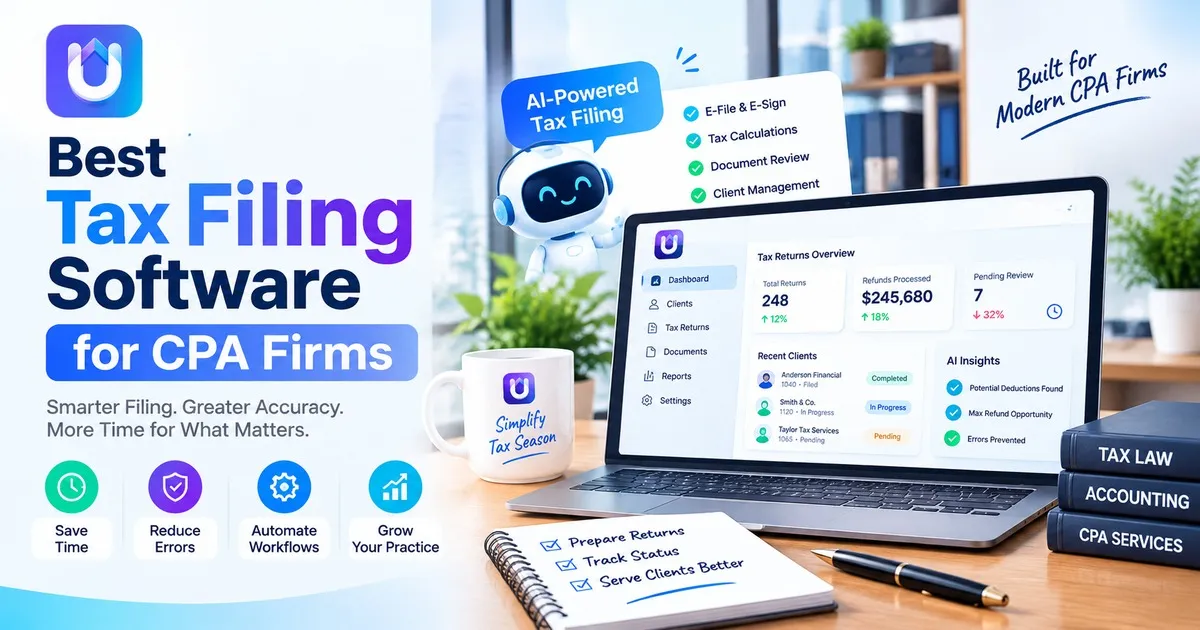
Most firms do not change tax software because they feel bored. They change tax software when a busy season exposes a problem: slow imports, clunky review queues or a support line that became quiet in March.
This guide walks through what to compare when you shop for the best tax filing software for CPA firms. It stays practical and neutral, so you can build your own shortlist.
What "Best" Actually Means for a CPA Firm
A solo preparer and a 40-person firm do not need the same tool. Start by writing down how your firm really works.
Your Client Mix
A practice that focuses a lot on 1040 forms and Schedule C filers has needs, than a practice that focuses on partnerships and S corporations. Make sure the software can handle 1040 forms, Schedule C filers, partnerships and S corporations and can manage the state returns without needing workarounds.
Your Team Size and Review Process
If three people touch every return, you need clear preparer, reviewer, and partner sign-off steps. Look for status tracking, assignment features, and a clean audit trail of who changed what.
Your Busy-Season Capacity
Software that feels fine in October can crawl in March. Ask vendors how they handle peak e-file volume and what their support hours look like during deadlines.
Core Features to Compare
Use this checklist when you demo products:
-
E-file and acceptance tracking: Can you see rejections and fix them fast?
-
Data import: Does it pull from prior-year returns, PDFs, and accounting systems?
-
Workflow tools: Task assignment, notes, and review stages.
-
Client portal: Secure document requests and e-signatures.
-
Integrations: Practice management, billing, and bookkeeping tools you already use.
-
Reporting: Return status, staff workload, and turnaround time.
A simple rule helps here. If a feature won't save a step you do every week, it should not drive your decision.
Many vendors pitch a "complete suite," but a smaller tool that does your core work well often beats a big one you only half use.
Where AI Fits in Modern Tax Workflows
AI tax software is now part of most buying conversations. The useful applications are fairly narrow: extracting numbers from source documents, flagging missing items, and drafting organizer follow-ups.
Done well, this removes repetitive keying and gives staff more time for review and advisory work. Done poorly, it creates new errors that are harder to spot.
Ask any vendor these questions:
-
What happens to the data you upload, and is it used to train models?
-
Can a preparer see where each number came from?
-
How does the tool show its confidence or flag uncertain fields?
Platforms built around AI-assisted preparation, such as UpTax, are worth a look if reducing manual data entry is a top priority. As with any tool, run a pilot first.
Security and Compliance Are Part of the Purchase
As a tax preparer, you will be dealing with sensitive information regarding your client. According to FTC Safeguards Rule and IRS, an organization should have an information security plan in writing.
When comparing vendors, ask about:
-
Encryption for data in transit and at rest
-
Multi-factor authentication for every user
-
Role-based access, so staff only see what they need
-
Independent security audits (for example, SOC 2 reports)
-
Data retention and deletion policies
Also confirm e-file obligations. Paid preparers who file above the IRS threshold must e-file.
How to Run a Fair Software Trial
Skip the polished demo data. Instead:
-
Pick five to ten anonymized returns of varying difficulty.
-
Have a preparer and a reviewer both work them in the new tool.
-
Track time spent, errors found, and questions for support.
-
Ask for pricing in writing, including per-return fees and add-ons.
The data from this trial will tell you more than any comparison chart.
The Takeaway
The top tax filing software, for CPA firms proves itself by saving time on the tasks you do every week keeping client information safe and performing well in March. Start by making your list try it with files and let the results help you decide.
Also reads: https://blogmrworld.com/find-the-right-tax-preparation-software-for-cpa-firms-6ae05d1deb0b2
FAQ
What is the best tax filing software for CPA firms?
There will be no single winning product. The correct choice will depend on your clientele, firm size, and security requirements.
Is AI tax software accurate enough for professional use?
It may help expedite the extraction process and identify potential problems, but its accuracy depends on the type of product used.
How much does tax software for CPA firms cost?
Price system types are return pricing, seat licensing, and subscription packages. Prices can be found on vendor websites if you want.
Can small firms use the same software as large firms?
Sure, but it’s important to know that small companies shouldn’t spend on enterprise functionalities that they don’t need.
When should a firm switch tax software?
The off-season is usually the safest time, since you can migrate data, train staff, and test workflows before the deadline pressure returns.
Related Reading
Top 10 Hidden Secrets About Business & Finance You Need to Know
Welcome to our in-depth exploration of Business & Finance. In an era defined...
Why Business & Finance is Transforming the Global Industry Landscape
Welcome to our in-depth exploration of Business & Finance. In an era defined...