Combining Time Tracking and Live Screen Monitoring Without Losing Your Team's Trust
14 Views
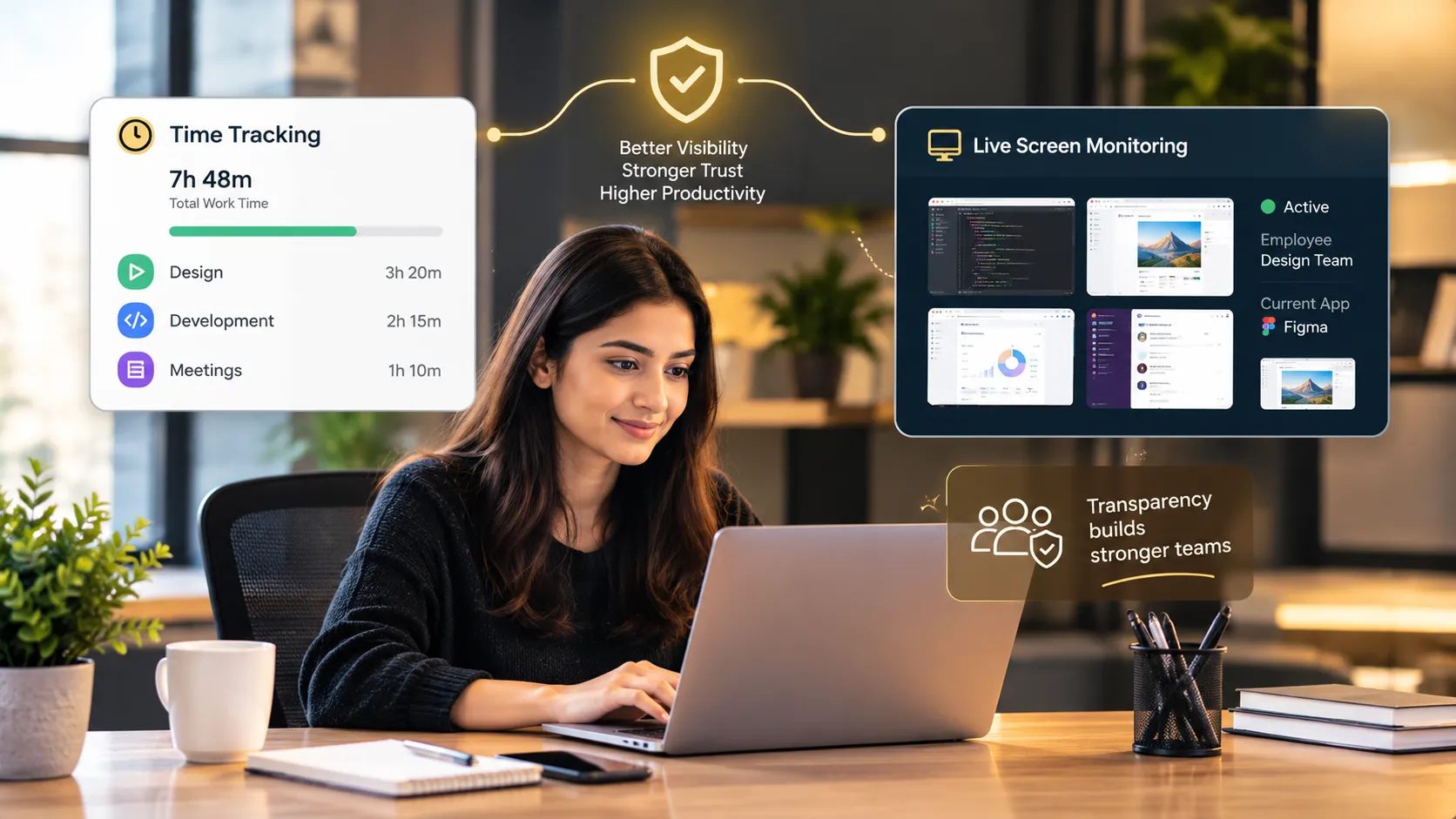
To combine time tracking with live screen monitoring without losing trust, define a clear purpose, check local legal requirements, and tell your team before anything goes live. Build the time tracking foundation first, add live monitoring only where it is needed, restrict who can see it, and use what you learn to support people, not to police them.
Turning on screen monitoring takes a few clicks. Making it work takes a lot more.
Managers who add live monitoring to a time tracking setup usually have good reasons: a distributed team, work that is hard to observe, or a need for extra oversight. But the way it is introduced often determines whether the team shrugs it off or quietly starts looking for the exit.
The tools are not the problem. The problem is treating monitoring as a technical switch instead of a change in how people experience their work. This article explains how to combine time tracking with live screen monitoring in a way that keeps trust intact.
Why Trust Is the Real Risk
People do their best work when they feel trusted. Monitoring that feels secret, broad, or accusatory changes that.
-
People hide mistakes instead of reporting them.
-
They optimize for looking busy instead of doing good work.
-
Creative thinking drops, because it does not look productive on a screen.
-
The best people, who have options, start to leave.
None of that is inevitable. Teams accept clear, proportionate, honestly explained oversight far more readily than managers expect. The difference is in how it is done.
Principle 1: Start With a Purpose You Can State
Before choosing any setting, write down why you want live monitoring. Good purposes are specific: coaching a new team member, reviewing sensitive work, or meeting a defined oversight need.
Bad purposes are vague: "to make sure people are working" or "just in case." Vague aims produce broad monitoring, and broad monitoring produces resentment.
Also ask a simple question: would time tracking with supporting detail, such as screenshots on time entries, solve the same problem? Often it does, with less intrusion.
Principle 2: Know the Rules Where You Operate
Rules on employee monitoring, consent, and data handling vary by country and region. Check what applies to every location your team works in, and confirm with qualified legal advice before launch.
This is not a detail to settle after rollout. The legal position can affect which features you use, how you notify people, and what you can store.
Principle 3: Put the Rules in Writing
A short policy turns good intentions into a shared agreement. It should say:
-
Why monitoring is used
-
Which teams or roles it covers, and when
-
What can be viewed or recorded
-
Who can see it
-
How it will and will not be used
-
How long records are kept
-
Where people can raise concerns
Keep it readable. If your team cannot follow it, it will not build confidence.
Principle 4: Build the Everyday Foundation First
Time tracking is the base. Set up projects and tasks with clear owners, ask people to record time inside tasks, and review the reports for a few weeks.
Many teams find that this alone answers most of their questions about workloads, effort, and progress. Starting here also shows your team that the goal is fair planning, not surveillance, which makes any later addition easier to accept.
Principle 5: Keep Live Monitoring Narrow
If you still need live monitoring after a few weeks of solid time tracking, keep it proportionate.
-
Apply it to the teams or situations where the purpose applies.
-
Prefer targeted use, such as during onboarding, over constant, blanket use.
-
Decide who can view a live session, and when.
If the monitoring is broader than the problem, narrow it.
Principle 6: Tell People First, and Listen
How you introduce the change matters as much as the policy itself.
-
Explain the purpose, scope, and rules before anything goes live.
-
Be honest about what the data will not be used for.
-
Give people a simple way to raise concerns.
Teams that hear about monitoring from their manager, in advance, respond very differently from teams that discover it.
Principle 7: Limit Who Can See What
Not every manager needs access to everything. Name the specific roles who can view live sessions, set permissions by responsibility, and review who has access at least once a quarter. Tight access protects both employees and the organization.
Principle 8: Use the Data to Help
This is where trust is won or lost.
-
Use time data to balance workloads and plan realistically.
-
Use live views only for the purpose you stated.
-
Look at patterns over time, not single moments.
-
Never treat screen activity as a productivity score. Activity is not output.
-
Share what you learn, and what you changed because of it.
When people see that the data leads to fairer workloads and better plans, they come to see it as a tool that works for them.
Principle 9: Review and Adjust
Needs change. Review at least quarterly whether live monitoring still serves its purpose. If the need has passed, scale it back. Update the policy as laws, tools, and teams change, and check how your team feels through honest conversations or short surveys.
Where Prime Teams Fits
A platform that brings time tracking, project management, and monitoring together makes this combination easier to manage in one place. Prime Teams offers time tracking inside projects and tasks, reports on project hours and team contributions, and screenshots and screen recordings on time entries. It also includes live screen monitoring for teams that decide they need it, along with teams, leads, and permissions to control access by responsibility.
Frequently Asked Questions
Can you use time tracking and live screen monitoring together?
Yes, when each has a clear role. Time tracking provides the everyday record of effort. Live monitoring adds a real-time view for specific, agreed purposes.
How do you avoid losing trust when monitoring remote employees?
Define a clear purpose, check the legal position, write a short policy, explain it before launch, limit the scope and access, and use the data to support people.
Should I start with time tracking or live screen monitoring?
Start with time tracking. It gives you structure and often answers your questions without needing live monitoring.
Final Thoughts
Combining time tracking with live screen monitoring is a judgment call, not a technical setup. A clear purpose, honest communication, sensible limits, and a habit of using data to help will do more for your team than any setting.
Get those right, and the combination can give you visibility without costing you trust.