Can I Wall Mount a TV Myself?
18 Views
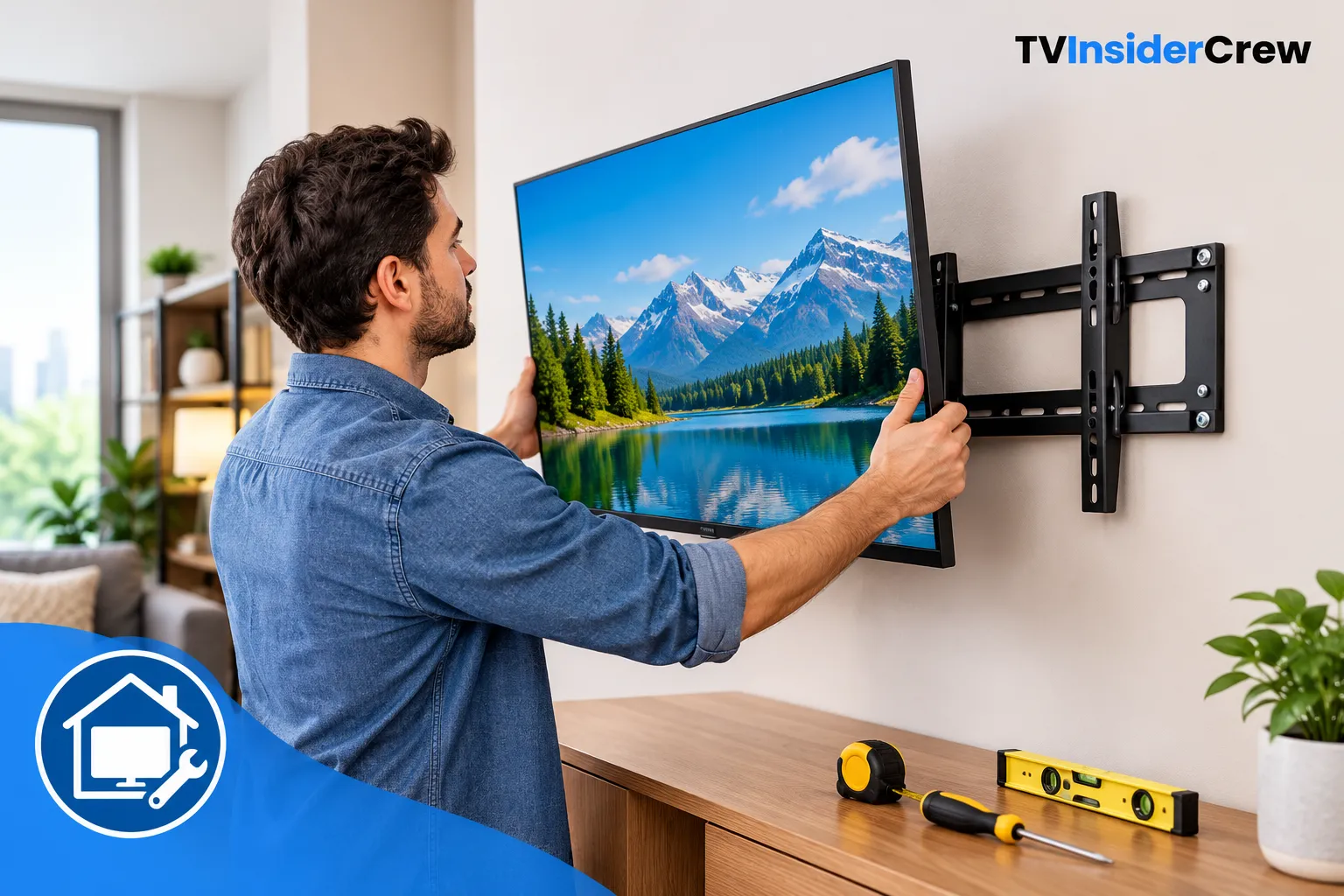
Yes, you can often wall mount a TV yourself if you have the correct wall mount, suitable tools, and a secure place to anchor it. For many homeowners, a basic TV setup does not require a professional installer.
However, mounting a television is not simply a matter of drilling four holes and attaching a bracket. The most important part is making sure the bracket is properly secured to the wall and is compatible with your TV.
Before starting, check these points:
- Confirm your TV's VESA mounting pattern.
- Check the television's weight against the mount's rated capacity.
- Identify the type of wall you have.
- Locate studs if you are mounting into drywall.
- Choose the viewing height before drilling.
- Plan where the power and HDMI cables will go.
Check Your TV and Wall Mount Compatibility
Look at the back of your television for the four mounting holes. The distance between these holes is generally described using a VESA measurement, such as 200 × 200 mm or 400 × 400 mm.
Your wall mount should support that pattern and the weight of your television.
Do not assume that a mount will fit simply because it is advertised as a "universal" TV mount. Check its specifications against your specific TV model.
Also consider the type of mount you want:
- Fixed mounts keep the TV close to the wall.
- Tilting mounts allow the screen to angle downward.
- Full-motion mounts extend and swivel away from the wall.
For a straightforward living-room TV setup, a fixed or tilting mount may be simpler to install than a full-motion model.
Identify the Wall Before Drilling
This is one of the most important steps in DIY TV mounting.
For drywall, the strongest installation usually involves attaching the mount to wall studs using appropriate hardware. A stud finder can help locate them.
Brick and concrete walls require different anchors and drilling equipment. If you have a plaster, stone, unusually thin, damaged, or uncertain wall, take extra care before proceeding.
Avoid relying on ordinary drywall anchors for a heavy television unless the mounting system specifically allows that installation and provides appropriate load ratings.
If you are unsure what is behind the wall, stop before drilling. Electrical wiring, plumbing, and other obstacles can be hidden inside walls.
Gather Your Tools
Having everything ready makes the installation much easier.
You may need:
- Stud finder
- Drill and appropriate drill bits
- Screwdriver
- Level
- Measuring tape
- Pencil
- Correct mounting bolts and washers
- Socket or wrench, depending on the mount
- A second person to help lift the TV
A second person is especially useful during the final stage. Even a relatively lightweight TV can be awkward to hold while aligning it with the wall bracket.
Choose the Height Carefully
Do not automatically place the TV as high as possible.
A comfortable viewing position is usually more important than creating a dramatic wall display. Sit in your normal viewing position and consider where your eyes naturally fall on the screen.
Also account for furniture, soundbars, shelves, and cable connections before drilling.
One common mistake during TV mounting setup help is choosing the height first and discovering afterward that an HDMI port is difficult to reach or a soundbar blocks the lower part of the screen.
Mount the Bracket Step by Step
Once compatibility and wall conditions are confirmed:
- Measure and mark the desired mounting position.
- Locate the appropriate studs or prepare suitable masonry anchors.
- Hold the wall plate against the wall and check it with a level.
- Mark the drilling points.
- Drill using the correct bit and depth.
- Secure the wall plate with the manufacturer's recommended hardware.
- Attach the mounting rails or brackets to the TV.
- Carefully lift the television onto the wall plate.
- Engage any locking screws or safety mechanisms.
- Check that the TV is level and firmly secured.
Never skip the locking mechanism simply because the TV appears stable. The safety hardware is designed to prevent the television from lifting or shifting off the mount.
Plan Your Cables Before Finishing
Cable management is much easier to solve before the TV is fully installed.
Think about every connection you need, including:
- HDMI devices
- Streaming devices
- Soundbars
- Game consoles
- Ethernet
- Antenna connections
- Power
Do not tightly bend HDMI or power cables behind a TV just to make them fit. If the mount is very close to the wall, right-angle cables or a mount with additional clearance may be useful.
For cables that need to pass inside a wall, use products and installation methods designed for in-wall cable routing rather than simply pushing ordinary cables into the wall.
Common DIY Mistakes to Avoid
The most frequent problems are surprisingly simple:
- Mounting into drywall without considering the load
- Using the wrong screws
- Ignoring the TV's VESA pattern
- Failing to check the mount's weight limit
- Drilling before checking for hidden wiring or plumbing
- Installing the bracket slightly crooked
- Mounting the TV too high
- Forgetting cable clearance
- Trying to lift a large TV alone
If the wall construction is unclear, the television is particularly large or heavy, or you cannot confidently identify safe mounting points, getting professional help is the safer option.
Final Safety Check
Before considering the installation complete, gently verify that the mount is secure and that the TV is properly locked onto the bracket. Check that the screen is level and that cables are not under tension.
If the TV moves unexpectedly, the bracket pulls away from the wall, or you hear cracking from the mounting area, stop using the installation and reassess the hardware and wall attachment.
A successful TV setup should look clean, but it should first be secure, stable, and correctly supported.
Disclaimer
Tv Insider Crew is an independent help website that provides setup and troubleshooting guides. We are not affiliated with, endorsed by, or sponsored by any brand, service, or device manufacturer mentioned in this article.
Helpful CTA
Need more help after mounting your TV? Tv Insider Crew provides practical guides covering TV setup, activation, installation, configuration, and troubleshooting. Explore the related guides to work through your next setup step with clear, beginner-friendly instructions.