Can I share my IPTV subscription with family in another state?
By tomholland
8 Views
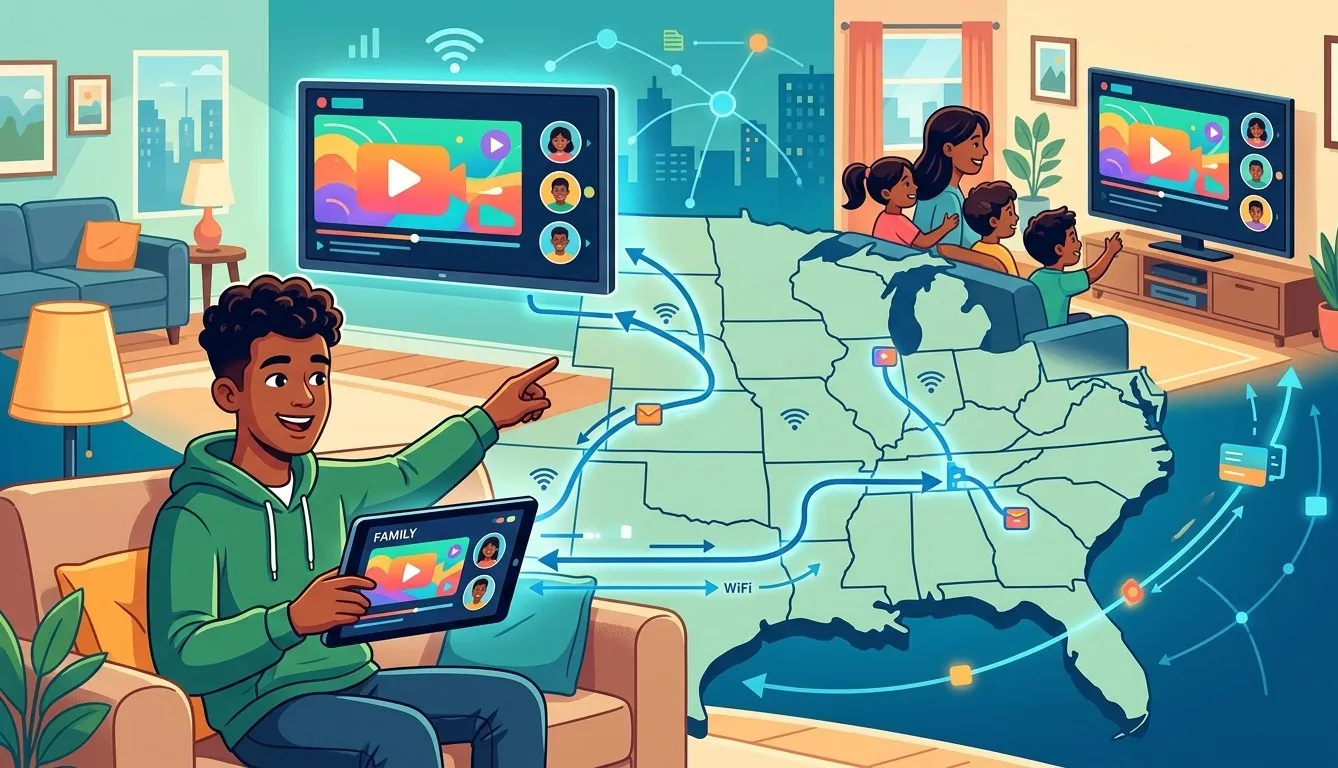
With family often spread across different states, it's a common question: can you share a single IPTV subscription with relatives who don't live under the same roof? The answer depends largely on your provider's specific policies. In this guide, we'll explain how subscription sharing typically works, what limitations to expect, and how to set up IPTV India access for family members using their own Indian IPTV Box in a different location.
Table of Contents
- Can You Share an IPTV Subscription Across States?
- How Multi-Device Streaming Works for Remote Sharing
- Factors That Affect Sharing Across Locations
- Setting Up IPTV for Family in Another State
- Potential Limitations to Be Aware Of
- Is a Separate Subscription a Better Option?
- FAQs
Can You Share an IPTV Subscription Across States?
In many cases, yes — since IPTV works over the internet rather than a local cable connection, there's no inherent geographic restriction tying your subscription to one specific address. This means family members in another state can often log into the same IPTV India account and stream from their own location, as long as your provider's plan supports multiple simultaneous connections.
How Multi-Device Streaming Works for Remote Sharing
Whether sharing works well across states comes down to your subscription's connection limits:
- Single-connection plans – Only one device can stream at a time, regardless of location. If a family member logs in while you're already streaming, it may disconnect one of you.
- Multi-connection plans – These allow two or more devices to stream simultaneously, making it possible for you and family members in different states to watch at the same time without conflict.
Since location isn't typically a restricting factor for IPTV, the real limitation is how many simultaneous streams your plan allows.
Factors That Affect Sharing Across Locations
- Simultaneous stream limits – Determines how many people can watch at once, regardless of where they are
- Each location's internet quality – Family members will need their own stable internet connection to stream smoothly
- Device compatibility – Each household will need a compatible device, such as their own Indian IPTV Box, Smart TV, or streaming app
- Provider terms of service – Some providers may have specific policies regarding account sharing that are worth reviewing
Setting Up IPTV for Family in Another State
If your plan supports multiple connections, setting up access for family elsewhere generally involves:
- Confirming your plan supports multi-device streaming
- Sharing your login credentials or activation details with your family member
- Setting up their device – whether that's installing the app on their Smart TV or configuring their own Indian IPTV Box
- Testing simultaneous streaming to confirm both locations can watch without interruption
This setup allows family members to enjoy the same IPTV India channel lineup without needing entirely separate subscriptions.
Potential Limitations to Be Aware Of
- Stream limits can cause interruptions – If both households try to watch different channels beyond your plan's allowed simultaneous streams, one connection may be dropped
- Shared billing responsibility – Sharing an account means coordinating who manages payments and renewals
- Inconsistent viewing habits – Heavy simultaneous usage across two households may strain your plan more than expected
- Support and troubleshooting – If an issue arises, it may not always be clear whose setup is causing the problem
Is a Separate Subscription a Better Option?
While sharing can work well for some families, there are situations where separate subscriptions make more sense:
- If both households frequently stream at the same time on multiple devices each
- If avoiding shared billing responsibility is a priority
- If each household wants full control over their own account settings and support
For families with lighter, less overlapping viewing schedules, a shared multi-connection plan is often a cost-effective solution. For heavier or more independent usage, separate subscriptions may provide a smoother experience.
FAQs
1. Does IPTV restrict access based on location?
No, since IPTV works over the internet, location generally isn't a restricting factor, as long as your plan supports multiple connections.
2. How many devices can typically stream at once on a shared plan?
This varies by provider, so it's important to check your specific plan's simultaneous stream limit before sharing.
3. Can my family use their own Indian IPTV Box with my shared subscription?
Yes, as long as your plan supports multiple connections, family members can use their own device with the shared login details.
4. What happens if both households try to stream at the same time beyond the plan's limit?
One connection may be interrupted or logged out, depending on how the provider's system manages simultaneous streams.
5. Is it better to share a subscription or get separate ones for family in another state?
It depends on viewing habits — light, non-overlapping use often works well shared, while heavier simultaneous use may benefit from separate subscriptions.
Keep Your Whole Family Connected
Whether you're sharing one account or setting up separate subscriptions, IPTV India makes it easy to keep family connected to the channels they love, no matter which state they're in. Pair each household with a reliable Indian IPTV Box for the smoothest experience. Explore our IPTV plans today and find the right setup for your family.
Related Reading
Why Entertainment & Pop Culture is Transforming the Global Industry Landscape
Welcome to our in-depth exploration of Entertainment & Pop Culture. In an er...
The Ultimate Guide to Understanding Entertainment & Pop Culture in 2026
Welcome to our in-depth exploration of Entertainment & Pop Culture. In an er...