Bullhorn ATS & CRM: A Practical Guide for Staffing Agencies
By Jennie Kayne
13 Views
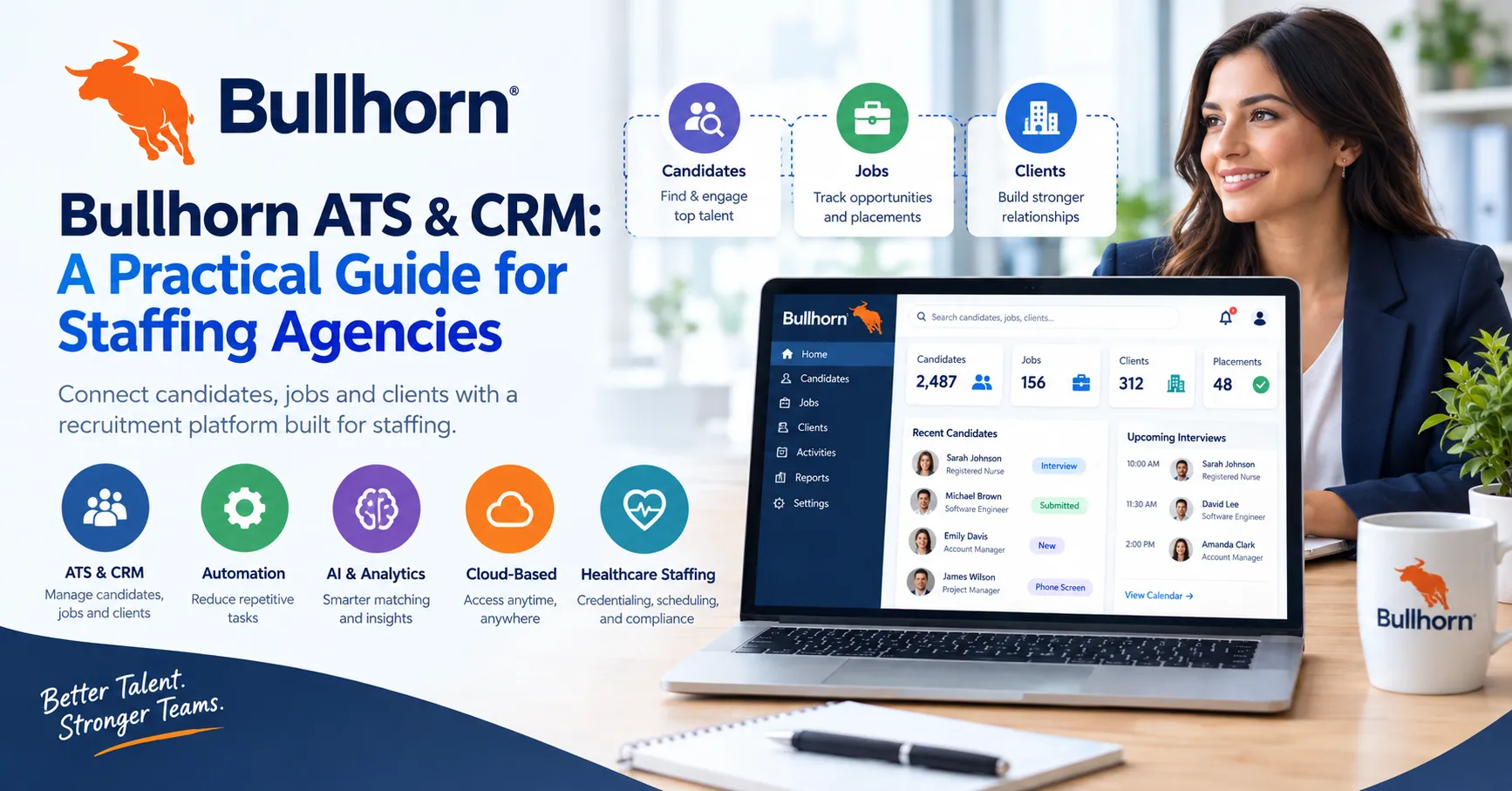
Staffing agencies manage a workflow that is different from ordinary corporate hiring. Recruiters must work with candidates while also maintaining relationships with clients, tracking job orders, and moving placements through different stages. Software built specifically for staffing can bring these activities together.
Bullhorn CRM Software is part of Bullhorn's broader staffing technology platform, which combines applicant tracking, CRM capabilities, automation, analytics, and other recruitment-focused tools. Bullhorn says its software is used by more than 10,000 staffing and recruitment companies globally.
What Makes Bullhorn ATS and CRM Different for Staffing?
A standard CRM is normally designed around customer relationships. An ATS is designed around recruiting candidates. Staffing firms often need both because their business depends on maintaining relationships with clients while simultaneously finding candidates for open positions.
Bullhorn's ATS and CRM is designed around this staffing model. The platform connects candidates, jobs, and clients within a recruitment environment.
This structure can help staffing teams maintain a more connected record of recruitment activity. Rather than treating a job order as separate from the candidate and client relationship, the platform brings those elements into the same workflow.
How Does Bullhorn Software Organize Candidate Data?
Candidate information is central to staffing operations. A recruiter may need to search previous applicants, review resumes, communicate with candidates, and determine whether someone is suitable for an open job.
Bullhorn includes applicant tracking and resume parsing within its entry-level ATS capabilities. More advanced products provide additional recruitment tools and AI-supported search and matching.
This can be useful for agencies that maintain large candidate databases because recruiters can work from a centralized recruitment environment instead of relying entirely on individual spreadsheets or disconnected records.
The actual workflow will depend on how the agency configures the system and which Bullhorn products it purchases.
What Is Included in the Bullhorn CRM Software Feature Set?
The Bullhorn CRM Software feature set changes according to the selected edition.
Bullhorn Starter includes applicant tracking, resume parsing, client management, job posting with a career portal, and expert support. Core adds features such as custom fields, workflows, LinkedIn integrations, and access to the app marketplace.
Bullhorn Pro is positioned as a more complete small-agency platform with recruitment CRM functionality and Amplify AI capabilities. These include AI search and match, data enrichment, process automation, AI resume formatting, call transcription, and real-time analytics.
Agencies should therefore compare plans according to their actual needs rather than assuming that the basic ATS and the advanced CRM experience are identical.
How Can Bullhorn Recruitment Software Support Client Relationships?
Recruitment agencies depend on clients just as much as they depend on candidates. A client may have multiple vacancies, changing hiring requirements, and different communication preferences.
Bullhorn's CRM capabilities are designed to help staffing teams maintain client information and sales activity alongside recruiting operations. Its platform describes the CRM as a way to collect and manage key client information while supporting relationships and revenue activity.
This can be particularly useful when sales and recruiting teams need shared visibility. A recruiter can understand the job requirement while account teams maintain the broader client relationship.
Does Bullhorn Support Automation?
Automation is one of the areas where Bullhorn has expanded beyond basic ATS functionality.
Depending on the edition, automation can help reduce repetitive administrative activity within recruiting workflows. Bullhorn Pro, for example, includes process automation alongside AI-related capabilities.
The purpose of automation should not simply be to add more technology. Agencies should identify repetitive activities that genuinely consume recruiter time and determine whether automation can handle those processes without reducing the quality of candidate or client communication.
Can Bullhorn Be Used by Healthcare Staffing Agencies?
Yes. Bullhorn offers a dedicated healthcare staffing solution.
Healthcare staffing organizations have additional operational requirements because candidates may need credentials and compliance documentation before being placed. Bullhorn's healthcare platform includes credential management, provider self-service, scheduling, and time and pay functionality.
Bullhorn also describes its healthcare solution as supporting candidate and provider workflows from recruiting through staffing operations. This makes the platform relevant to healthcare staffing companies, but it does not make Bullhorn an EHR.
Is Bullhorn an EMR or EHR?
No. This distinction is important when researching software for healthcare organizations.
An EMR or EHR is designed around patient health information and clinical documentation. Bullhorn is designed around recruitment and staffing operations.
A healthcare staffing organization may use Bullhorn to recruit and manage healthcare professionals while using another system for clinical or patient-related records. Bullhorn's healthcare-specific capabilities address staffing processes rather than functioning as a patient medical record.
For Codatis readers comparing healthcare technology, this difference should be considered before selecting a platform.
How Much Is the Bullhorn Price?
The Bullhorn price depends on the product and plan.
Bullhorn currently publishes small-agency pricing for Starter at $99 per user per month and Core at $165 per user per month. Pro and Max are custom-priced. Other products may also be quoted separately.
Pricing can change, and the final amount for an organization may depend on its selected products and requirements. Agencies should request a current quote rather than relying only on a general online figure.
Can You Request a Bullhorn Demo?
Yes. Bullhorn provides demo options for prospective customers.
A useful Bullhorn CRM Software demo should be treated as an opportunity to test the platform against real staffing scenarios. Ask the representative to demonstrate candidate search, client management, job workflows, reporting, integrations, and any healthcare-specific requirements that matter to your organization.
Preparing these questions beforehand can make the evaluation more practical.
How Does Bullhorn Login Work?
Bullhorn provides an official login page for its users. The available login method depends on the Bullhorn environment, with options including Bullhorn ATS, Salesforce, and email-based access.
Employees should use the login method provided by their organization and avoid entering credentials on unofficial websites.
Is Bullhorn Suitable for Every Recruitment Agency?
Not necessarily. Software selection depends on business size, workflow complexity, budget, integrations, and operational requirements.
A small staffing agency may need only core ATS functionality, while another organization may require recruitment CRM capabilities, AI, automation, analytics, onboarding, or middle-office functionality.
The best evaluation is therefore based on the agency's actual process. Understanding what the team needs before requesting a quote can make the purchasing conversation more focused.
Frequently Asked Questions
What is Bullhorn CRM Software?
It is a staffing-focused CRM and recruitment platform designed to connect candidate, job, and client workflows.
Is Bullhorn an ATS?
Yes. Bullhorn provides applicant tracking capabilities as part of its staffing software platform.
Is Bullhorn CRM Software free?
Bullhorn's current small-agency information states that it does not offer a free trial.
Does Bullhorn support healthcare recruitment?
Yes. Bullhorn has healthcare staffing solutions covering areas such as credentialing, scheduling, and provider workflows.