How to Choose the Best Parental Control App for Your Family
By clark blarke
57 Views

Children are spending more time online than ever before, using smartphones, tablets, gaming consoles, and laptops for learning, entertainment, and communication. While technology offers many benefits, it also exposes children to online risks such as cyberbullying, inappropriate content, online predators, excessive screen time, and privacy threats. These challenges have encouraged many families to use a best parental control app to help create a safer digital environment.
However, not every parental monitoring app offers the same features or suits every family. Some apps focus on screen time management, while others prioritize location tracking, web filtering, or online activity reports. The right choice depends on your child's age, your family's values, and the level of supervision that feels appropriate. This guide explains what parents should consider before choosing a parental control solution.
Understand Your Child's Age and Needs
Choosing a parental control app starts with understanding your child's developmental stage. A five-year-old and a sixteen-year-old have very different digital habits, so they require different levels of guidance and monitoring.
Preschool Children (Ages 3–5)
Young children usually use devices for educational games, videos, and interactive learning. Parents often benefit from basic controls such as screen time limits, app approvals, and content filtering. At this stage, the focus is on creating healthy digital habits rather than monitoring detailed online activity.
School-Age Kids (Ages 6–12)
As children begin using the internet for homework, games, and social interaction, online safety becomes more important. Parents may want features such as safe web browsing, app management, location tracking, and activity reports. These tools help parents understand how devices are being used while encouraging responsible online behavior.
Teenagers (Ages 13–18)
Teenagers generally expect more privacy and independence, making balance essential. Rather than constant surveillance, many parents choose tools that promote communication and digital responsibility. Features like screen time schedules, location sharing, driving safety alerts, and reports on potentially harmful online activity may provide reassurance without becoming overly intrusive.
Adjust Monitoring as Your Child Grows
Monitoring should evolve with your child's maturity. Instead of using the same restrictions for many years, parents can gradually reduce supervision as children demonstrate responsible digital behavior. A flexible family safety app allows families to adapt settings over time rather than applying identical rules to every child.
Essential Features to Look For
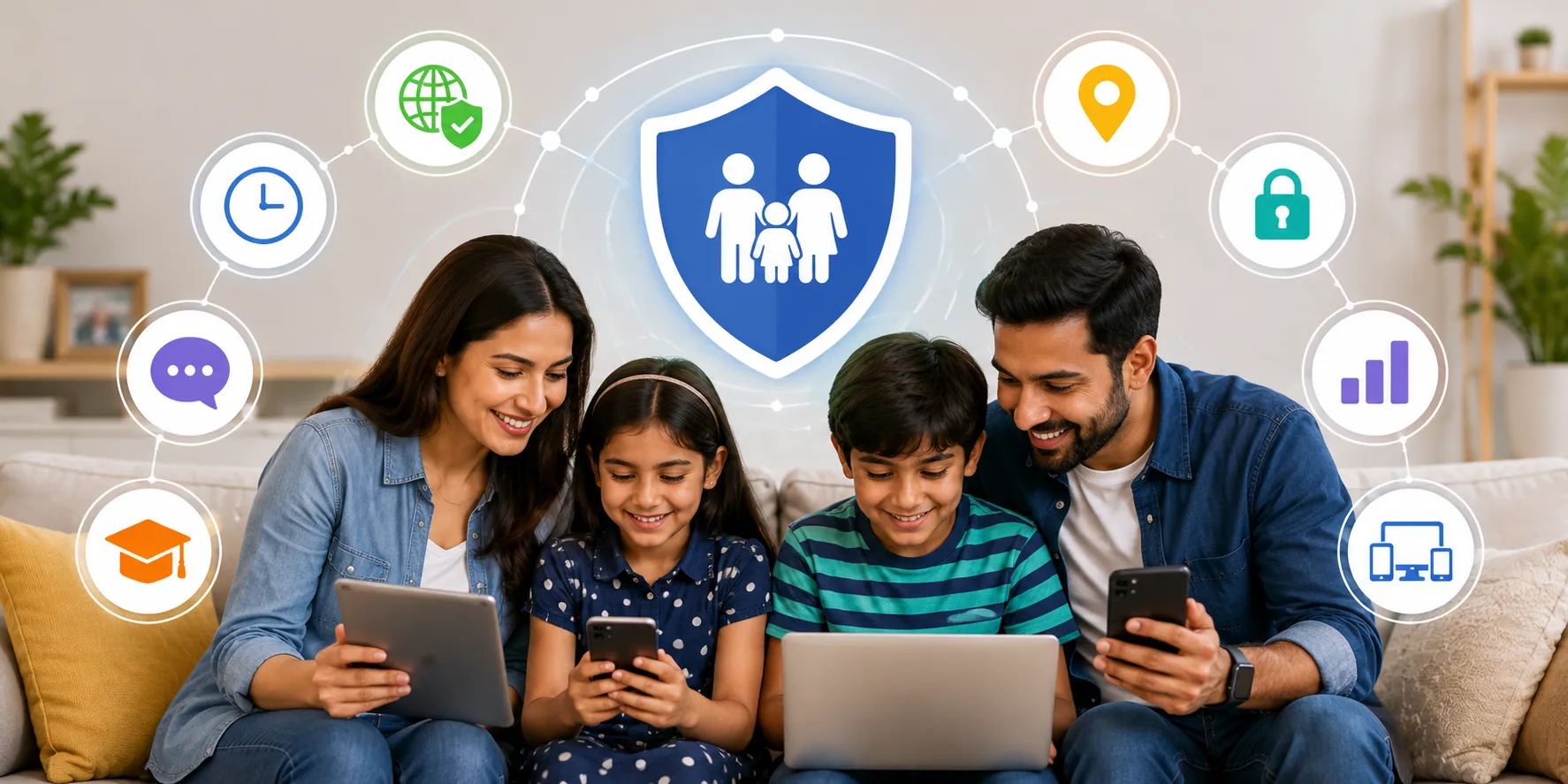
The most effective parental control apps combine multiple safety features that help parents guide their children's digital lives without unnecessarily limiting independence.
Screen Time Management
Screen time management allows parents to set daily device limits, create bedtime schedules, and encourage healthier digital habits. Many families use these settings to reduce excessive screen use while maintaining time for homework, outdoor activities, and sleep.
App Blocking and App Management
Children frequently download games and social media applications. App management tools allow parents to approve or block certain apps based on age appropriateness. Some solutions also let parents limit app usage during school hours or family time.
GPS Location Tracking
Location tracking helps parents know where their children are during school, extracurricular activities, or travel. Real-time GPS updates can provide peace of mind without requiring frequent phone calls or messages.
Content Filtering
Content filtering helps block websites containing adult content, violence, gambling, or other inappropriate material. Since internet content changes constantly, filtering should be viewed as an additional safety layer rather than a complete solution.
Activity Reports
Activity reports summarize how devices are being used by showing screen time, frequently used apps, browsing activity, and other digital habits. These reports help parents identify patterns and start meaningful conversations about responsible technology use.
Geofencing
Geofencing allows parents to create virtual boundaries around locations such as home, school, or sports facilities. Parents receive notifications when children enter or leave these designated areas, making it easier to stay informed throughout the day.
Real-Time Alerts
Some parental control features include alerts for potentially concerning situations, such as attempts to access blocked websites, disabling device protections, or leaving designated safe zones. These notifications allow parents to respond quickly when necessary.
Multi-Device Support
Most families use several devices across different operating systems. Choosing software that works on smartphones, tablets, and computers makes managing digital safety easier from a single dashboard.
Privacy and Transparency Matter
Technology should support family communication, not replace it. Before installing any parental monitoring app, parents should explain why monitoring is being used and what information will be visible. Honest conversations help children understand that monitoring is intended to support their safety rather than invade their privacy.
Build Trust Instead of Secret Surveillance
Experts generally recommend discussing digital rules openly instead of monitoring children without their knowledge whenever appropriate. When children understand the purpose behind parental controls, they are more likely to develop responsible online habits and seek help when they encounter problems.
Parents should also review the privacy practices of any app they choose. Understanding what data is collected, how long it is stored, and whether it is shared with third parties helps families make informed decisions about protecting personal information.
Android vs iPhone Features
Not all parental control features work the same way on every device. Differences between Android and iPhone operating systems affect what apps can monitor or control.
Why Features Differ
Android generally provides developers with broader system access, allowing certain apps to offer more advanced monitoring capabilities. Apple's iOS places stronger restrictions on background access to protect user privacy, which may limit some monitoring functions.
Platform Limitations
Depending on the operating system, some features—such as app usage tracking, call monitoring, text monitoring, or website filtering—may work differently or may not be available at all. Parents should always verify feature compatibility before purchasing any parental control solution, especially if their family uses both Android and iPhone devices.
Questions to Ask Before Buying
Choosing the right parental control app involves more than comparing feature lists. Parents should consider whether the software fits their family's long-term needs.
Is the Setup Process Easy?
An app should provide clear installation instructions and a simple interface so parents can configure settings without technical expertise.
Can It Grow with Your Child?
Children's digital habits change over time. Look for solutions that allow parents to adjust restrictions, monitoring levels, and permissions as children become more independent.
Does It Provide Real-Time Alerts?
Timely notifications can help parents respond quickly when children encounter potential online risks or unexpected location changes.
Is Customer Support Available?
Reliable customer support, regular software updates, and detailed help documentation contribute to a better long-term experience, particularly when devices or operating systems receive updates.
Does It Offer the Features Your Family Actually Needs?
Rather than selecting software with the longest feature list, focus on the tools your family will genuinely use. Some parents primarily need screen time management, while others prioritize location tracking or web filtering.
Comparing Popular Parental Control Apps
Several well-known parental control solutions are available in 2026, each offering different strengths. For example, Google Family Link focuses on device management and screen time controls for Android users, while Bark emphasizes alerts for potential online safety concerns. Net Nanny is widely recognized for web filtering and screen time management, and TheOneSpy includes monitoring capabilities designed for various use cases. These examples illustrate the variety of approaches available rather than suggesting one solution is universally the best. Families should compare features, platform compatibility, privacy policies, pricing, and ease of use before making a decision.
Conclusion
Finding the best parental control app is not about choosing the one with the most features; it's about selecting the solution that best matches your child's age, your family's expectations, and your approach to digital parenting. Features such as screen time management, content filtering, GPS location tracking, activity reports, geofencing, and multi-device support can all contribute to online safety for kids when used responsibly.
A good family safety app should encourage healthy technology habits while respecting children's growing independence. By understanding your family's needs, comparing available parental control features, and maintaining open communication, parents can make informed decisions that support both digital safety and trust in 2026.