Are Black Spots on Phone Displays Dead Pixels?
By DeviceFixes
12 Views
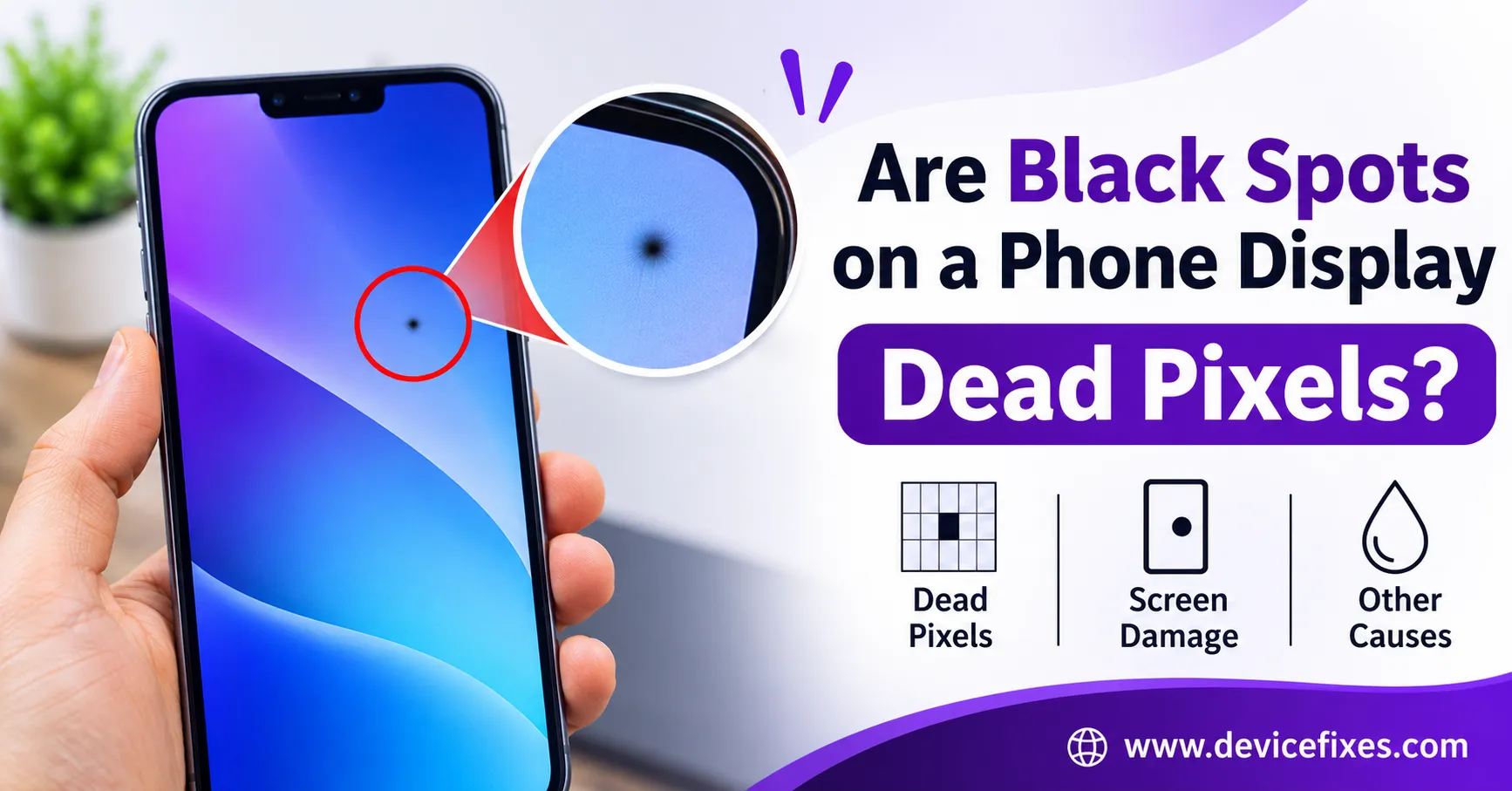
There are a number of causes for black spots on a phone display. It could be a dead pixel, internal screen damage, pressure damage, liquid exposure, or a combination of several factors. Although black dots on the screen may seem like dead pixels, other types of damage may result in larger spots or patches.
Dead pixels are isolated and do not spread like damage on a display panel may. Being able to distinguish dead pixels from other types of display damage can help determine if the case at hand may be resolved by a pixel repair or if a display replacement is required.
Black Spots on Phone Display: Are They Dead Pixels?
Yes, it is possible for black spots to be caused by dead pixels. However, not all black spots on the display are dead pixels. Dead pixels are caused when an individual pixel on the screen stops functioning and is represented by a black dot. Dead pixels may be isolated and are not affected by changes in the image or color displayed on the screen.
What May Cause Spots on the Phone Display?
There are a number of factors that may cause spots on the phone display. Knowing the appearance of each may help to identify the cause of spots on the display.
Dead or Stuck Pixels
A dead pixel appears as a black dot and is stuck in the same position. Stuck pixels may appear in a color, i.e., a red or blue pixel.
Pressure or Physical Damage
Applying excessive pressure or dropping your phone can damage display layers and could result in black spots on your phone screen, dark patches, or marks similar to ink.
Liquid Damage
When liquid comes into contact with a phone, it can affect display components and cause discoloration, dark spots, or regions of uneven display. Damage like this can be in any area of the display and can become more pronounced over time.
Display Panel Failure
Internal display failure can result in the display of black patches, clusters of dead pixels, and/or phone screen dark spots. This is more common after damage from impact or bending and/or prolonged physical stress.
Identifying Black Spots vs Dead Pixels
To determine if display damage is from dead pixels or something more serious, you can do the following:
- Dead pixels: usually a small, well-defined dot that does not change or move location.
- Display damage: appears more irregular as dark patches, spreading/growing spots, or marks similar to ink.
- Pressure damage: May manifest as dark areas, particularly near the edges and corners.
- Dirt and debris: Can sometimes be misinterpreted as a black object on the screen but may go away after the surface of the screen is gently cleaned.
If you notice a black spot in the corner of your phone, check if there are any cracks or impact marks in that area and if the black spot is spreading.
Can Black Spots on a Phone Screen Be Fixed?
Dead pixels generally cannot be fixed by using normal settings. Stuck pixels may be fixed by using pixel refreshing techniques. Black patches on the screen caused by internal damage to the panel generally require a screen replacement.
Avoid rubbing or massaging the affected area.
When Should You Replace the Screen?
If the black spot is affecting the use of your phone, for example, if the black spot is growing and covering function keys or text, then consider a professional repair. DeviceFixes can help pick up your phone, diagnose the problem, and perform a screen replacement.