AI Talking Avatar: How to Create Engaging Videos Without a Camera
21 Views
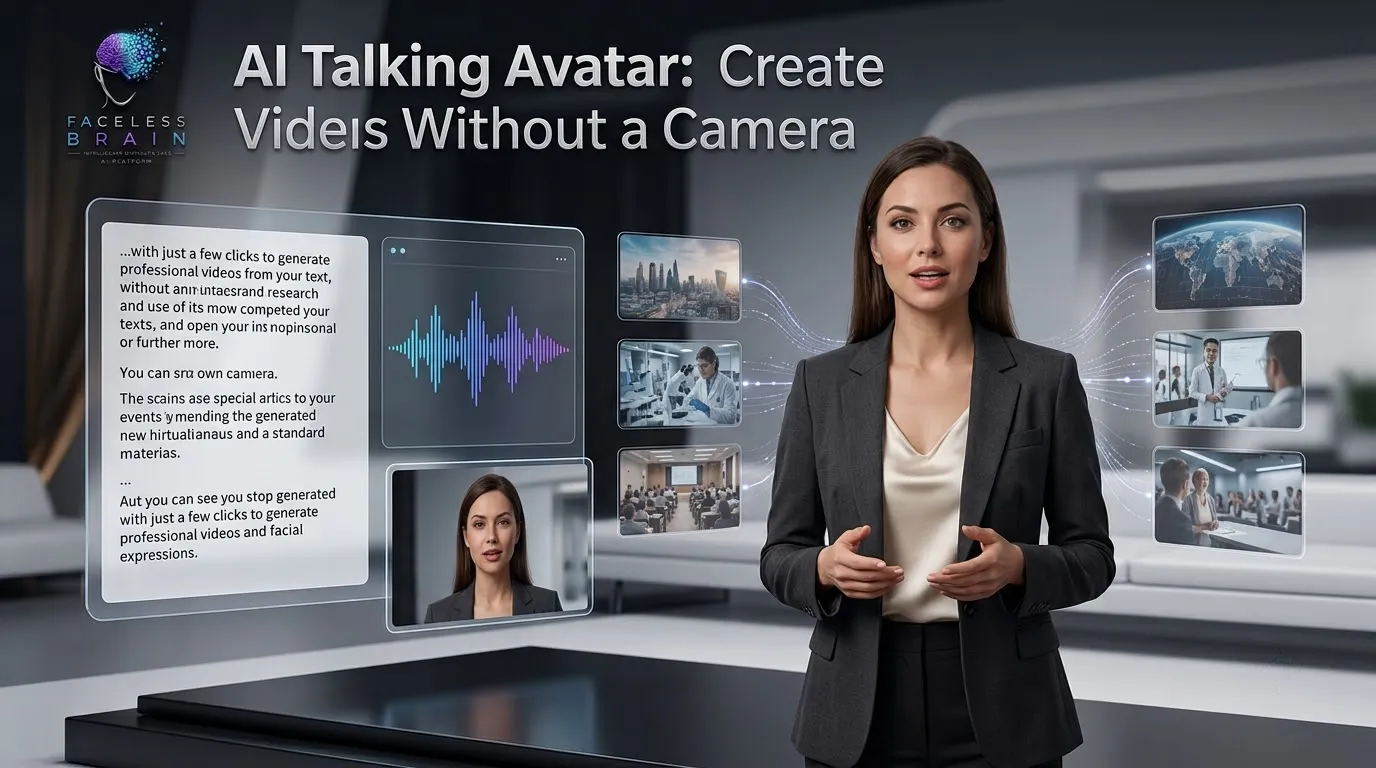
A camera, lighting, background, and a significant amount of time are needed to produce a video: taking the footag,e then editing it. Professional video production can be too strenuous for creators, marketers, educators, and businesses to keep doing on a daily basis. Instead, AI Talking Avatar provides an easier method of producing interesting videos without users having to step in front of the camera.
An AI talking avatar allows a spoken script to be converted into a video of a virtual character speaking. Using AI video generators, users can produce video presentations, tutorials, social media clips,s and marketing videos without recording.
What Is an AI Talking Avatar?
An AI Talking Avatar is a computer-generated character animated by artificial intelligence. It may be activated by a script that is entered or a voice creation. It may resemble a virtual presenter, spokesperson, fictional character, or personalized avatar. Not recording yourself; you can upload a script, pick an avatar and voice, and create a video with synced face movement and speech. This makes the technology a useful tool for creators working on constant video content.
How Does an AI Talking Avatar Work?
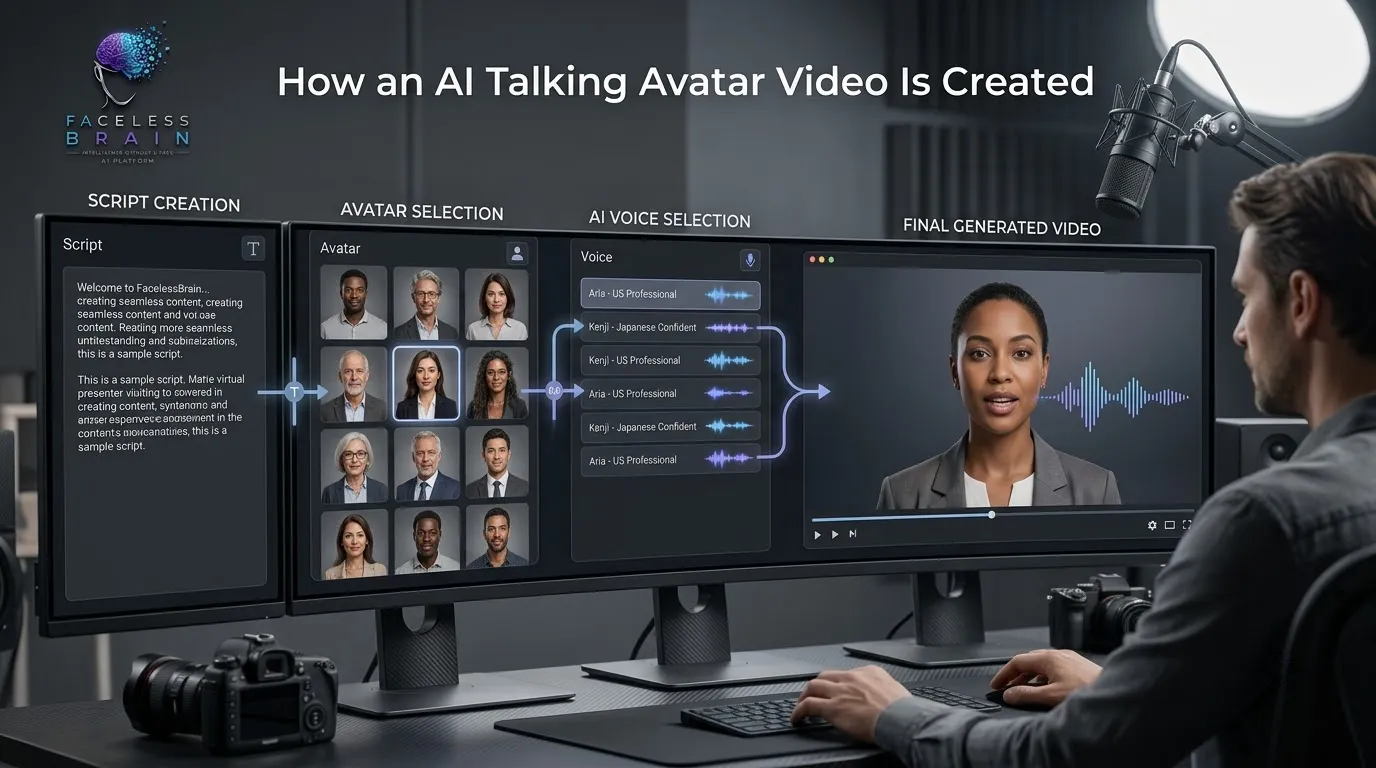
It's usually an easy job.
1. Create a Script
Begin with a simple script that tells the avatar what to say. Keep the script concise and informal; people find videos more comfortable to watch when they are not too long and not very formal.
2. Select an Avatar
Select a digital character in accordance with your content. Choose from available presenters if your platform allows, or be more creative and invent your own.
3. Choose an AI Voice
Choose an appropriate voice provided by the AI. Several of these platforms have many options in language, accent, and vocal style.
4. Generate the Video
Once you have inserted the script, avatar, and voice, the AI will generate the video. The use of speech synchronization and facial animation gives the digital presenter a more realistic appearance.
Why Use AI Talking Avatars?
A Talking Avatar by AI may offer many advantages over a different type of presenter-style video production.
Create Videos Without Being on Camera
Talking avatars enable bloggers to create presentations without putting their face on screen. This is very helpful for Faceless creators and businesses who want to keep a solid brand in their presentations.
Save Production Time
Standard recording may include numerous takes, lighting, equipment, and editing. AI avatar technology may skip these steps and enable users to record directly from scripts.
Maintain Consistent Branding
Use the same avatar, same voice style, same colors, etc. throughout various videos to establish a known style of content.
Create Multilingual Content
Platforms with multi-language compatibility can help to streamline this process, since some content customization will be needed for each country.
Where Can AI Talking Avatars Be Used?
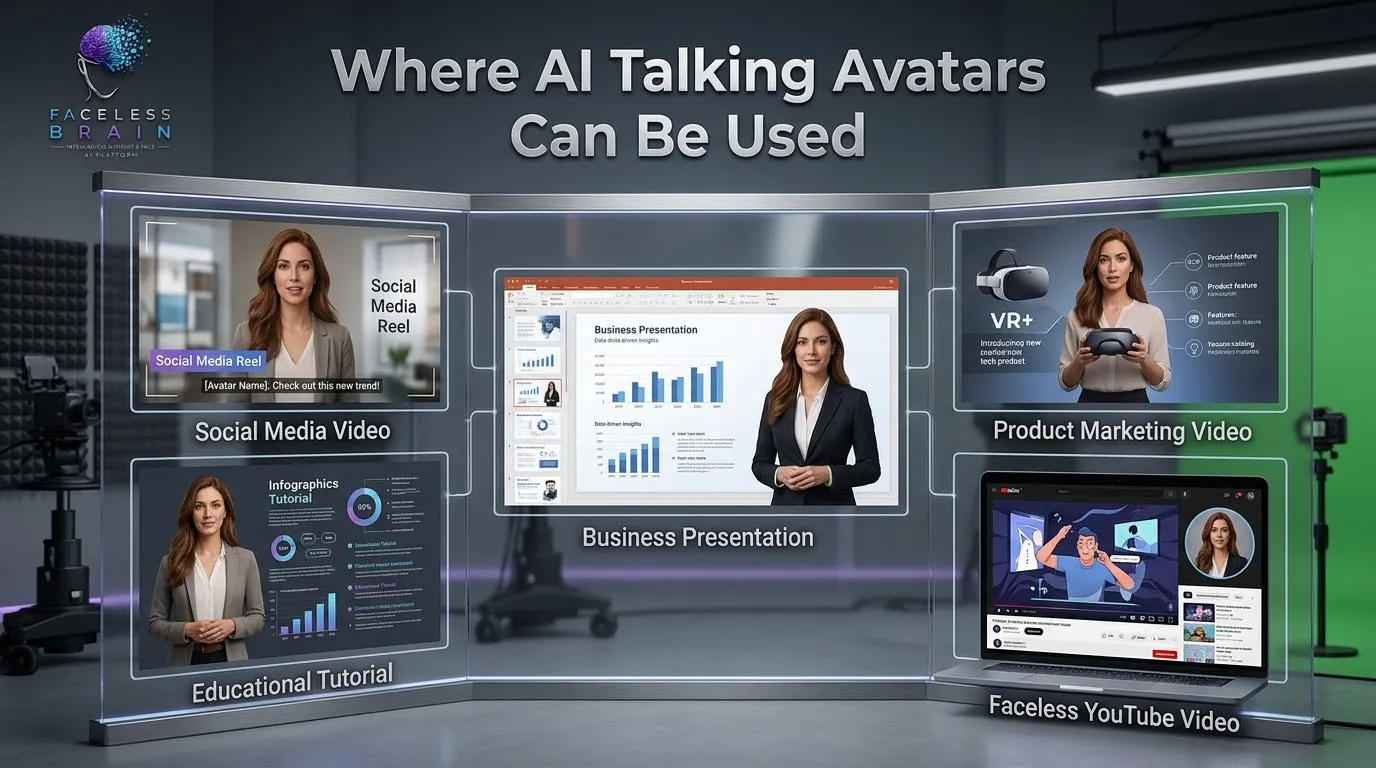
Social Media Content
Avatars may be used in educators' videos, tips, announcements, explainers, short-form content, and more.
Educational Videos
Digital presenters: teachers, trainers, and course creators have the ability to use digital presenters as a way of explaining ideas and concepts, as well as an introduction to a new lesson or for creating tutorials.
Business Presentations
Organizations could deploy talking avatars (like the one in the Prologue) for guides, for training, onboarding, explaining product concepts, and for internal communication.
Marketing Videos
An AI avatar can be used to introduce a product, describe its features, and deliver an advertising message, with accompanying images.
Faceless YouTube Videos
The use of scripts, voices, pictures, captions, etc. can also be used alongside the AI avatar to create presenter-style faceless YouTube videos.
Tips for Creating Better AI Talking Avatar Videos
Just having an AI avatar, on its own, doesn't cut it. The video still needs content and presentation elements.
Implement a purpose (what is intended): Begin with a specific purpose in mind (for example, whether the video is for informing, explaining, selling, or amusing). Follow a conversational script and construct short, understandable sentences.
Insert appropriate shots, screenshots, animations, and captions instead of having the avatar present throughout the duration of the video. Captions can also help to make videos easier to follow when viewed without sound, among others.
Maintaining uniform branding throughout the video series by using the same colors, font, avatar style, and other images.
AI Talking Avatar vs Traditional Video Recording
Standard video recording allows creators to choose how they look, where they are and what they do; however can necessitate the use of the camera, microphone, lights and editing.
Another workflow is computer-generated. An AI talking avatar is based on the creation of a script and the generation of video. The creator does not record him/herself: he/she just makes his/here write down a text, and the system generates a video based on it.
Both approaches might be valuable. A company or an artist can use the real footage for certain projects and use the AI ones to produce tutorials, social media content, etc. Or a company can use the AI versions for training, but also for videos that will need to be sold or manipulated actively over time.
How FacelessBrain Can Help With AI Video Creation
FacelessBrain is one of the AI-based content workflow providers that creators may utilize.
FacelessBrain can potentially simplify various processes of video production with its tools for video creation, scripts and voiceovers, subtitles, avatars, and other content workflows.
Look into the available AI content creation tools to see what combinations of tools are suitable for your project.
The Future of AI Talking Avatar Content
AI avatar technology is lowering the barriers to digital video production. With the continuous advances in AI voices, facial animation, and video generation, talking avatars will be able to facilitate more kinds of interactions.
For creators and businesses, the value is not just replacing a human on camera; it's creating a flexible process for generating effective video content more quickly.
All this, taken together with the right scripts, appropriate images, subtitles, and branding, can make an AI talking avatar a useful component of a modern content strategy.
Conclusion
An AI Talking Avatar offers a convenient solution for producing presenter-type videos without using camera recording. It can assist creators in producing faceless videos, keep the branding consistent, reduce production time, and customize videos for diverse viewers.
Talking avatars, in any way, shape, or form, can support a large variety of video formats, from social media to education, for example, to marketing and business communication. If there is a well-written script, appropriate graphics, human-like voices, and a solid content plan, AI avatar videos can be enhanced.
If you're a creator looking to make videos using AI, FacelessBrain has some features that can make various aspects of creating content easier.