Accidentally Deleted Photos on Android? How to Recover Deleted Pictures on Your Phone
118 Views
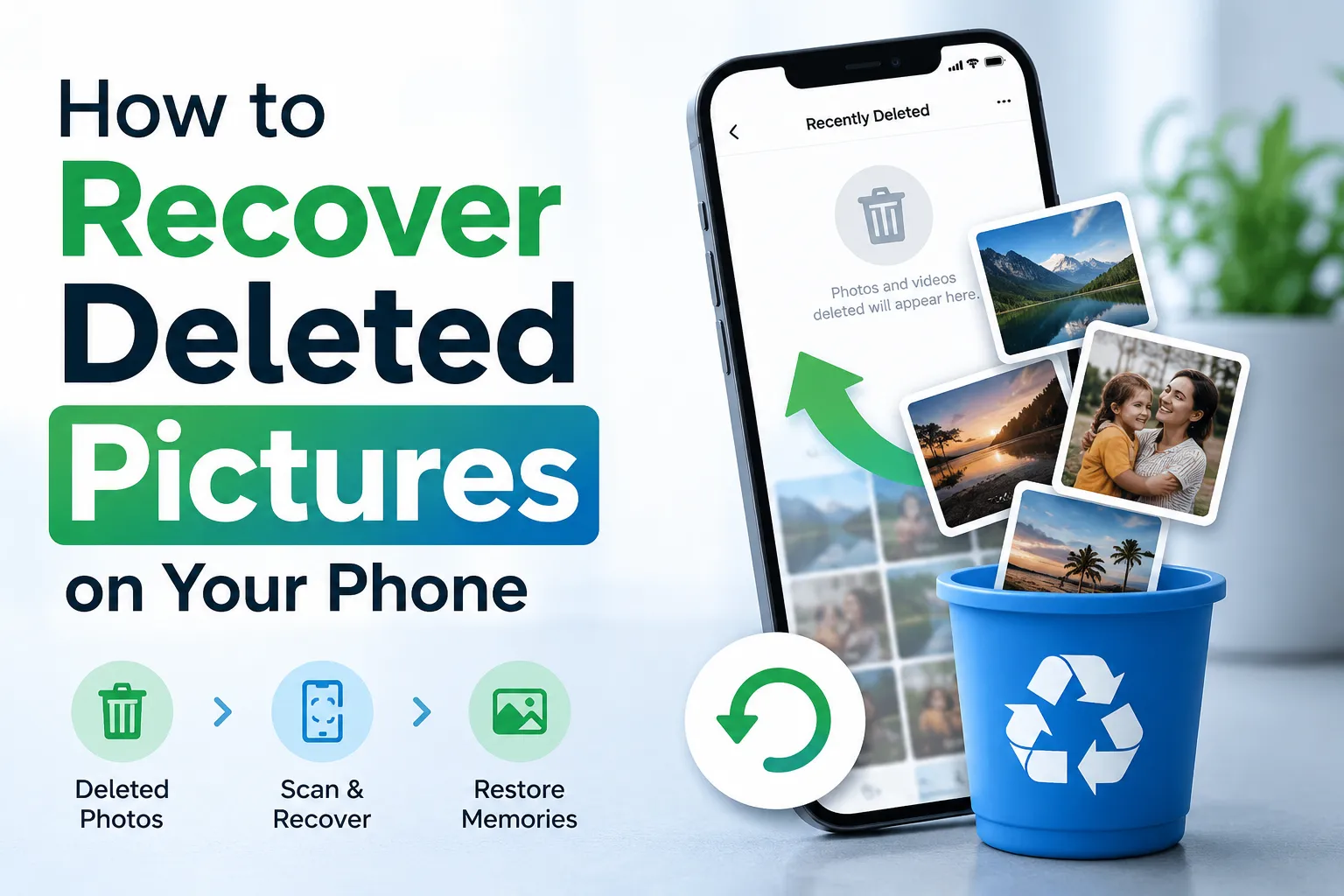
We are all aware how stressful it can be to lose important photos and videos that have captured our memories, events, or even work-related content. Earlier, the lost photos could not be recovered and were permanently lost, but if you have recently deleted photos on Android accidentally, then you need not worry because today lost photos can be recovered using the built-in recovery features. Cloud backups and other software programs.
In this article, we will provide a detailed explanation of the question: how do you recover deleted pictures on Android phone?
Check the Trash or Recently Deleted Folder First
The easiest way to recover photos if you accidentally deleted photos on Android is to go to the Trash or Recently Deleted folder in the gallery. The majority of Android phones store downloaded photos temporarily for a short duration before deleting them permanently.
For this, you need to go to your Gallery and look for the folder titled “Trash”, “Bin,” or “Recently Deleted”. These homes keep the deleted for 30-60 days before permanently removing them. If you have found your photos in this folder, then you can simply tap on the restore option and get them back in your gallery.
Recover Photos from Google Photos Backup
The majority of Android phones have an automatic backup feature enabled. As a result there photos automatically get backed up in Google Photos. If this feature were enabled, before data loss, then you could recover photos easily.
To check if the photos are there or not, go to Google Photos. Click on the Library section and open the Trash folder. Select the photo you want to recover and tap on restore.
If you cannot find the image in the Trash folder, it might be there in the Google Photos cloud backup. Search your account properly to see if the photos are there or not. This is one of the best answers to the question: how do you recover deleted pictures on Android phone?
Use Android Data Recovery Software
If you can't get your photos back by trying the above methods, then you can use recovery software. There are some data recovery tools that have the ability to scan your device’s internal storage or memory card for lost files that have not been overwritten. Selecting the appropriate recovery tool is highly important for improving recovery chances. Popular Android recovery tools support the recovery of -
- Photos and Videos
- Documents
- Messages
- Contacts
- Audio files
If you want the best results, do not use your device immediately after data loss, as it can overwrite data and can make data recovery difficult. We recommend Notchox data recovery tool because it’s easy to use and comes with a free tier plan.
Final Thoughts
Retrieving accidentally deleted photos on Android can be extremely stressful, but you don't need to panic, as there is a chance of retrieving lost photos using the above methods. No matter which method you use, it is extremely important to act quickly after noticing data loss to increase the recovery rate. The above methods offer practical solutions to get your precious photos back. To prevent such data losses in the future, always enable automatic backup and regularly transfer important images to another device. If you want more information regarding data recovery tools, go to the website Notchox.