7 Signs Your PS5 Controller Needs Professional Repair
By My Repairing
21 Views
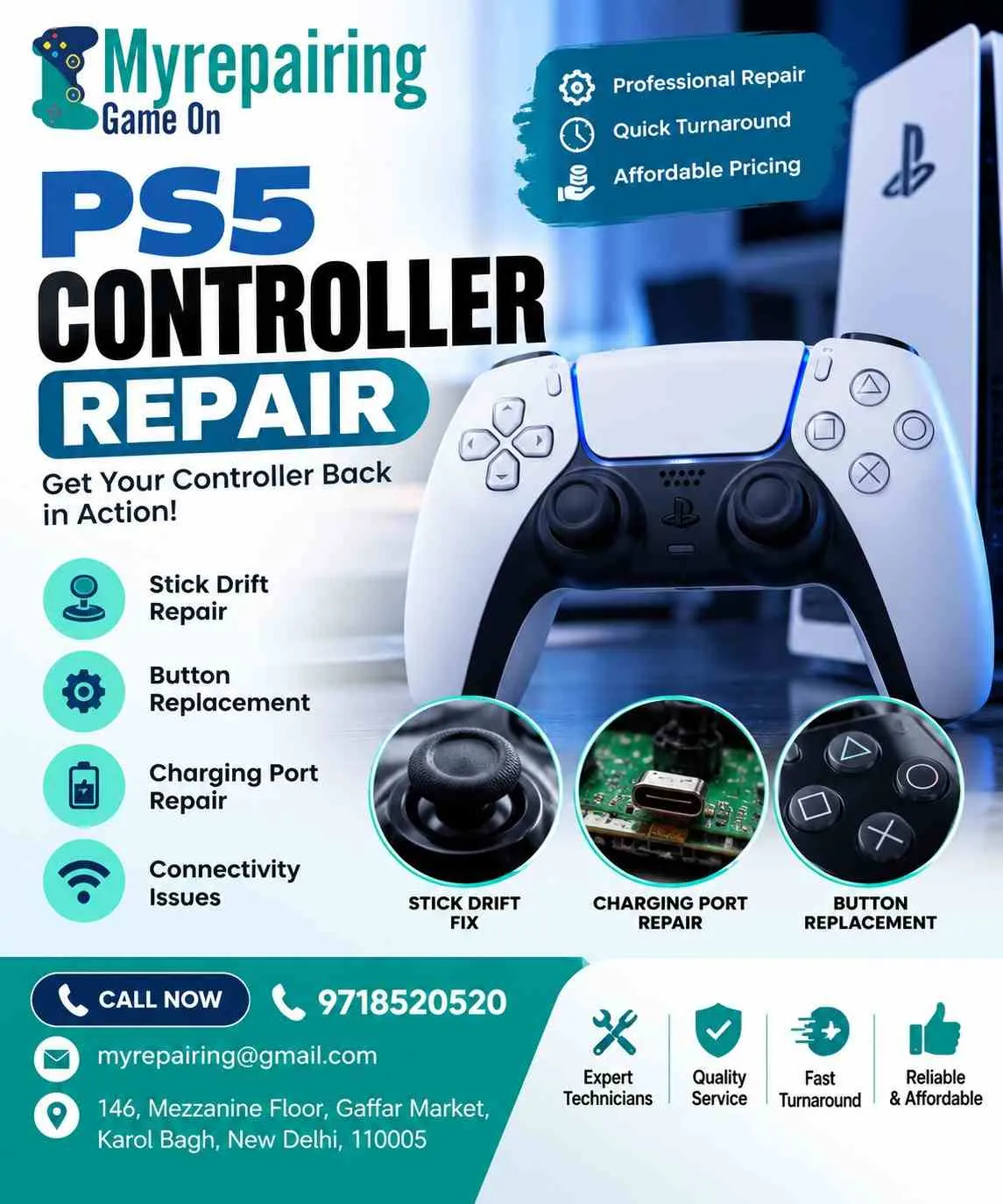
Gaming on your PlayStation 5 should feel smooth, responsive, and immersive. Whether you're competing in online multiplayer matches or exploring your favorite adventure games, your DualSense controller plays a crucial role in every move. But what happens when your character starts moving on its own, buttons stop responding, or the controller refuses to charge?
Ignoring these warning signs can make gaming frustrating and may lead to more serious hardware problems. Recognizing the symptoms early can help you decide when to seek professional PS5 controller repair instead of spending money on a replacement.
If you're experiencing controller issues, understanding these seven common signs can help you take the right next step and get back to gaming with confidence.
1. Your Analog Stick Moves Without Input
One of the most common DualSense controller problems is analog stick drift. You may notice your character walking automatically, your camera moving unexpectedly, or your aim shifting even when you're not touching the joystick.
Dust, worn internal components, and damaged analog mechanisms can contribute to this issue.
When Should You Seek Repair?
Try cleaning around the joystick carefully and checking your game settings first. If the problem continues across multiple games, professional diagnosis may be necessary. A technician can determine whether cleaning, component repair, or joystick replacement is appropriate.
2. Buttons Are Unresponsive or Sticking
Are the X, O, square, or triangle buttons failing to register your commands? Perhaps a button remains pressed longer than expected or requires excessive force.
These symptoms can result from accumulated dirt, worn contact membranes, liquid exposure, or internal component damage.
Professional inspection can identify the cause and help restore consistent button response without replacing the entire controller unnecessarily.
3. Your PS5 Controller Is Not Charging
A controller that refuses to charge can interrupt your gaming sessions and leave you dependent on another device. You might notice that the charging indicator never appears or that the battery level remains unchanged.
Possible causes include a faulty USB-C port, damaged cable, battery deterioration, or an internal charging circuit problem.
Before arranging PS5 repair in Delhi, test a compatible charging cable and USB port. If the controller still fails to charge, contact a repair professional for further diagnosis.
4. The Adaptive Triggers Feel Loose or Stuck
The DualSense controller features adaptive triggers that create varying levels of resistance during supported games. When working correctly, the L2 and R2 triggers can feel different depending on the in-game action.
If a trigger becomes unusually loose, stays stiff, makes unexpected noises, or loses its resistance, its internal mechanism may need attention.
Avoid forcing the trigger back into position. A professional technician can inspect the mechanism and determine whether it needs adjustment, cleaning, or component replacement.
5. Your Controller Keeps Disconnecting
Frequent disconnections during gameplay can ruin competitive matches and interrupt your progress. If your controller repeatedly loses its connection to the PS5, the problem may involve wireless interference, pairing issues, outdated system software, or an internal hardware fault.
How to Identify the Problem
First, restart your console, reconnect the controller, and test it using a suitable USB data cable. If disconnections continue, professional diagnosis can help determine whether the issue involves the controller's wireless circuitry or another component.
For assistance with controller connectivity, battery, or hardware concerns, contact My Repairing at 9718520520 or email myrepairing@gmail.com to discuss your repair requirements.
6. The Battery Drains Too Quickly
A fully charged controller should provide enough playtime for a satisfying gaming session, although battery life varies with usage, headset connections, vibration, and trigger effects.
If your controller loses charge unusually quickly, shuts down unexpectedly, or requires constant charging, the battery may be deteriorating. Other possible causes include charging faults or power-consuming hardware problems.
A professional assessment can help establish whether a battery replacement or another repair is needed. Avoid opening the controller without the appropriate tools and experience, as delicate internal cables and components can be damaged.
7. Haptic Feedback or Touchpad Functions Stop Working
The DualSense controller's haptic feedback and touchpad contribute to its distinctive gaming experience. If vibrations disappear, feedback becomes inconsistent, or the touchpad stops responding, an internal component or software-related problem may be responsible.
Start by checking the relevant game settings and testing another compatible game. If the issue persists, arrange a professional inspection to identify the fault before attempting an internal repair.
For expert guidance on controller problems and available repair options, reach out to My Repairing at 9718520520 or myrepairing@gmail.com.
Why Professional PS5 Controller Repair Matters
Attempting a DIY fix without proper experience can damage ribbon cables, connectors, trigger mechanisms, or the controller's circuit board. Professional servicing helps identify the underlying problem instead of treating symptoms without understanding their cause.
When choosing a repair provider, look for:
-
Accurate diagnosis: The technician explains the likely fault before starting work.
-
Transparent pricing: You receive a repair estimate and understand any additional costs.
-
Suitable replacement parts: The provider explains the quality and compatibility of parts being used.
-
Post-repair testing: Buttons, joysticks, charging, connectivity, and other affected functions are checked.
-
Clear service terms: Ask about repair warranties, turnaround times, and what happens if the problem returns.
These checks help you make an informed decision about whether repairing your controller is more practical than purchasing a new one.
How to Choose the Right Repair Service in Delhi
Finding a reliable service provider is just as important as identifying the controller issue. Before handing over your device, ask whether the technician has experience repairing DualSense controllers and whether they can address specific faults such as stick drift, charging failures, or trigger problems.
A dependable service process should include an initial assessment, a clear quotation, your approval before repair, and functional testing afterward. If pickup and delivery are offered, confirm the arrangements and any applicable charges beforehand.
For PS5 repair in Delhi, choose My Repairing which communicates clearly and explains the available solutions. You should understand the repair scope, expected completion time, and warranty terms before making a decision.
Conclusion: Get Back to Gaming Without the Frustration
Your PS5 controller is essential to enjoying every gaming session. Stick drift, unresponsive buttons, charging issues, trigger malfunctions, wireless disconnections, battery problems, and faulty haptic feedback are all signs that your controller may need professional attention.
Addressing these issues early can help prevent further damage and may save you the expense of purchasing a replacement. Instead of struggling with unreliable controls, seek an accurate diagnosis and compare your repair options.
If your controller is showing any of these warning signs, contact My Repairing to discuss the issue and available service options.
-
Call: 9718520520
-
Email: myrepairing@gmail.com
-
Visit: https://myrepairing.com/
Get your controller assessed, understand the recommended repair, and take the next step toward a smoother gaming experience.